Mobile Data Terminal Explained: Definition, Functions, and Use Cases
Article Navigation
What Is a Mobile Data Terminal (MDT)?
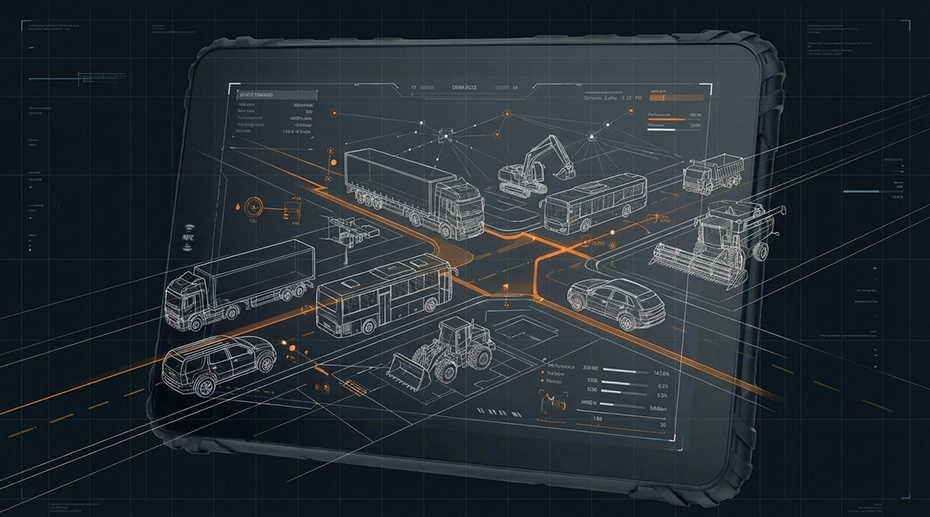
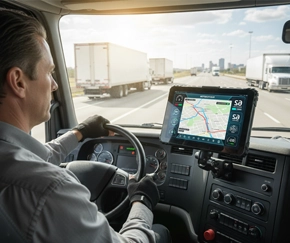
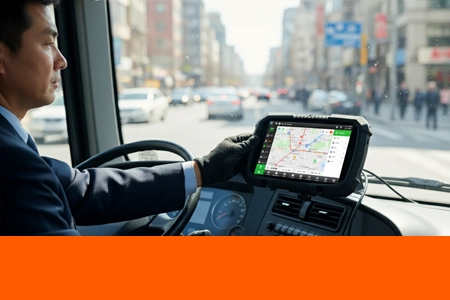
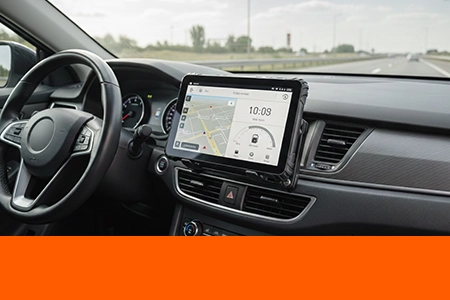
A Mobile Data Terminal (MDT) is a vehicle-mounted computing device designed for continuous operation in professional fleets, providing real-time communication, navigation, and data collection capabilities while integrated with vehicle systems and power.
Unlike general-purpose tablets, MDTs are engineered from the ground up for long-term, always-on operation in vehicles, with features tailored specifically for transportation, logistics, and public safety applications.

Explore specialized solutions: Mobile Data Terminal or learn about general rugged computing in our Rugged Tablet .
The Original Purpose of Mobile Data Terminals
Core Functions of a Mobile Data Terminal
Real-Time Communication
Two-way messaging between drivers and dispatch centers, status updates, and emergency alerts—ensuring constant connectivity even in areas with limited cellular coverage through message queuing and store-and-forward capabilities.
Navigation & Dispatch
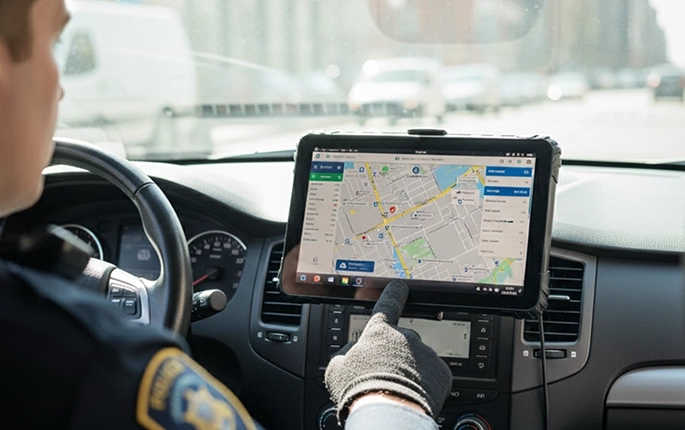
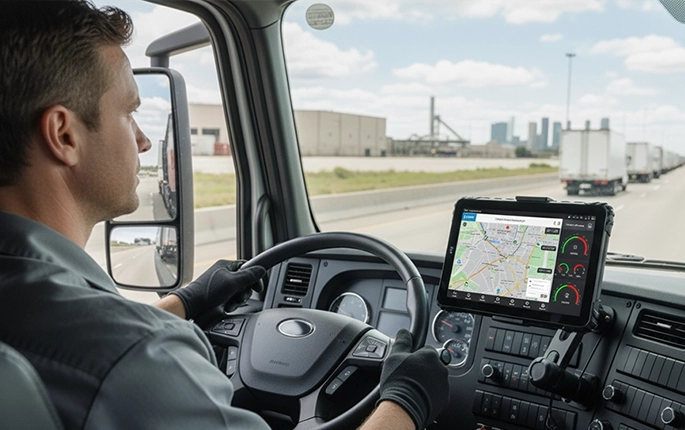
Route guidance with real-time traffic updates, job assignment management, and optimized dispatching based on vehicle location, availability, and job requirements for efficient fleet operation.
Data Collection & Reporting
Automatic capture of vehicle data (mileage, engine hours, fuel consumption), driver work logs, delivery verification, and exception reporting for compliance and operational analysis.
Peripheral Integration
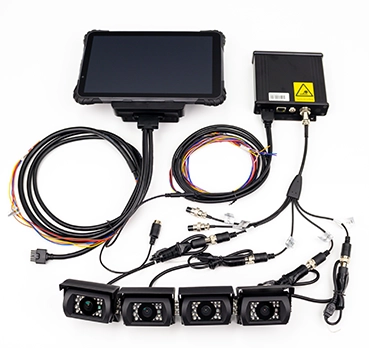
Connection to cameras (dash cams, driver-facing), vehicle CAN bus for diagnostics, barcode/RFID scanners, temperature sensors, and other specialized equipment relevant to specific applications.
For specific applications: Transportation Tablet Solutions or explore ELD and fleet management articles.
Mobile Data Terminal vs Rugged Tablet

Form Factor & Installation
MDTs: Designed as permanent vehicle fixtures with professional docking systems, integrated mounting, and vehicle-specific power management.
Rugged Tablets: Offer greater portability with versatile mounting options but may require additional components for permanent vehicle installation.
System Flexibility
MDTs: Typically optimized for specific applications (dispatch, messaging, form-based workflows) with dedicated interfaces.
Rugged Tablets: Provide general-purpose computing capabilities suitable for multiple applications and software platforms.
Deployment & Lifecycle
MDTs: Engineered for 5-7 year continuous operation in specific vehicle types with minimal hardware changes.
Rugged Tablets: Allow easier upgrades and redeployment across different vehicles or applications throughout their lifecycle.
Explore both options: Rugged Android Tablet Solutions or understand the broader context in Industrial Tablet Explained.
Hardware Characteristics of an MDT
Vehicle Power & Ignition Control
Professional MDTs integrate directly with vehicle electrical systems, providing automatic power-on with ignition start, graceful shutdown sequences, and protection against voltage fluctuations common in commercial vehicles.
Mounting & Docking Systems
Secure docking solutions that withstand constant vehicle vibration, allow quick device removal for security, and maintain all electrical connections without manual cable management.
Connectivity
4G/5G cellular with fallback capabilities, high-sensitivity GNSS for reliable positioning in urban areas, Wi-Fi for depot connectivity, and Bluetooth for peripheral devices.
Operating Systems Used in MDTs
Why Android Is Common in Modern MDTs
Android has become the dominant platform for modern MDT deployments due to:
App ecosystem flexibility for custom fleet applications
Enterprise-grade security and management features
Cost-effective hardware implementation
Ongoing long-term support through Android Enterprise
Legacy Systems vs Modern Platforms
While legacy MDTs used proprietary or Windows Embedded systems, modern platforms have standardized on Android or specialized Linux distributions, offering:
Better developer tooling and faster application development
Enhanced security through regular updates
Lower total cost of ownership
Integration with modern cloud and mobile ecosystems
Learn more: Rugged Android Tablet Solutions or MDM for rugged device management.
Common Industries Using Mobile Data Terminals

Transportation & Fleet Management
Commercial trucking, delivery services, public transit, and logistics companies for route optimization and real-time tracking.
Transportation Solutions →Public Safety
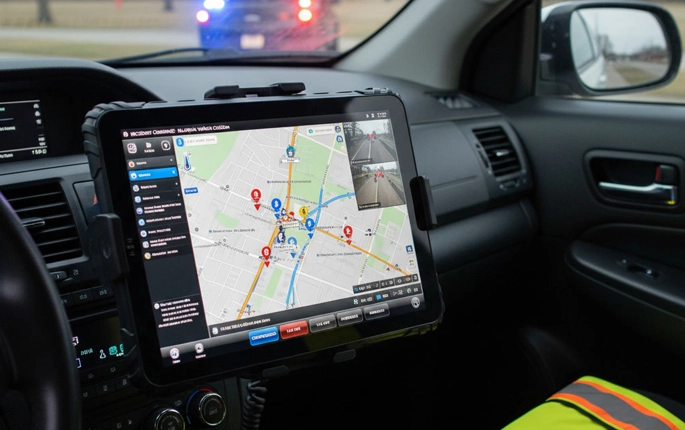
Police, fire, and emergency medical services for dispatch, incident reporting, and field data access.
Public Safety Solutions →Logistics & Delivery
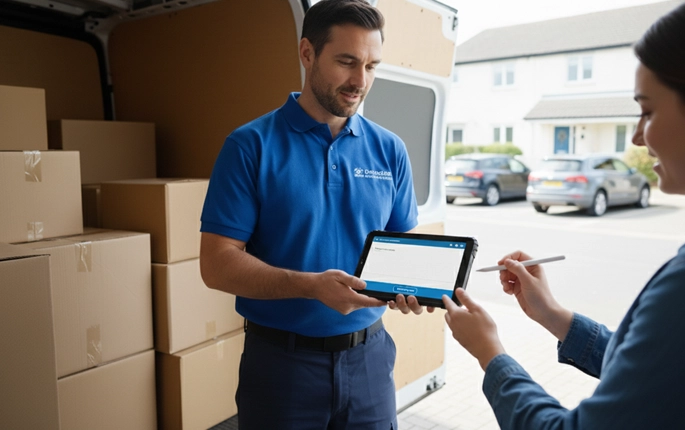
Last-mile delivery, courier services, and warehouse operations for package tracking and proof of delivery.
Logistics Solutions →MDT & ELD: How They Work Together
With the FMCSA's Electronic Logging Device (ELD) mandate, modern MDTs have evolved to serve as the hardware platform for ELD compliance, combining traditional communication functions with automated Hours of Service recording.
Key Integration Points:
MDT as Hardware Platform: Provides the display, processing, and connectivity for ELD software
Unified Driver Interface: Combines dispatch messaging, navigation, and HOS compliance in a single device
Data Integration: Vehicle data from ELD modules can inform route planning and dispatch decisions
Single Vehicle Installation: Reduces cab clutter and installation complexity
For ELD-specific solutions: ELD Tablet or technical details in ELD Hardware Requirements article.
How to Choose a Mobile Data Terminal
Vehicle Type & Installation Environment
Consider cab space, vibration levels, temperature extremes, and mounting options specific to your vehicle types—heavy trucks require different solutions than delivery vans or emergency vehicles.
Connectivity & Peripheral Needs
Evaluate cellular coverage areas, required peripherals (printers, scanners, cameras), and integration with existing vehicle systems ( dash cams, telematics).
Long-Term Support & OEM Flexibility
Assess manufacturer commitment to product lifecycle, availability of spare parts, customization options for unique requirements, and compatibility with your existing or planned software systems.
Conclusion: When a Mobile Data Terminal Is the Right Choice
A mobile data terminal is a purpose-built, vehicle-centric computing platform designed for continuous operation, real-time communication, and system integration in professional fleets.
When your operation requires reliable in-vehicle computing with seamless integration to vehicle systems, dedicated dispatch functionality, and long-term durability under constant use, an MDT provides the specialized capabilities that general-purpose rugged tablets may not offer. The choice between an MDT and a rugged tablet ultimately depends on your specific operational requirements, vehicle environment, and long-term deployment strategy.