Resources
Resources
All Documents, Tools, and Guides in One Place
Resources
Resources
All Documents, Tools, and Guides in One Place
How to Choose the Right ELD Tablet for Fleet Compliance
2026-01-28

How to Choose the Right ELD Tablet for Fleet Compliance

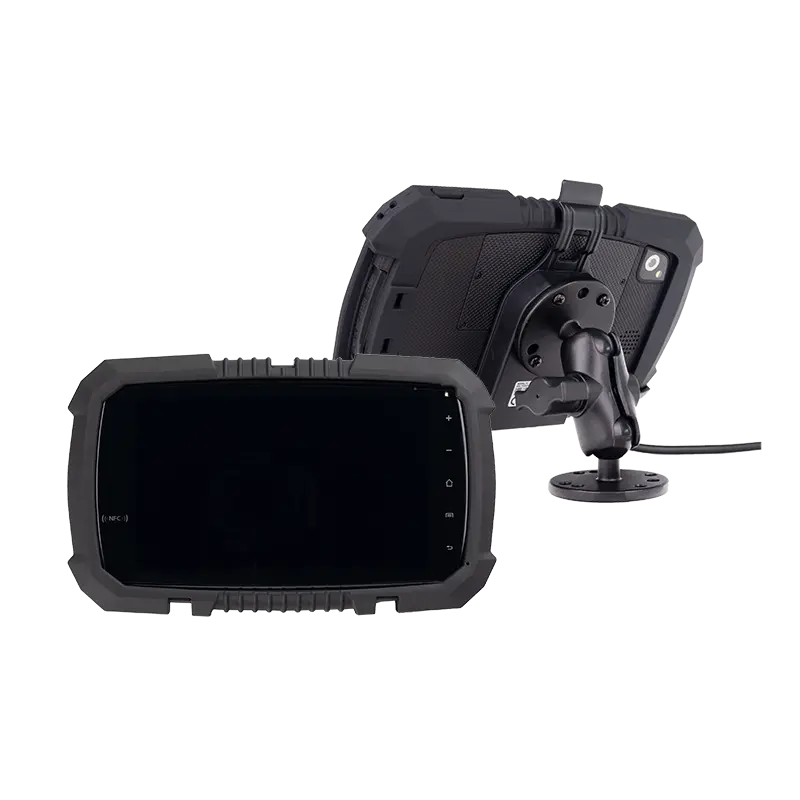
This guide provides fleet decision-makers with a comprehensive framework for selecting ELD tablets that ensure compliance, minimize operational disruption, and support long-term fleet growth—without promoting specific brands or models.Key hardware features to consider when choosing an ELD tablet

Why Choosing the Right ELD Tablet Matters

Selecting an ELD tablet isn't just about picking a display device—it's about choosing the interface between your drivers, your fleet operations, and regulatory compliance. The right device ensures seamless data collection, driver acceptance, and long-term operational efficiency.

Compliance Risks of Using the Wrong Device

Inadequate ELD tablets create multiple compliance vulnerabilities that can result in fines, audit failures, and operational shutdowns:

  • Data Interruption: Consumer tablets may lose power or connectivity, creating gaps in electronic logs that FMCSA inspectors treat as non-compliance.

  • Log Loss: Device failures during transit can result in irretrievable hours-of-service records, leaving fleets unable to prove compliance during audits.

  • Audit Risk: Unreliable devices require manual corrections and annotations, increasing scrutiny and creating opportunities for citation.

  • Technical Violations: Tablets that don't properly integrate with vehicle ECMs may fail to automatically record driving time, requiring constant driver intervention.

A single compliance violation can cost thousands in fines, not including the administrative burden and increased audit frequency.

Operational Impact on Drivers and Fleet Managers

Beyond compliance, device choice directly affects daily operations:

  • Driver Friction: Slow, unresponsive, or poorly mounted tablets frustrate drivers, leading to logging errors, missed status changes, and resistance to compliance procedures.

  • IT Support Costs: Consumer-grade devices in fleet environments require 3-4 times more support calls, device replacements, and in-vehicle troubleshooting.

  • Training Complexity: Each different tablet model requires unique training materials, support documentation, and driver orientation time.

  • Data Inconsistency: Mixed device fleets create fragmented data streams that complicate reporting and compliance verification.

Before evaluating specific devices, ensure you understand what an ELD tablet actually is and its role in the complete compliance ecosystem.

Understand Your Fleet's ELD Requirements First

Fleet Size and Vehicle Types

Your operational profile dictates device requirements:

Fleet Type Key Tablet Requirements Considerations
Long-Haul Trucking Continuous power, temperature resilience, high-brightness display Extended operation without failure, visibility in varying light
Local Delivery Quick power cycling, easy mounting/dismounting, compact size Frequent vehicle changes, stop-and-go operation
Mixed Fleet Universal compatibility, flexible mounting, scalable management Different vehicle types, varying duty cycles
Construction/Heavy Equipment Extreme vibration resistance, dust/water protection, glove-friendly touch Harsh environments, specialized mounting needs

ELD Software Compatibility

Hardware selection starts with software requirements:

  • Android Dominance: Over 95% of FMCSA-certified ELD applications run on Android. Confirm your chosen ELD provider supports your tablet's Android version.

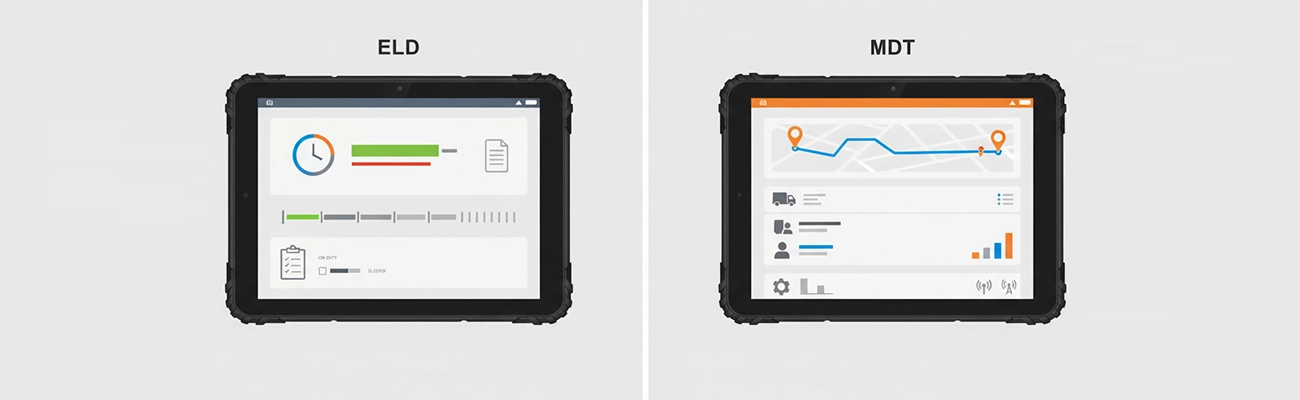
  • Display-Only vs Full Interaction: Some tablets serve only as displays for separate ELD modules, while others run the complete ELD application. Understand which architecture your solution uses.

  • Operating System Updates: Ensure the tablet receives regular Android security and feature updates, as outdated OS versions may lose ELD app compatibility.

  • Application Certification: Verify both the ELD software and the tablet hardware appear on the FMCSA's list of certified devices.

Regulatory Considerations

While the ELD mandate is well-established, device-specific requirements continue to evolve:

  • Automatic Recording: Tablets must facilitate automatic driving time recording when vehicles move over 5 mph.

  • Data Transfer: Devices must support standardized data transfer methods (web services, email, USB, Bluetooth).

  • Driver Access: Tablets must allow drivers to review and annotate logs for current and previous 7 days.

  • Supporting Documents: Some tablets integrate with document scanning for supporting document compliance.

Key Hardware Features to Look for in an ELD Tablet

Operating System and Long-Term Support

Android's advantages for ELD applications include:

  • Application Ecosystem: Broad support from ELD software providers and easier certification processes.

  • Customization: Enterprise features like kiosk mode, remote management, and device lockdown.

  • OS Lifecycle: Industrial Android tablets typically offer 5-7 years of OS support versus 2-3 years for consumer devices.

  • Driver Familiarity: Most drivers already use Android smartphones, reducing training time.

Power Supply and Continuous Operation

Power management failures are the leading cause of ELD compliance violations:

  • 12V/24V Vehicle Power: Tablets must support direct vehicle connection with proper voltage regulation.

  • Ignition Sensing: Automatic power-on when the vehicle starts and graceful shutdown when turned off.

  • Battery Backup: Sufficient battery to maintain logs during short power interruptions or while changing vehicles.

  • Power Protection: Surge protection, reverse polarity protection, and voltage spike management.

  • Efficient Charging: Fast charging capability to minimize downtime between shifts.

Mounting Stability and Driver Safety

A poorly mounted tablet compromises both compliance and safety:

  • Vibration Resistance: Commercial vehicles experience 5-10 times more vibration than passenger cars. Mounts must prevent screen shake and connection failure.

  • Field of View: Positioned for easy viewing without obstructing roadway visibility or airbag deployment paths.

  • Ergonomic Design: Angled for glare reduction and within comfortable reach for touch interaction.

  • Theft Deterrence: Secure locking mechanisms for high-risk areas or unattended vehicles.

  • Quick Release: Easy removal for overnight security or multi-vehicle use while maintaining electrical connections.

Consumer Tablets vs Rugged Tablets for ELD Use

When Consumer Tablets May Be Acceptable

In limited circumstances, consumer-grade tablets with protective cases might suffice:

  • Light Usage: Occasional use vehicles with less than 10 hours of weekly operation.

  • Controlled Environments: Climate-controlled vehicles on smooth urban routes with minimal vibration.

  • Pilot Programs: Small-scale testing before full fleet deployment.

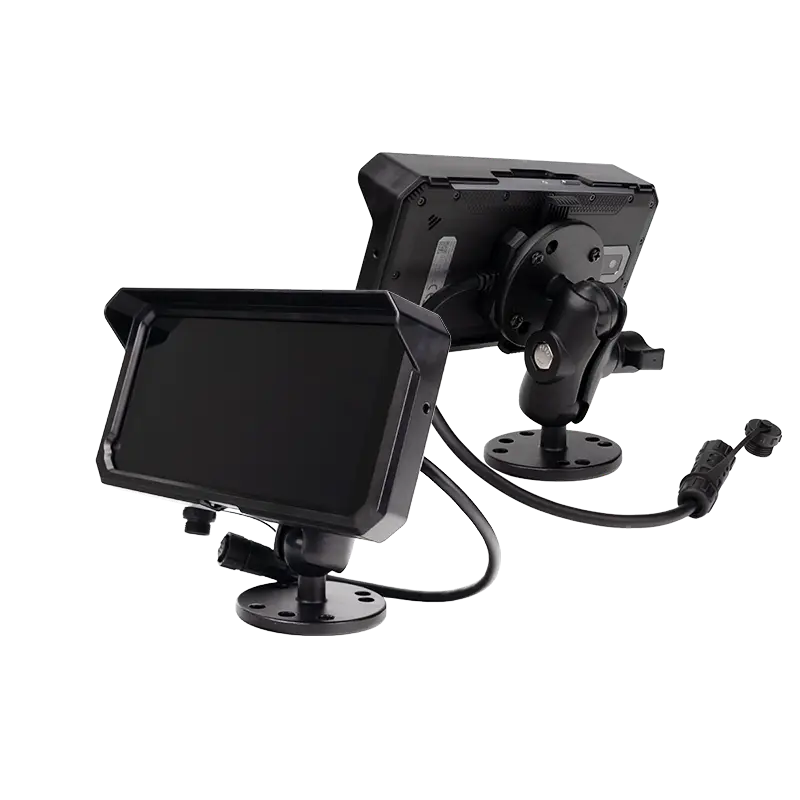
  • Extreme Budget Constraints: Where initial cost outweighs long-term reliability concerns (not recommended for compliance-critical operations).Comparison of consumer tablets and rugged tablets used for ELD systems

Limitations of Consumer Tablets in Fleet Environments

Consumer devices fail under typical commercial vehicle conditions:

  • Overheating: Direct sunlight through windshields can raise cabin temperatures to 140°F+ (60°C+), causing consumer tablets to throttle performance or shut down.

  • Power Loss: Consumer charging circuits aren't designed for continuous vehicle operation, leading to battery swelling and charging failures.

  • Short Lifespan: 12-18 month average lifespan versus 5+ years for rugged devices.

  • Screen Failure: Consumer-grade glass cracks under vibration, and touchscreens fail in extreme temperatures.

  • Data Corruption: Sudden power loss during writes can corrupt ELD databases, requiring manual reconstruction of logs.

Advantages of Rugged Tablets for ELD Applications

Rugged tablets address the specific challenges of fleet operations:

  • Temperature Tolerance: Operate from -20°C to 60°C (-4°F to 140°F) with sun load, versus consumer devices' typical 0°C to 35°C range.

  • Vibration Certification: MIL-STD-810G or similar certification for continuous operation in commercial vehicles.

  • Industrial Power Management: Designed for 24/7 vehicle power with proper ignition sensing and battery conditioning.

  • Enhanced Connectivity: Reliable Bluetooth and Wi-Fi in metal vehicle cabins with multiple electronic interference sources.

  • Enterprise Management: Built-in support for MDM solutions, kiosk mode, and remote troubleshooting.

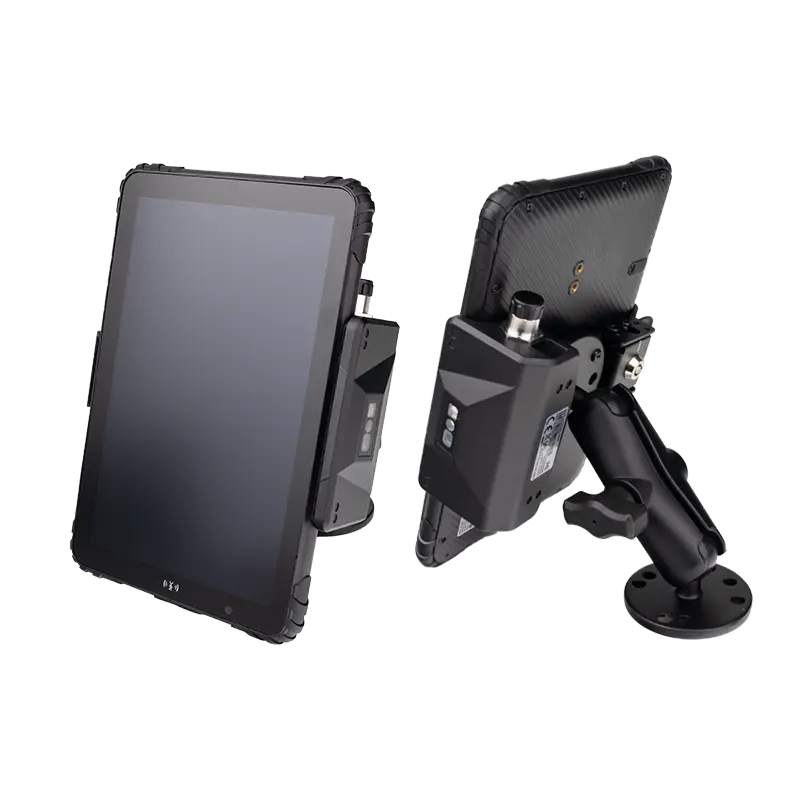
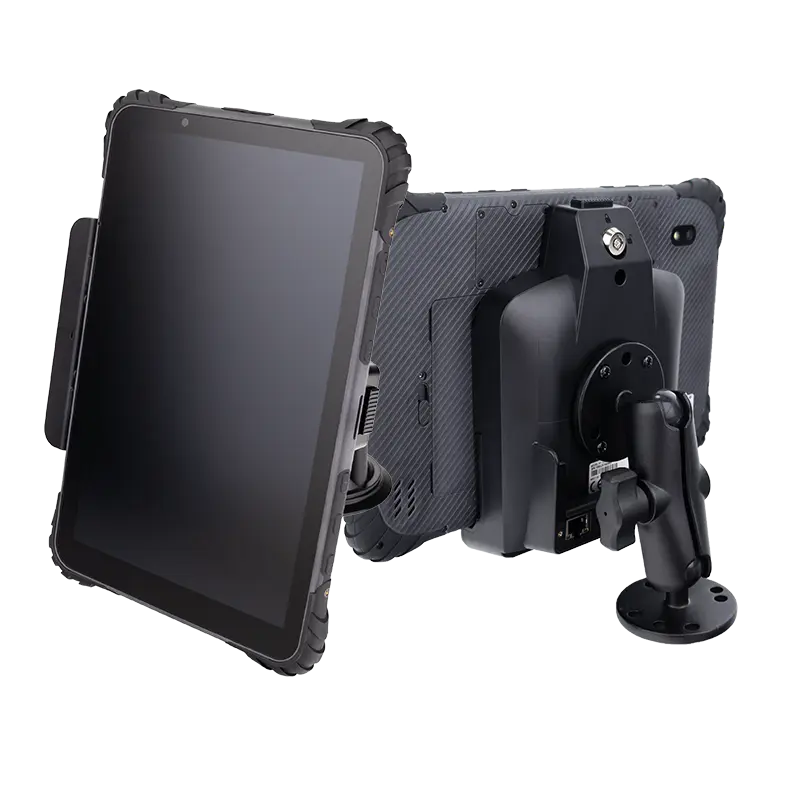
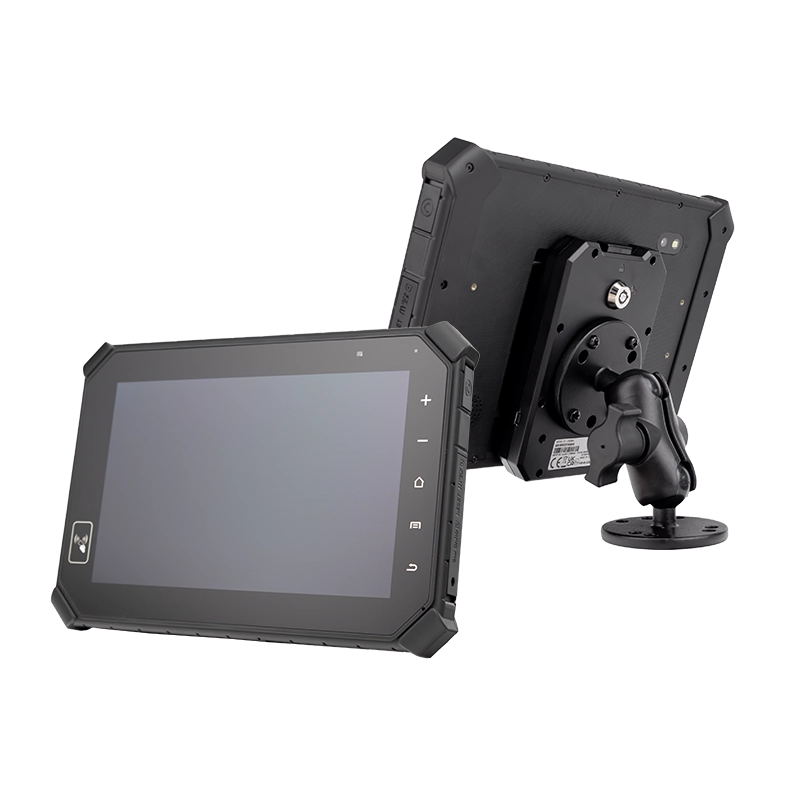
For operations where reliability matters, explore specialized rugged tablet for fleet operations designed specifically for transportation environments.

Installation and Integration Considerations

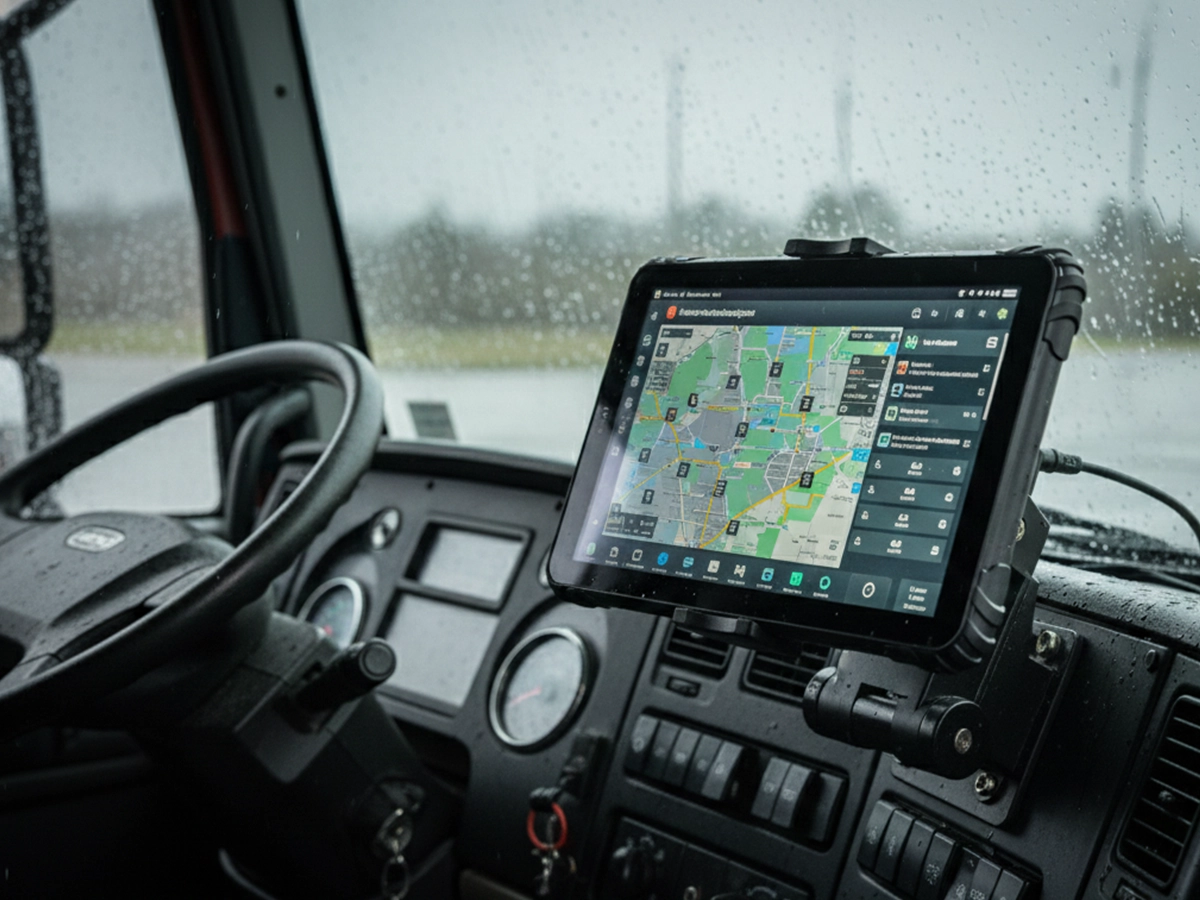
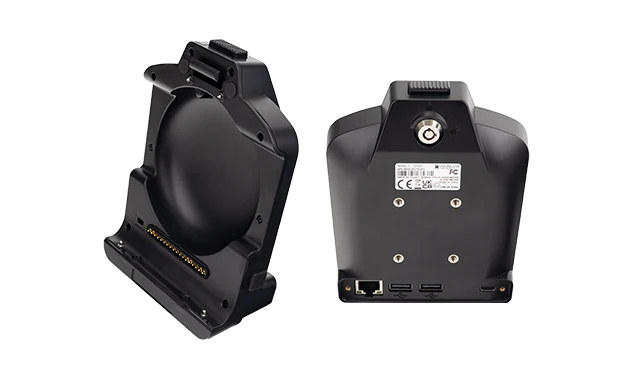
Vehicle Mounts and Docking Solutions

Professional mounting ensures both safety and functionality:

  • Quick Installation/Removal: Drivers should be able to securely mount or remove tablets in under 30 seconds.

  • Theft Prevention: Locking mechanisms that require tools or keys for removal in high-risk areas.

  • Vibration Dampening: Rubberized interfaces that absorb road vibrations without compromising stability.

  • Adjustable Positioning: Multiple mounting points to accommodate different driver heights and vehicle configurations.

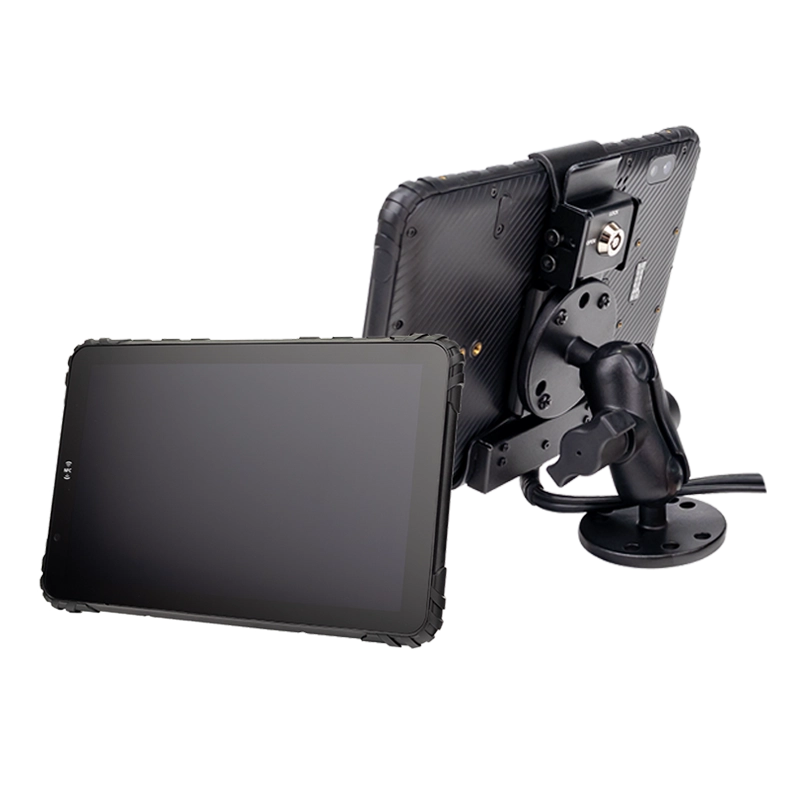
  • Integrated Connections: Docks that provide power, data, and peripheral connections through a single interface.

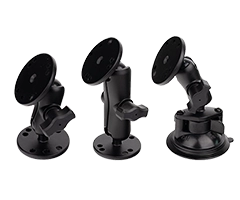
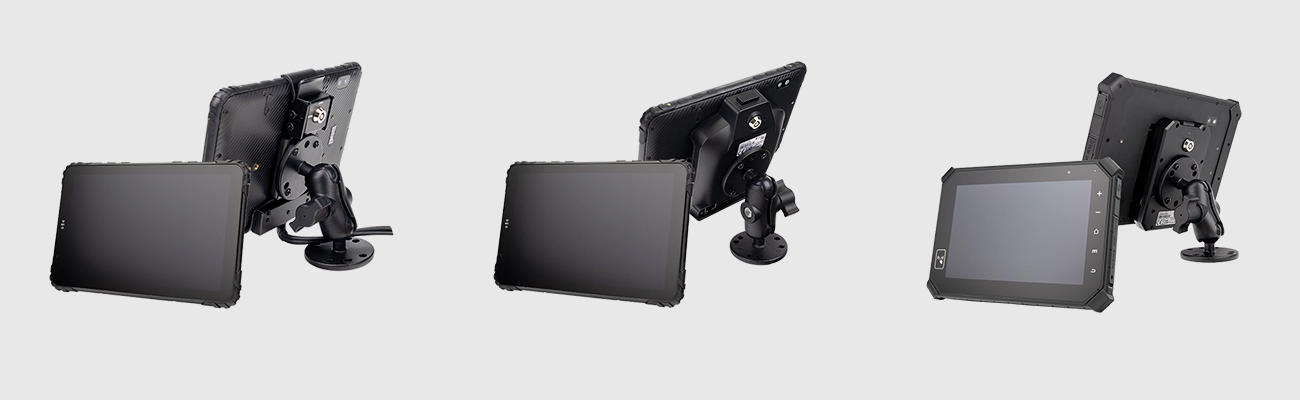
Proper ELD tablet installation with vehicle mount and continuous power supplyCable Management and Power Safety

Proper electrical installation prevents failures and safety hazards:

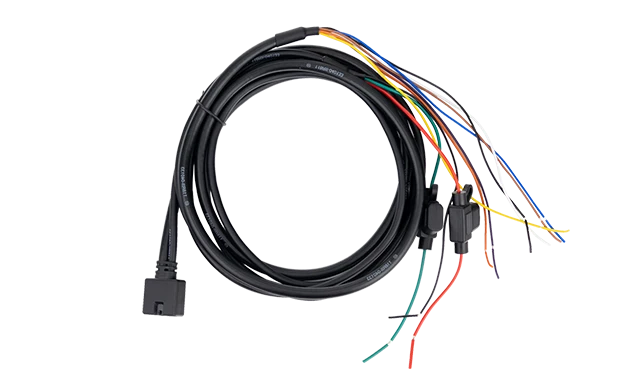
  • Professional Wiring: Hardwired connections to ignition-switched circuits rather than cigarette lighter adapters.

  • Fuse Protection: In-line fusing specific to the tablet's power requirements.

  • Cable Routing: Concealed wiring that doesn't interfere with vehicle controls or driver movement.

  • Strain Relief: Proper cable strain relief at connection points to prevent wire fatigue.

  • EMI Protection: Shielded cables in vehicles with multiple electronic systems.

Camera, GPS, and Peripheral Support

Modern ELD tablets often integrate additional fleet technologies:

  • Dash Camera Integration: Tablets with camera inputs for recording driver-facing or road-facing video.

  • Enhanced GPS: Multi-constellation GNSS (GPS, GLONASS, Galileo, BeiDou) for accurate location tracking.

  • Bluetooth Peripherals: Support for printers, scanners, and signature pads for delivery documentation.

  • Sensor Integration: Connections for temperature sensors, door switches, or other IoT devices.

  • Expansion Capability: USB or serial ports for future technology additions.

IT Management and Scalability

Device Provisioning and Remote Management

Managing ELD tablets requires enterprise-grade tools:

  • MDM (Mobile Device Management): Centralized control over device configuration, application deployment, and security policies.

  • OTA (Over-the-Air) Updates: Ability to push software and configuration updates without retrieving devices.

  • Zero-Touch Enrollment: Devices pre-configured to automatically enroll in management systems upon first power-on.

  • Remote Troubleshooting: IT staff can view device status, restart applications, or reset configurations remotely.

  • Asset Tracking: Maintain inventory of devices, their locations, and service histories.

Security and Data Protection

ELD tablets handle sensitive compliance and operational data:

  • App Whitelisting: Restrict tablets to running only approved ELD and fleet management applications.

  • Kiosk Mode: Lock devices to the ELD application interface, preventing access to settings or other functions.

  • Data Encryption: Encrypt stored logs and data transmissions to protect sensitive information.

  • Remote Wipe: Capability to erase data from lost or stolen devices.

  • Access Controls: Role-based access for drivers, managers, and administrators.

Scaling from 10 to 1,000 Vehicles

Your ELD tablet solution should grow with your fleet:

  • Bulk Deployment: Tools for imaging, configuring, and deploying dozens of devices simultaneously.

  • Standardized Configurations: Consistent setups across all vehicles for simplified support.

  • Hierarchical Management: Ability to organize devices by terminal, region, or fleet type.

  • Reporting and Analytics: Fleet-wide visibility into device health, compliance status, and usage patterns.

  • Vendor Support: Manufacturer support for large-scale deployments, including custom configurations and volume pricing.

Cost Considerations Beyond the Device Price

Total Cost of Ownership (TCO)

The purchase price represents only 20-30% of total costs over 5 years:

  • Replacement Frequency: Consumer tablets typically require replacement every 12-24 months versus 5-7 years for rugged devices.

  • Support and Maintenance: Monthly per-device costs for MDM licensing, software updates, and technical support.

  • Installation Labor: Professional installation costs and vehicle downtime during setup.

  • Training and Documentation: Creating and updating training materials for drivers and maintenance staff.

  • Warranty and Repair: Extended warranty costs and repair turnaround times.

Downtime and Hidden Costs

Device failures create cascading operational impacts:

  • Vehicle Downtime: A single device failure can sideline a vehicle for hours or days, particularly in remote locations.

  • Administrative Burden: Manual log reconstruction, compliance reporting, and audit preparation.

  • Driver Productivity: Time spent troubleshooting devices rather than driving or loading.

  • Compliance Penalties: Fines, increased inspection frequency, and potential out-of-service orders.

  • Reputation Risk: Poor compliance records affecting CSA scores and insurance premiums.

Final Checklist for Choosing an ELD Tablet

Use this checklist during your evaluation process to ensure comprehensive coverage of critical requirements:

  • Compatible with your ELD software – Verified with your software provider

  • Supports continuous vehicle power – Proper 12V/24V connection with ignition sensing

  • Stable vehicle mounting – Vibration-resistant mount with secure attachment

  • Designed for fleet environments – Temperature tolerance, vibration certification, sunlight-readable display

  • Scalable with fleet growth – MDM support, bulk deployment capability

  • Enterprise security features – Kiosk mode, remote wipe, data encryption

  • Adequate peripheral support – GPS, camera, Bluetooth, expansion ports

  • Long-term software support – Minimum 5-year OS update commitment

  • Professional installation available – Manufacturer or certified installer support

  • Total cost of ownership calculated – Includes all 5-year costs, not just purchase price

  • Regulatory compliance verified – Appears on FMCSA certified devices list

  • Driver acceptance considered – Appropriate screen size, touch responsiveness, readability

  • Vendor support evaluated – Technical support availability, warranty terms, repair turnaround

Final Thoughts: Choosing an ELD Tablet That Grows with Your Fleet

Selecting ELD tablets represents a strategic decision that impacts compliance, operational efficiency, and total cost of ownership for years to come. The most cost-effective solution isn't the cheapest device, but rather the one that reliably supports compliance while minimizing driver disruption and administrative burden.

By thoroughly understanding your fleet's specific requirements, evaluating devices against operational realities rather than specifications alone, and considering the complete lifecycle costs, you can select tablets that will serve your operation reliably for years while meeting FMCSA requirements.

Remember that your ELD tablet decision should align with your broader fleet technology strategy. As you evaluate options, consider how today's choice positions your fleet for future technologies and regulatory changes. For comprehensive guidance on ELD tablet solutions that balance compliance, cost, and operational efficiency, continue exploring our fleet technology resources.

The right ELD tablet isn't just a compliance tool—it's the interface between your drivers, your operations, and regulatory compliance for the next 5-7 years. Choose wisely.

Chat with us on WhatsApp!