
ELD Tablet – Rugged Android Tablets for ELD Compliance & HOS Logging
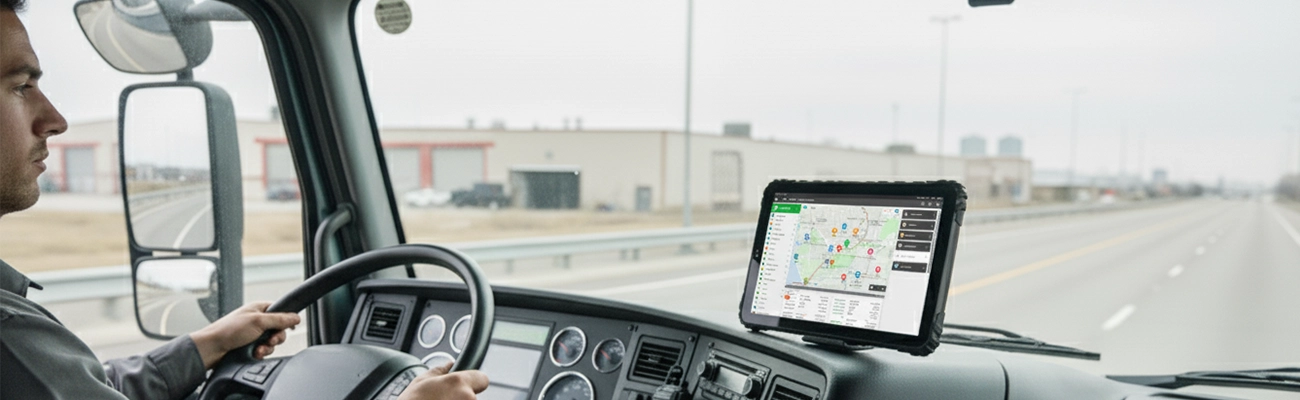
ELD compliance runs on one device. If that device fails mid-route, HOS logs stop, FMCSA violations start, and your fleet goes dark. TOPICON ELD tablets are built so that never happens.
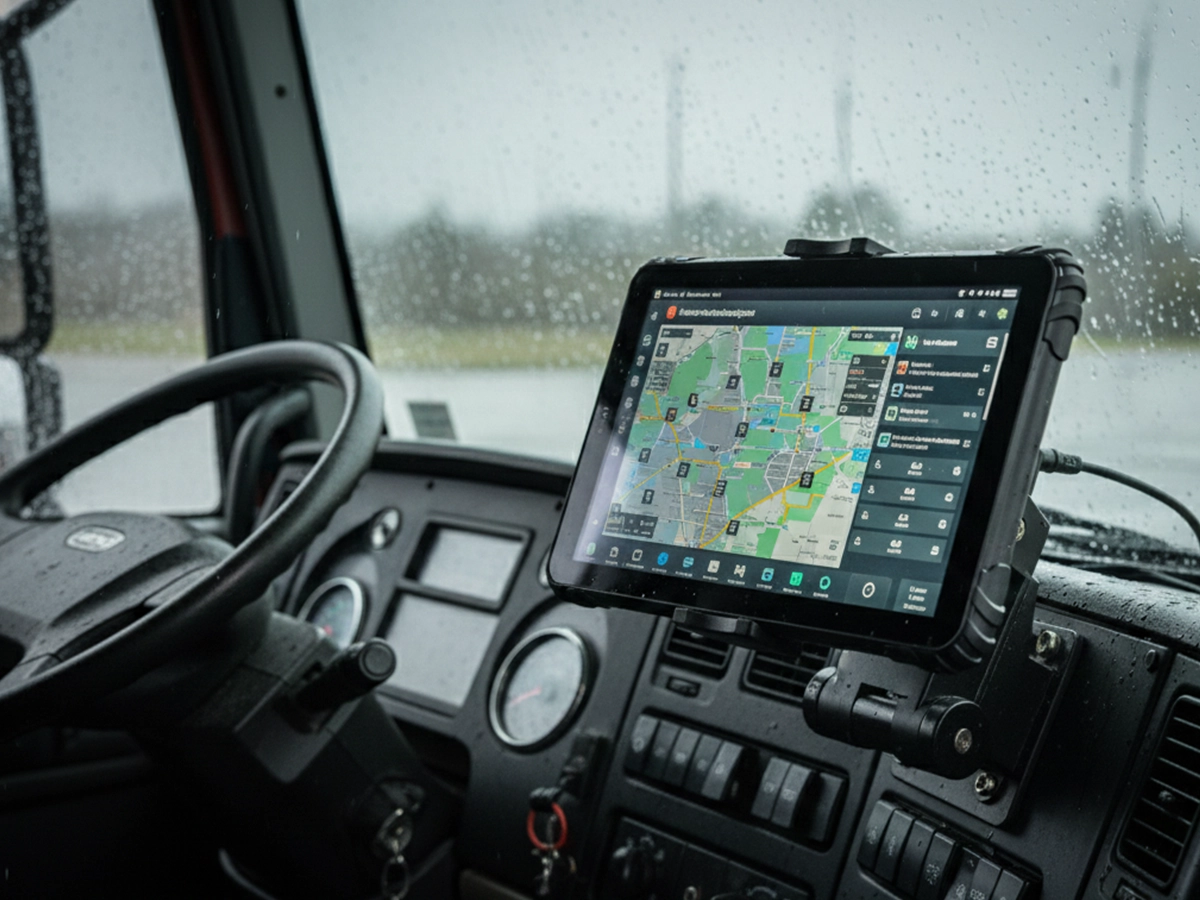

Recommended ELD-Ready Rugged Tablets
Reliable hardware platform for ELD compliance, HOS logging, and fleet management systems
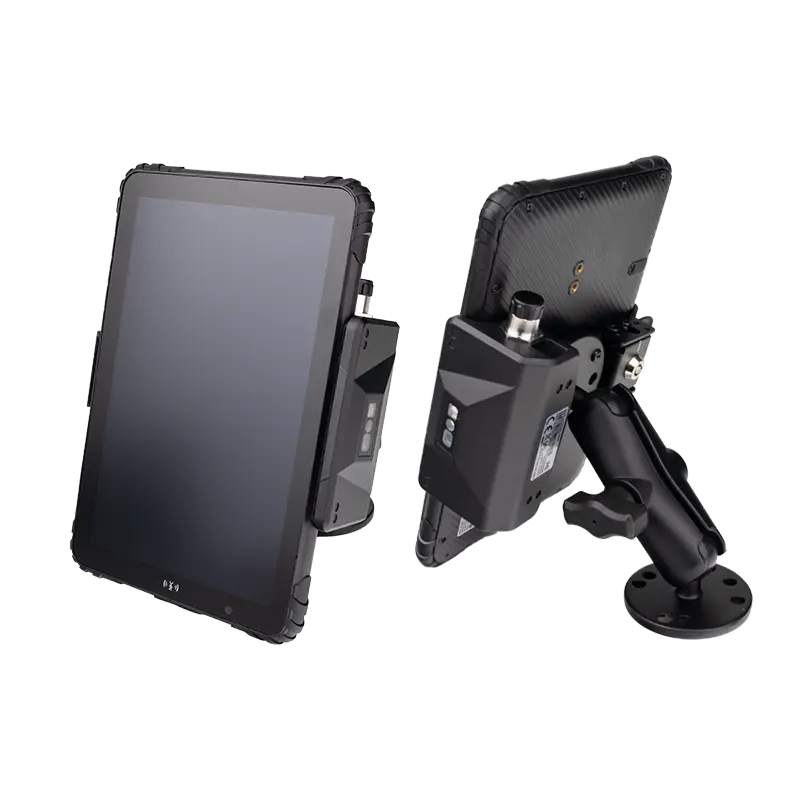
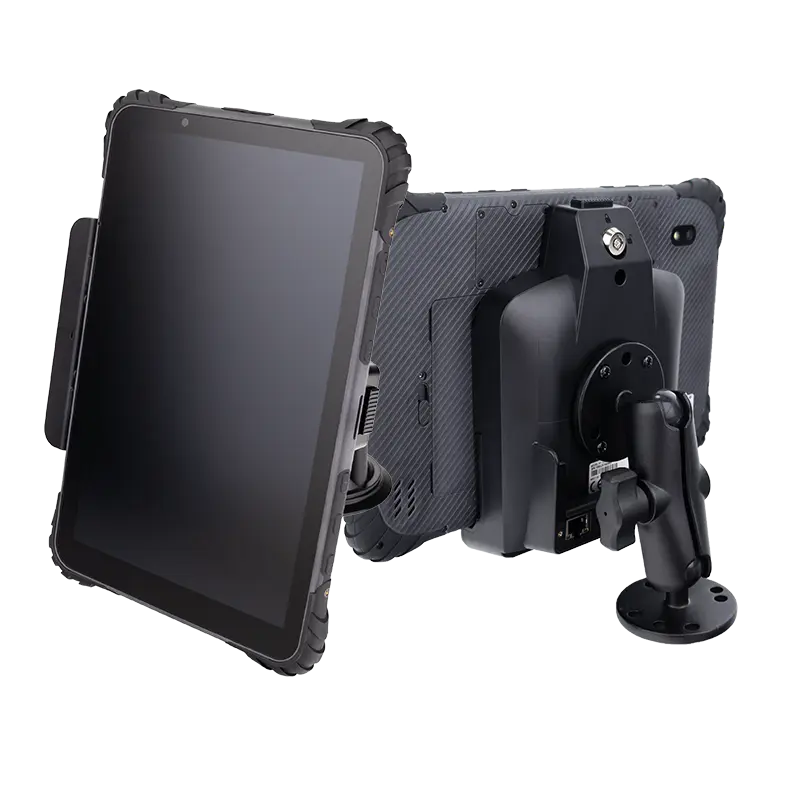
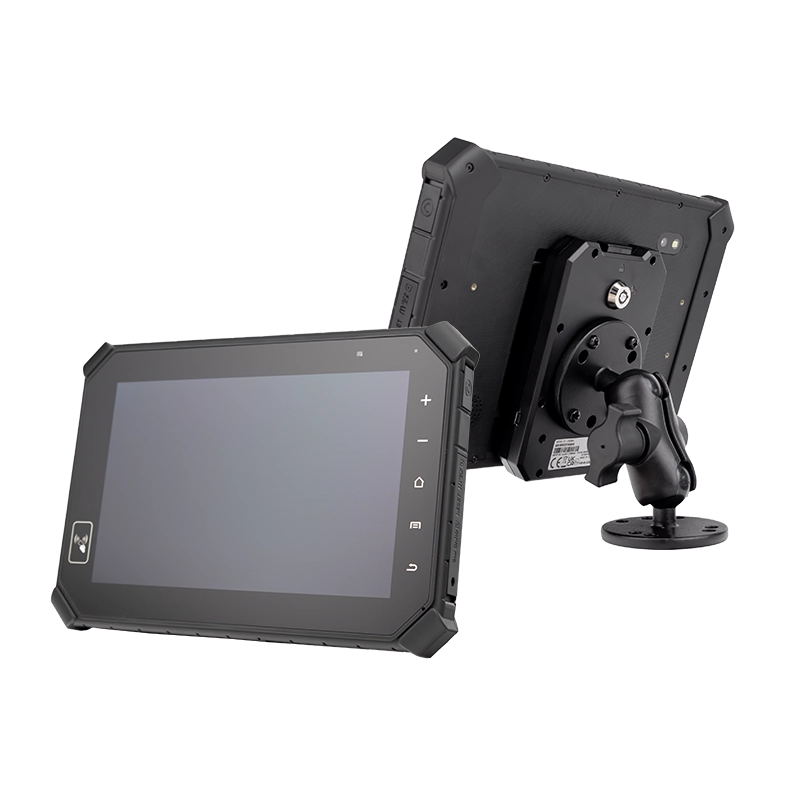
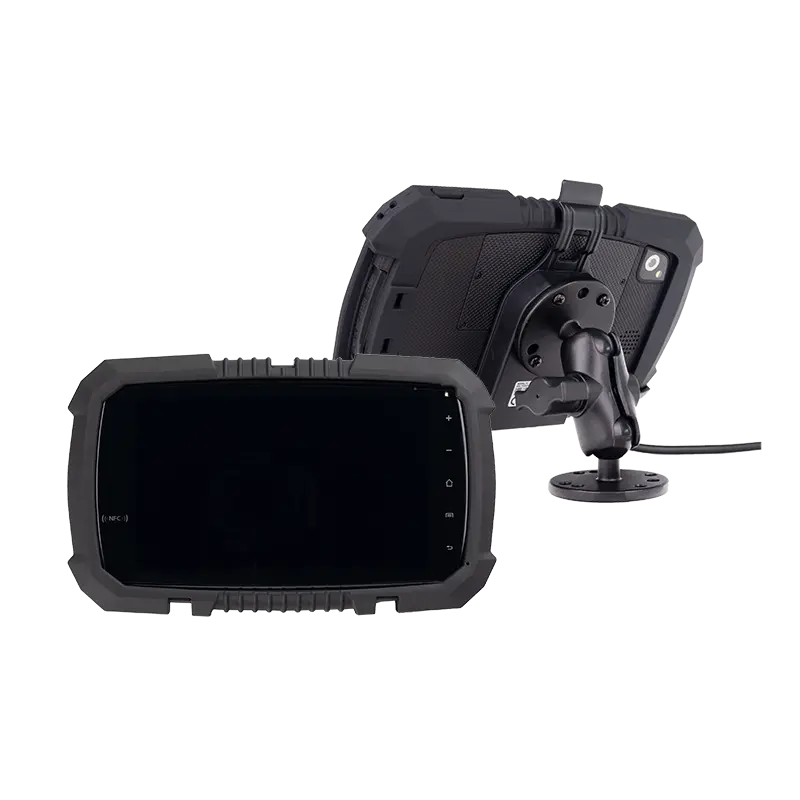
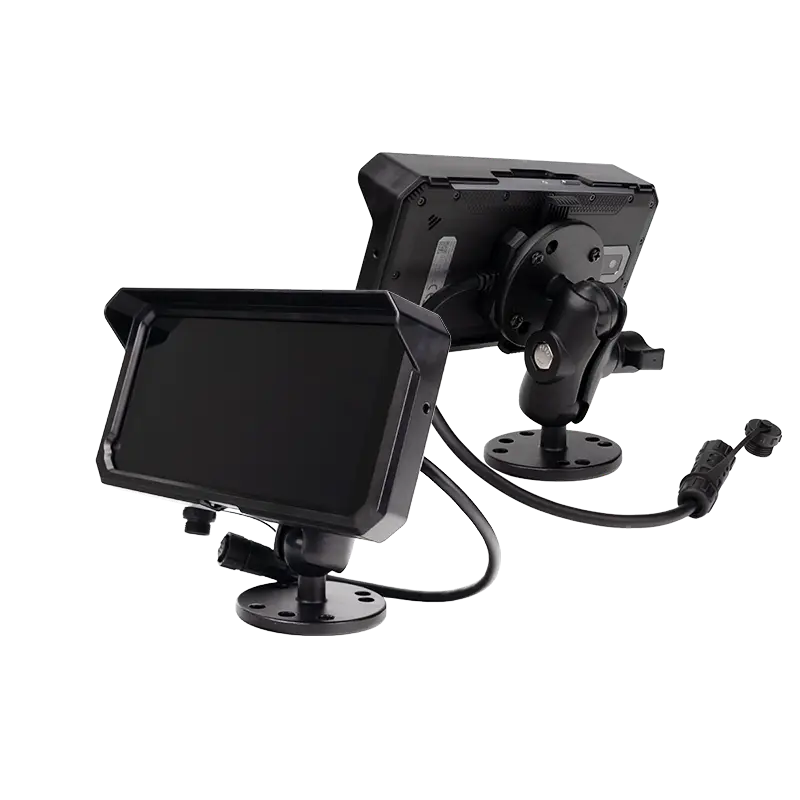
→ All models support OEM / ODM customization, ELD software integration, GPS, 4G/5G, and long lifecycle supply
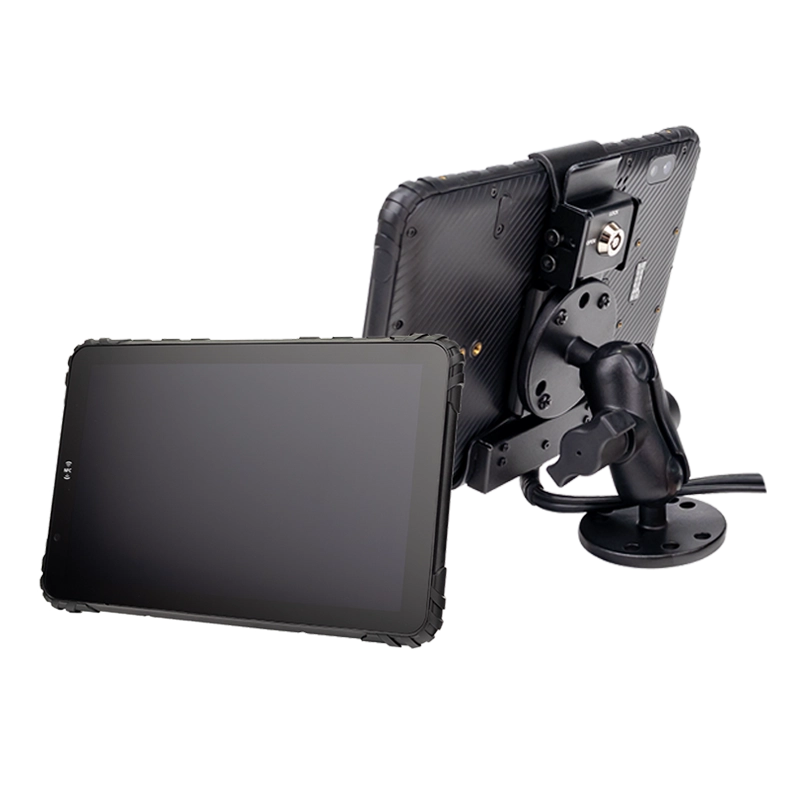
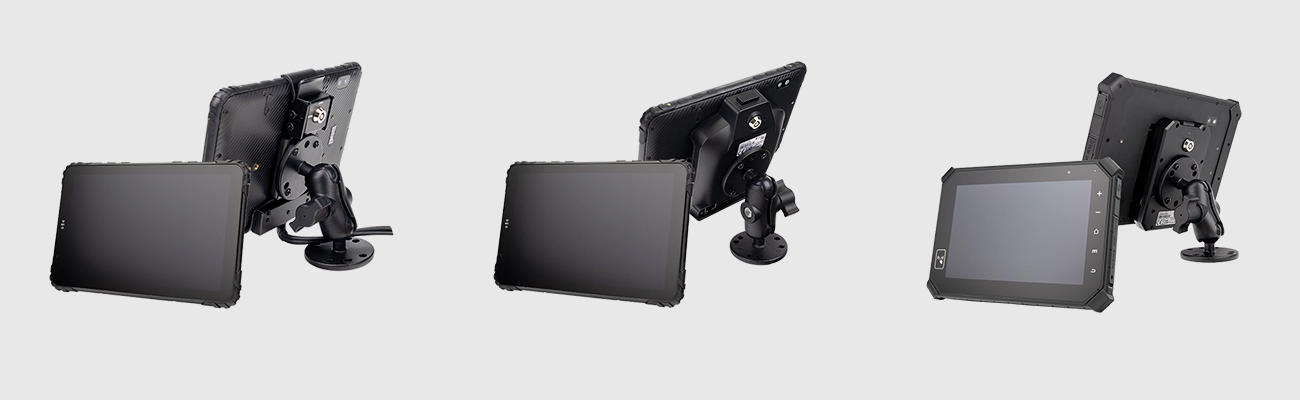
Vehicle Integration Accessories
Complete in-vehicle solution for ELD tablet deployment
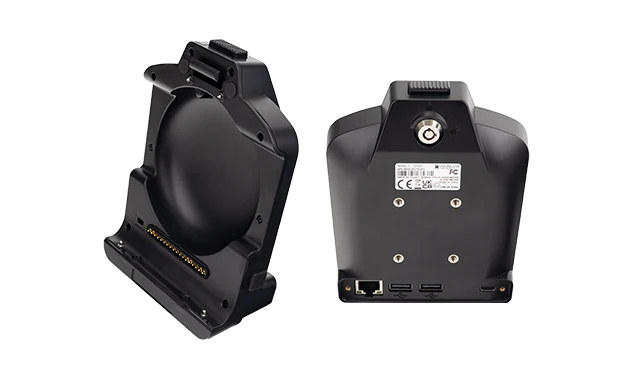
Vehicle Dock
Continuous power · Secure mounting · Quick release · Pogo-pin charging
Vehicle docking station for ELD tablets →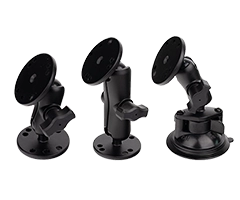
Mounting Brackets
RAM mount compatible · Adjustable positioning · Vibration-resistant
Vehicle mount for ELD tablets →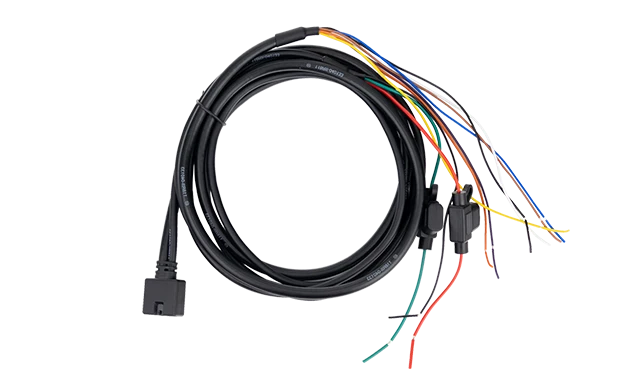
Complete in-vehicle solution including tablet, docking station, mounting system, and power integration.
What Is an ELD-Ready Rugged Tablet?
An ELD-ready rugged tablet is a vehicle-mounted Android device that provides the hardware foundation for electronic logging device (ELD) software and fleet management applications.
Unlike consumer tablets, professional ELD tablets are engineered for continuous vehicle operation with vibration resistance, wide temperature tolerance, and stable power management. For seamless vehicle data integration, a CAN Bus‑enabled tablet connects directly to the engine control module — eliminating the need for external adapters.
Core Hardware Capabilities for ELD
Electronic Logging Ready – Supports HOS recording software
Hours of Service – Duty status tracking interface
GPS Tracking – Vehicle location for compliance
Vehicle Integration – CAN Bus / ECM data connection via dual‑channel CAN Bus hardware
Your ELD Tablet Is the Single Point of Failure
In electronic logging, there's no paper backup. If your ELD tablet fails during an inspection, compliance stops — and so does your fleet.

Roadside Inspections
During an inspection, officers request HOS logs instantly. A frozen screen or dead battery means failure to produce records — triggering fines, out-of-service orders, and CSA score damage.
Missing HOS Records
If the tablet crashes mid-route, driving time goes unrecorded. Gaps in HOS logs are red flags during audits — even if the violation was caused by hardware failure, not driver behavior.

Power & Connection Failures
Consumer tablets lose charge mid-shift. USB ports loosen from vibration. In an ELD deployment, a dead device doesn't just stop entertainment — it stops compliance.
Why it matters: A consumer tablet that dies during a route costs far more than a rugged ELD tablet — in fines, audit exposure, and CSA score damage. The upfront price difference disappears the first time you pass an inspection without incident. Deploy a reliable ELD platform →
ELD-Ready Tablet vs Dedicated ELD Hardware
Android ELD tablets provide a flexible hardware platform capable of running certified ELD software applications alongside navigation, dispatch, and fleet management tools.
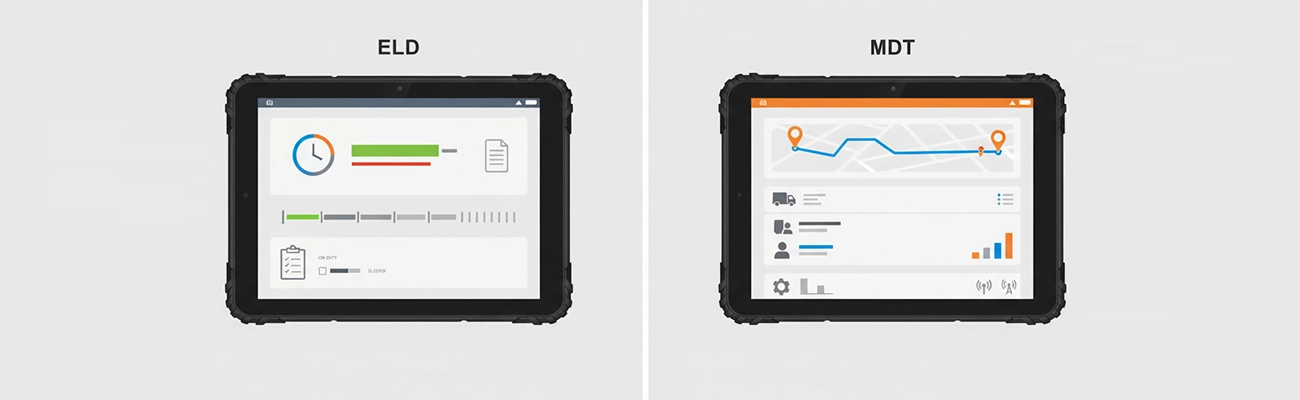
Dedicated ELD Device
Single-purpose hardware designed only for logging
✓ Single function only
✓ Small screen, limited interface
✗ Difficult to upgrade software
Android ELD-Ready Tablet
Multi-functional platform with ELD capability
✓ Multi-functional (ELD + navigation + dispatch)
✓ Large sunlight-readable display
✓ Software updates via app ecosystem
Key Hardware Features for ELD Deployments

Sunlight Readable
1000-nit display
Rugged Design
IP67, MIL-STD-810G
Vehicle Docking
Secure mounting
GPS/GNSS
High-precision

4G/5G
Connectivity
Android Enterprise
MDM ready
Wide Voltage
9-36V input
Long Lifecycle
5+ years
How TOPICON Hardware Integrates with Your ELD Platform
ELD compliance is a software function — but the hardware determines how reliably that software runs in the field.
Open Android OS
Supports all major ELD applications on Google Play and private APK deployments. No proprietary OS lock-in — your software, your choice.

CAN Bus / J1939 Direct ECM Connection
Hardware-level CAN Bus captures engine data, vehicle motion, and driving time automatically — no external gateways or adapters required. Spec a CAN Bus‑integrated tablet for your fleet →
MDM Pre-Configuration
Tablets ship MDM-enrolled with your ELD app pre-installed. Drivers power on and start logging — no setup, no sideloading, no IT tickets.

SDK / API Support
Custom APIs for hardware integration — GPIO triggers, CAN Bus data streams, peripheral control. Your development team gets direct access to the hardware layer. Build your ELD‑hardware platform →
For ELD solution providers: We can pre-load your software, configure your MDM policies, and ship devices ready for immediate driver deployment — with your branding, your firmware, and your ELD app pre-installed. Source an in‑vehicle terminal for your ELD platform →
How to Choose ELD-Ready Hardware
Key considerations for ELD tablet selection
Screen Visibility
8-10 inches, 1000-nit sunlight-readable
Vehicle Mounting
Secure docking, quick-release, vibration-resistant
Power Supply
9-36V with ignition sensing
Connectivity
4G/5G, GPS, Wi-Fi, Bluetooth
Durability
IP67, MIL-STD-810G
Software Compatibility
Android Enterprise, MDM support
Your ELD Brand, Our Hardware
Custom I/O · Private label branding · Firmware & OS · Your ELD app pre-installed · No TOPICON branding visible to your end users
Request OEM ELD Tablet Quote →ELD Tablet in Action
4-Channel AHD Camera Integration
MDT880 + CRD880 — 360° visibility for fleet safety
GPS Enhancement & Fleet Tracking
External antenna setup for high-precision GPS and real-time vehicle tracking
Reliability Test
Drop, vibration & temperature testing for fleet environments
→ All modules available for OEM/ODM customization
Frequently Asked Questions
What is an ELD-ready rugged tablet?
An ELD-ready rugged tablet is a vehicle-mounted Android device that provides the hardware platform for running electronic logging software and fleet management applications.
Do ELD tablets need FMCSA certification?
No. FMCSA certification applies to the ELD software and the ECM connection, not the tablet hardware itself. TOPICON provides the hardware foundation for certified ELD software.
Can a rugged Android tablet run ELD software?
Yes. Many fleets use rugged Android tablets as the hardware platform for ELD and fleet management applications.
What hardware specifications are required for ELD compliance?
Key requirements include reliable GPS, 4G/5G connectivity, vehicle power integration, rugged durability, and Android OS compatibility — all standard in TOPICON ELD-ready tablets.
Can TOPICON tablets support custom ELD software pre-installation?
Yes. We offer MDM pre-configuration and ELD app pre-installation services. Your tablets arrive driver-ready — power on, log in, start logging. No sideloading, no setup required.
What CAN Bus protocols are supported for ECM connection?
TOPICON ELD tablets support CAN Bus (J1939-compatible) for direct ECM data connection — capturing engine hours, vehicle motion, odometer, and diagnostic data without external adapters. Explore CAN Bus tablet specs →
Can the hardware be white-labeled for our ELD brand?
Yes. As an OEM manufacturer, TOPICON provides full white-label customization — your logo on the device and boot screen, custom packaging, your firmware, and your ELD app pre-installed. No TOPICON branding visible to your end users.
Ready to Deploy ELD-Ready Tablets for Your Fleet?
Contact us for OEM solutions tailored to your ELD and fleet compliance needs.




