How to Choose a Truck Tablet for Fleet Management
A comprehensive guide for fleet managers — from key hardware specs and vehicle integration to common mistakes and recommended solutions.
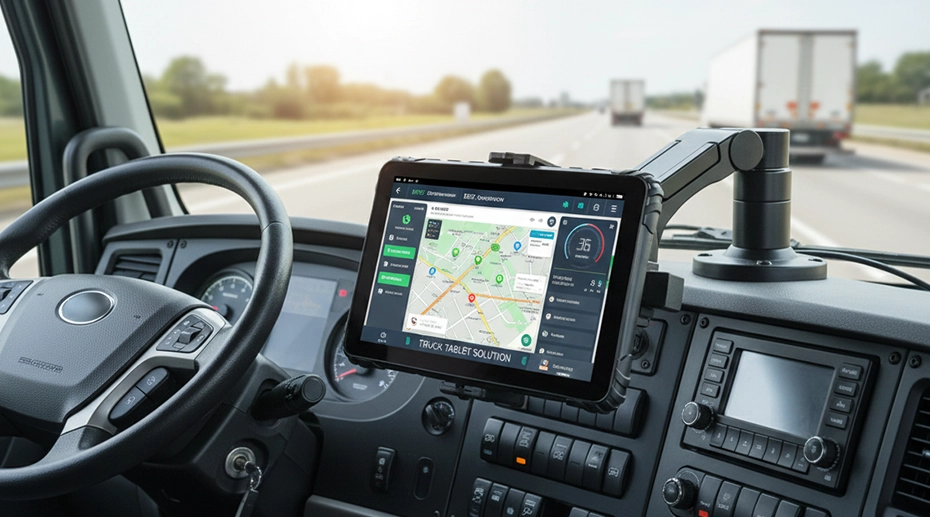
Table of Contents
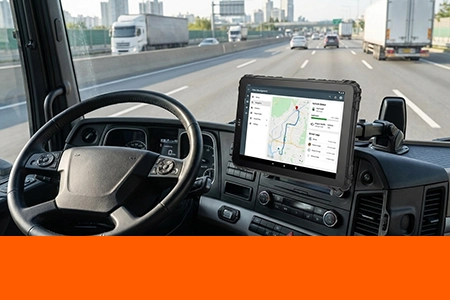
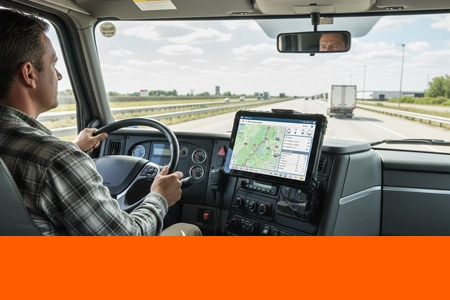
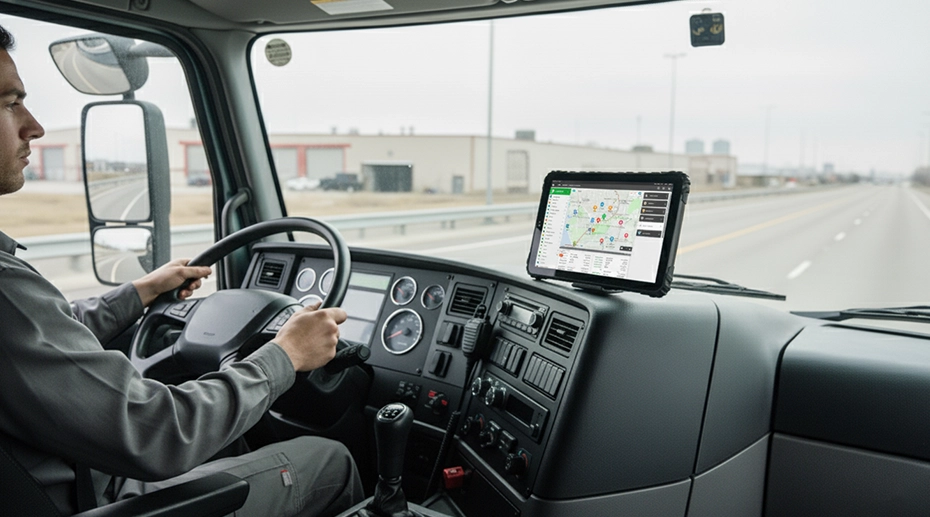
Selecting the right tablet for truck fleet operations is more than just choosing a durable screen — it's about finding a reliable computing core for your entire mobile workforce. The difference between a standard consumer-grade device and a purpose-built truck tablet can impact everything from driver safety and operational efficiency to long-term total cost of ownership and regulatory compliance. This guide provides fleet managers with the critical criteria needed to evaluate and select a truck-mounted tablet that will withstand the rigors of the road. If you're new to the concept, a truck tablet is a rugged in‑vehicle computing device designed for commercial fleet operations.
1. Why Trucks Need Dedicated Tablets
The operational environment of a commercial truck is fundamentally incompatible with consumer electronics. Understanding this gap is the first step in making an informed investment. A standard tablet is engineered for a controlled, indoor, and relatively static environment. In contrast, a truck-mounted tablet for fleet operations must survive constant motion, extreme temperatures, and electrical instability. This is why many operators choose a specialized rugged vehicle data hub built from the ground up for life on the road.
Environmental Stressors Unique to Trucking: Continuous vibration can loosen solder joints and disconnect screen ribbons. Thermal cycling — from sub‑freezing nights to intense dashboard heat — warps plastics and degrades batteries. Dust and moisture ingress can short‑circuit electronics, rendering a device useless.
Beyond durability, the functional role diverges sharply. A professional truck tablet is an industrial Human‑Machine Interface (HMI). It must run fleet management software, telematics, and ELD apps flawlessly, providing glare‑free readability at any hour. This isn't about convenience; it's about safety, efficiency, and compliance. Investing in a dedicated truck‑mounted tablet is an investment in operational reliability.
2. Key Hardware Requirements for Truck Tablets
The hardware specification sheet for a tablet for truck fleet reads more like that of an industrial computer than a consumer gadget. The goal is to guarantee consistent, failure‑free performance over a multi‑year lifecycle.
Display & Readability: A sunlight‑readable display with 800+ nits and optical bonding is non‑negotiable. The display must work with gloved hands, as drivers often cannot remove work gloves to operate the device.
Processor & Performance: Thermal design power matters more than clock speed. Efficient processors reduce heat in enclosed cabs. 4GB+ RAM ensures smooth multitasking. Industrial‑grade storage resists corruption from vibration and power loss.
Enclosure & Build: A true truck tablet has a ruggedized enclosure — magnesium alloy or reinforced polycarbonate — with IP65 or higher ingress protection and MIL‑STD‑810G shock/vibration certification.
3. Connectivity and Vehicle Integration
A tablet that operates in a silo is of limited value. Its true power is unlocked through always‑on connectivity and deep integration with the vehicle itself.
Wireless: 4G LTE CAT 6+, Wi‑Fi 6, Bluetooth 5.0+, and dual SIM support for network failover are essential.
Wired & Vehicle Bus Integration: RS232 serial, CAN Bus (J1939), and multiple USB ports allow the truck‑mounted tablet to connect directly to the vehicle's diagnostic system — pulling real‑time fuel, engine, and fault code data for predictive maintenance. This deep integration makes the device a connected truck terminal that communicates seamlessly with onboard systems.
GNSS: Multi‑constellation support (GPS, GLONASS, Galileo, BeiDou) ensures accurate location tracking even in urban canyons or remote areas. For compliance-critical operations, an hours-of-service logging device with integrated GNSS automates regulatory reporting.
4. Mounting, Power, and Durability Considerations
The integration mechanics are as crucial as the tablet's specs. A proper rugged truck tablet solution encompasses the entire ecosystem.
Mounting: Vehicle‑specific mounts with positive locking mechanisms prevent theft and accidental detachment. Vibration‑dampening materials isolate the device from chassis vibration. For fixed in-cab installations, a dash-mounted computing station with positive-locking cradle ensures both security and quick-release convenience.
Power Management: Wide‑range DC input (9‑36V) with reverse‑polarity and surge protection. Ignition sensing turns the device on/off with the engine. Hot‑swappable batteries support 24/7 operations.
Thermal & Lifecycle: Operating range of -20°C to 60°C ensures reliable booting in any season. Choose a manufacturer committed to long‑term Android security updates.
5. Common Mistakes When Choosing Truck Tablets
Many fleet operators fall into predictable traps when sourcing technology. Here are the key pitfalls to avoid:
1. Prioritizing Upfront Cost Over TCO: Cheap tablets fail faster. A purpose‑built truck‑mounted tablet has a higher sticker price but far lower total cost over 4‑5 years.
2. Underestimating Environmental Requirements: Ensure IP, MIL‑STD, and temperature ratings match your actual operating conditions.
3. Overlooking Vehicle Integration: Missing CAN Bus or RS232 ports limits the tablet to a simple display, forfeiting rich diagnostic data that a wireless fleet communication hub would otherwise capture and relay.
4. Ignoring Mounting & Power: An inadequate mount is a safety hazard. An improper power adapter leads to premature failure. Always procure a complete solution.
5. Neglecting Software Compatibility: Verify your fleet apps run flawlessly on the specific device model and Android version. Ensure the vendor provides long‑term support.
6. Recommended Truck Tablet Solutions
For general fleet management, an 8 to 10‑inch tablet with 1000+ nits, IP65+ rating, wide‑voltage input, and multi‑constellation GNSS provides the ideal balance. For extreme environments like construction or refuse collection, IP67 and reinforced ports are essential.
When evaluating vendors, prioritize those with a proven track record in transportation. A quality truck‑mounted tablet is a strategic operational asset — enhancing driver productivity, providing fleet visibility, reducing operating costs, and strengthening compliance. The investment directly contributes to a leaner, more competitive fleet operation.
In conclusion, choosing the right fleet vehicle tablet means viewing it as a mission‑critical vehicular component. By evaluating ruggedness, connectivity, integration, and the total solution package, fleet operators can select a truck tablet that serves as a reliable, data‑rich command center for years to come.
Need a Rugged Tablet for Your Truck Fleet?
TOPICON provides rugged Android tablets with vehicle‑grade power, CAN Bus integration, and sunlight‑readable displays — purpose‑built for fleet management.
Related Fleet Tablet Resources