OEM Forklift Tablet for Warehouse Vehicles | Rugged Android Vehicle Solutions
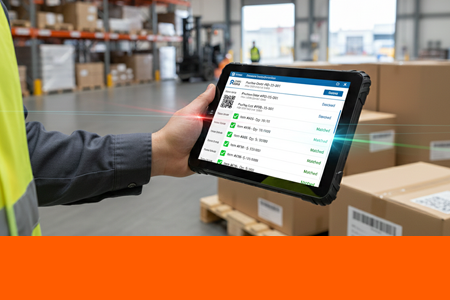
Industrial-grade rugged tablets designed for forklift mounting — enabling real-time WMS integration, barcode/RFID scanning, and stable vehicle-mounted operation in vibration, dust, and 24/7 warehouse environments.
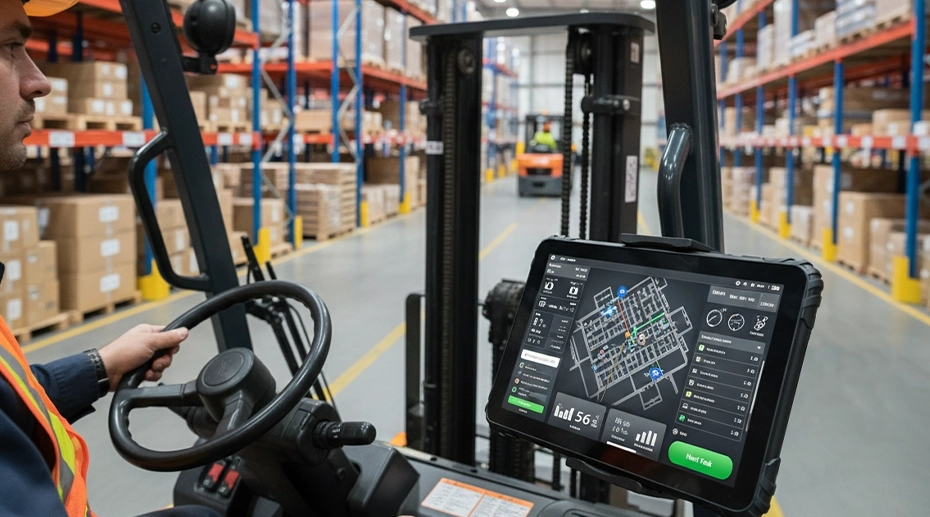
Table of Contents
In modern warehouse and logistics operations, forklifts have evolved from simple material handling equipment into mobile data collection platforms. A rugged forklift tablet enables this transformation — engineered to withstand the unique environmental challenges of industrial vehicle operation while providing real-time data access and task management capabilities directly at the point of material movement. For fleet managers looking for a centralized fleet operations panel, the forklift tablet becomes the driver's primary interface.
1. System Architecture: WMS to Forklift Tablet Integration
End-to-end integration from warehouse management systems to forklift operator interface
2. What Is a Forklift Tablet? Definition & Purpose
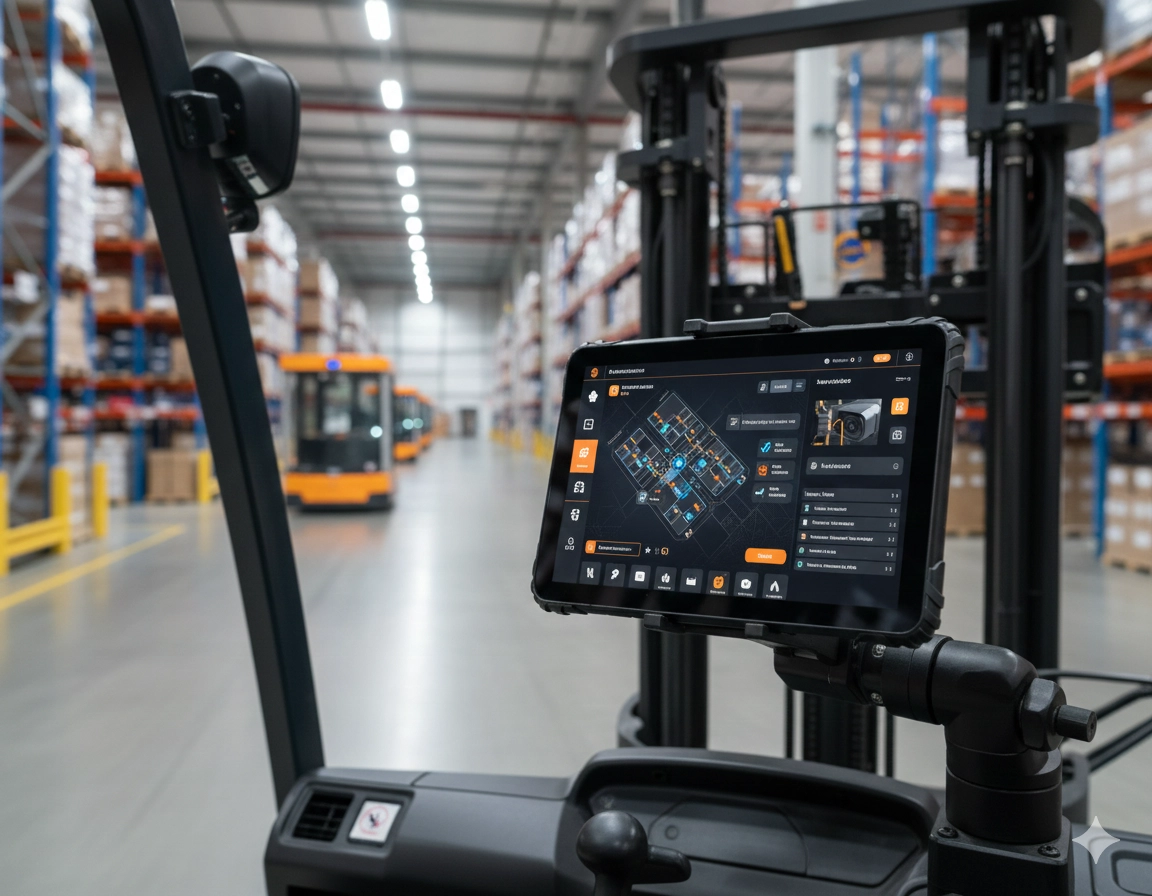
A forklift tablet is a ruggedized computing device specifically designed for mounting and operation on industrial forklifts and other warehouse vehicles. Unlike consumer tablets or general-purpose industrial computers, these devices are engineered with particular attention to vibration resistance, secure mounting systems, and operational interfaces optimized for use in moving vehicles by operators who may be wearing work gloves. They act as a real-time logistics interface that keeps the operator connected to the backend.
The term encompasses both the physical hardware — a durable tablet computer with environmental protection — and its integration ecosystem, which typically includes specialized mounting brackets, vehicle power interfaces, and connectivity to warehouse management systems. These vehicle-mounted tablets serve as the human-machine interface between forklift operators and the digital systems directing warehouse operations.
3. Why Forklifts Need Specialized Vehicle-Mounted Tablets
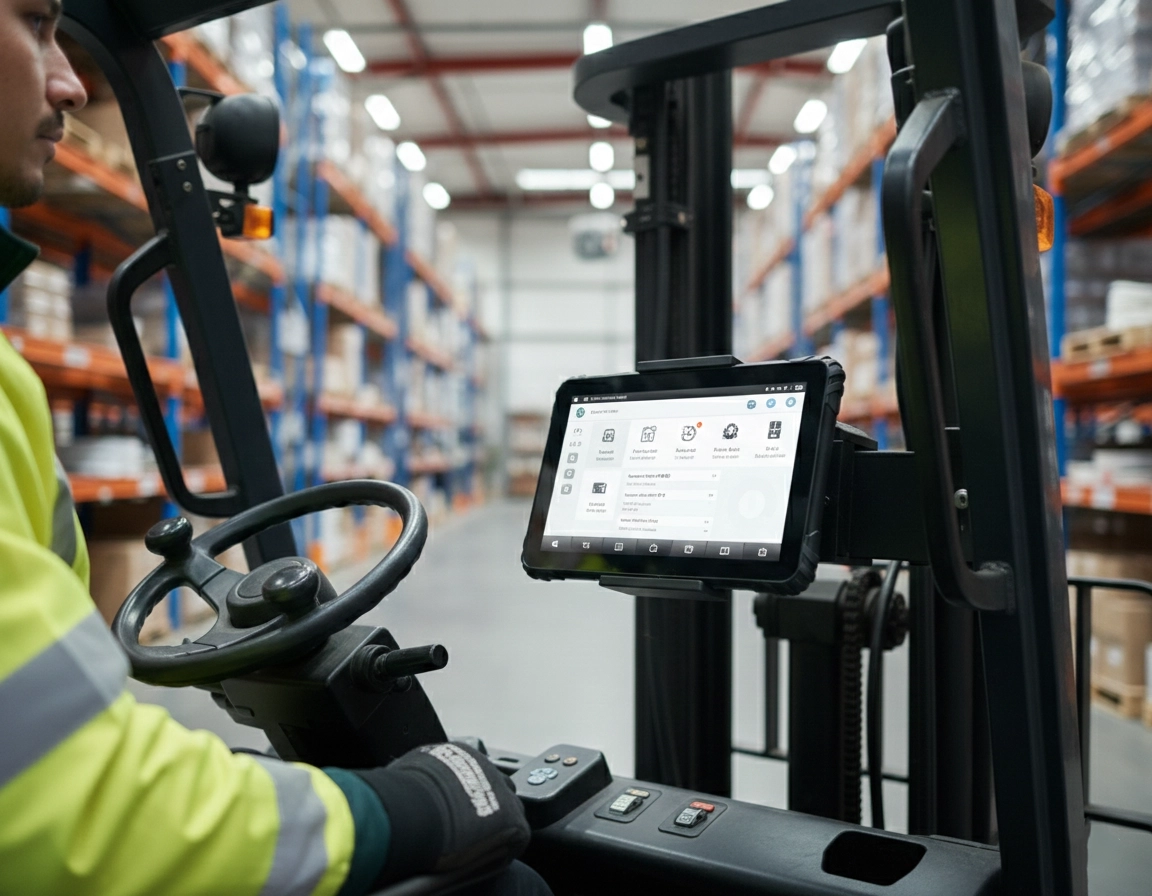
Forklift operations present environmental conditions that standard computing devices cannot reliably withstand. The combination of constant vibration, dust, potential liquid spills, and temperature variations creates a uniquely challenging operational context. A rugged computing platform for industrial vehicles is built from the ground up to handle these conditions without failure.
Environmental Challenges Addressed by Forklift Tablets
Mechanical Stress: Continuous vibration and occasional impacts that can damage internal components
Contaminant Exposure: Dust from warehouse operations and potential liquid spills
Ergonomic Constraints: Limited space in forklift cabs and gloved operation
Power Management: Integration with vehicle electrical systems for continuous operation
Visibility Requirements: Readability from dark warehouse aisles to sunlit loading docks
4. Forklift Safety System Integration
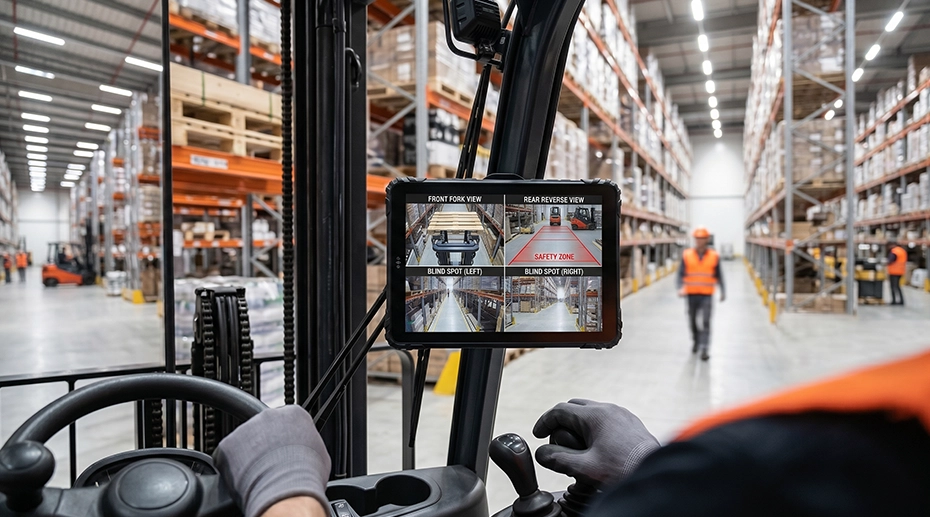

Multi-Camera & Blind Spot Monitoring
Integrate rear-view, side-view, and fork-tip cameras directly into the forklift tablet display — eliminating blind spots and reducing collision risks.

AI Driver Assistance (Optional)
Advanced AI algorithms detect pedestrian proximity, speed alerts, and collision warnings — displayed directly on the forklift safety tablet for real-time operator awareness.
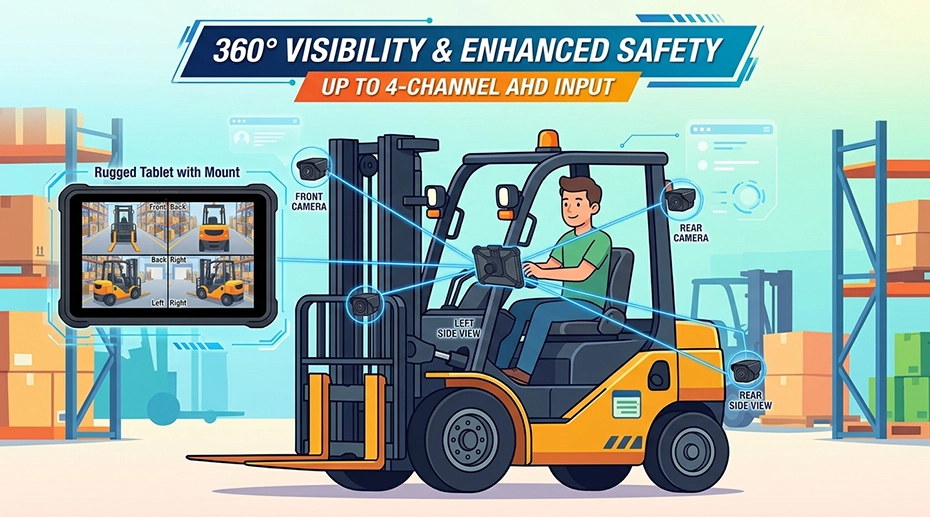
Forklift camera system tablet integration: Our rugged tablets support up to 4-channel AHD video input, enabling seamless multi-camera setups for 360° visibility.
5. Key Features of a Forklift-Grade Tablet
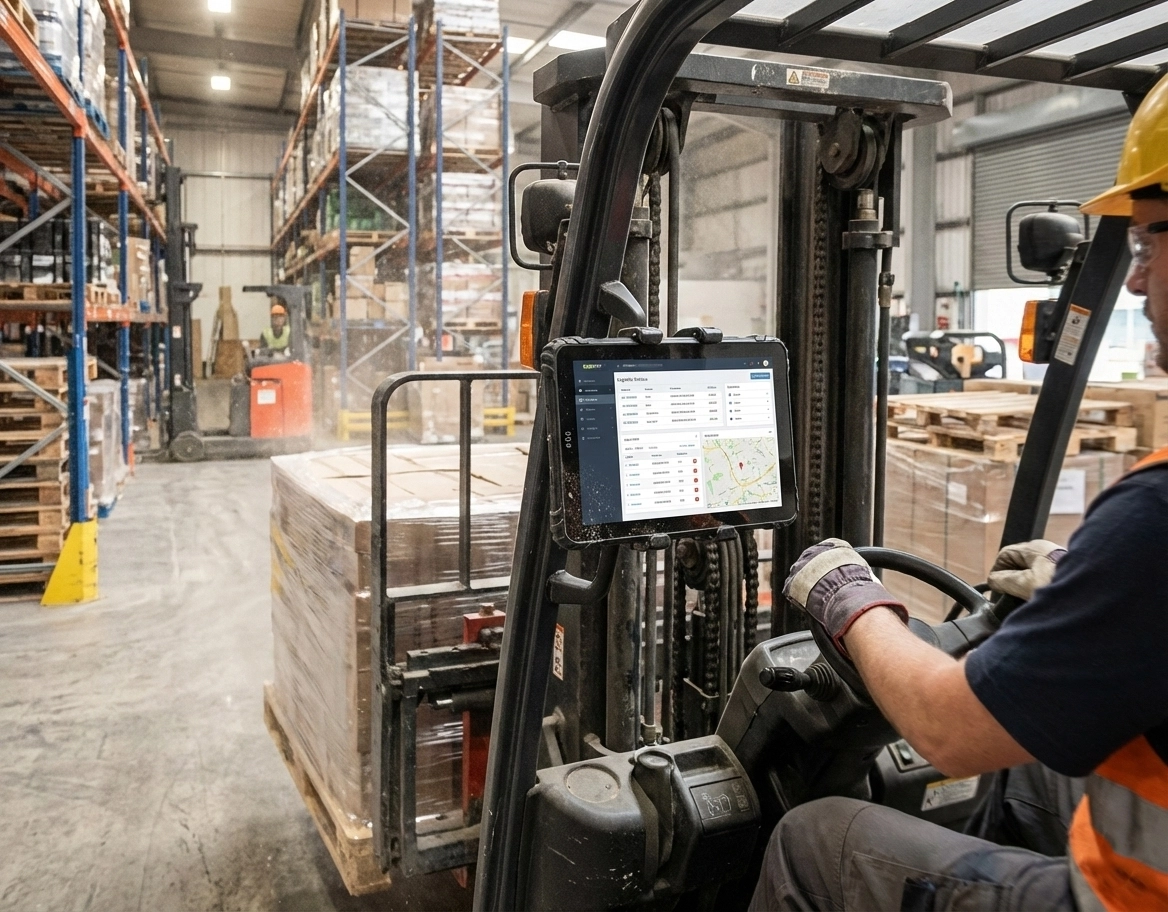
Shock & Vibration Resistance (MIL-STD-810H)
Industrial-grade tablets for forklift applications are tested and certified to military standards for shock and vibration resistance — protecting against the constant 5-15 Hz vibrations typical of internal combustion forklifts.
Vehicle Mounting & Docking Solutions
Secure mounting systems with robust brackets attaching to standard ROPS mounting points. Docking solutions provide both physical security and intelligent power interfaces. For heavy-duty applications, a fixed-mount cab computer guarantees zero movement during operation.
Sunlight Readable Display (800-1000 nits)
High-brightness displays with anti-glare treatments remain readable in direct sunlight. Optical bonding reduces internal reflection and prevents condensation. Capacitive touchscreens with glove-friendly modes ensure operation in all conditions.
6. Forklift Tablet vs Consumer Tablet: Key Differences
7. Common Forklift Applications in Warehouses
Real-Time Put-Away Verification
Operators confirm storage locations and update inventory records immediately upon placing items in racks.
Picking Optimization
Tablets guide operators through optimized picking routes and display item details in real-time.
Inventory Cycle Counting
Efficient cycle counting with barcode/RFID scanning integrated directly into the vehicle workflow.
Load Verification & Shipping
Verify loaded items against manifests, capture digital signatures, update shipment status in real-time.
8. OEM Forklift Tablet Customization for B2B Brands
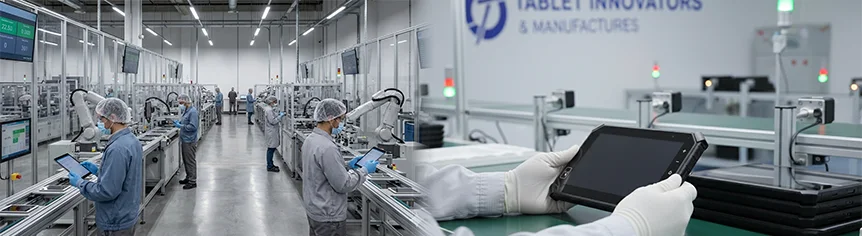
As an OEM forklift tablet manufacturer, TOPICON provides deep hardware and software customization for warehouse vehicle deployments:
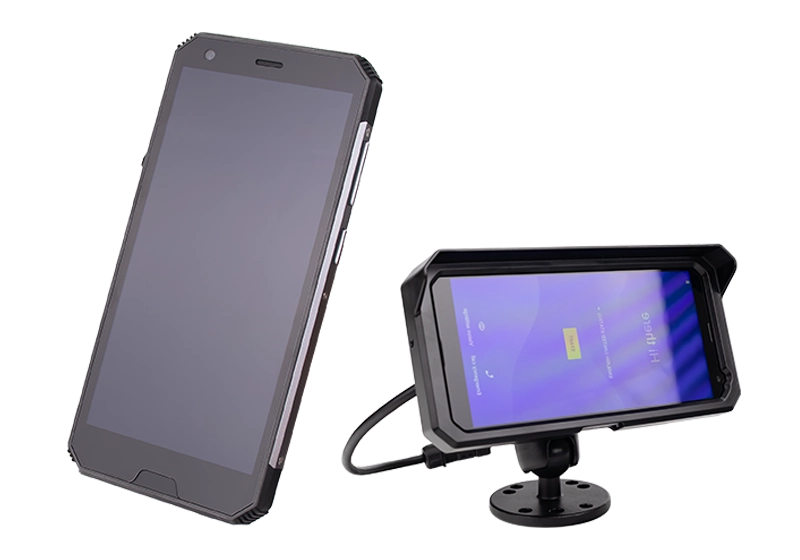
9. Recommended Forklift Tablet Hardware
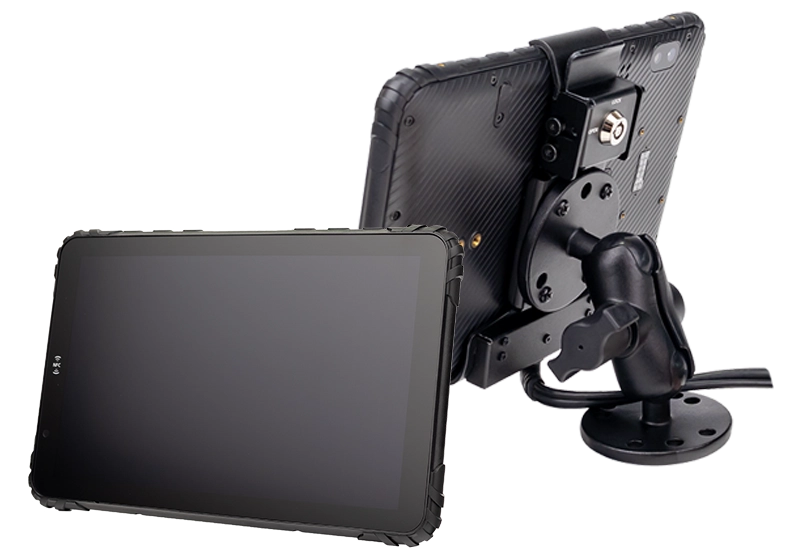
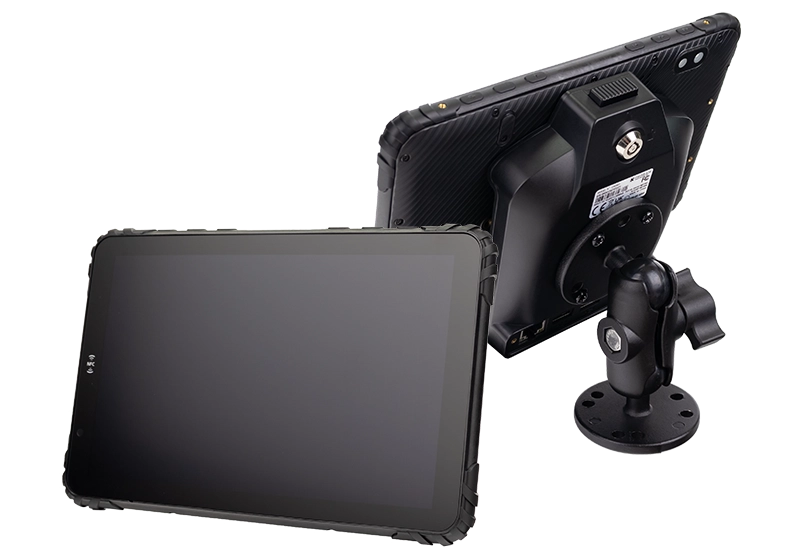
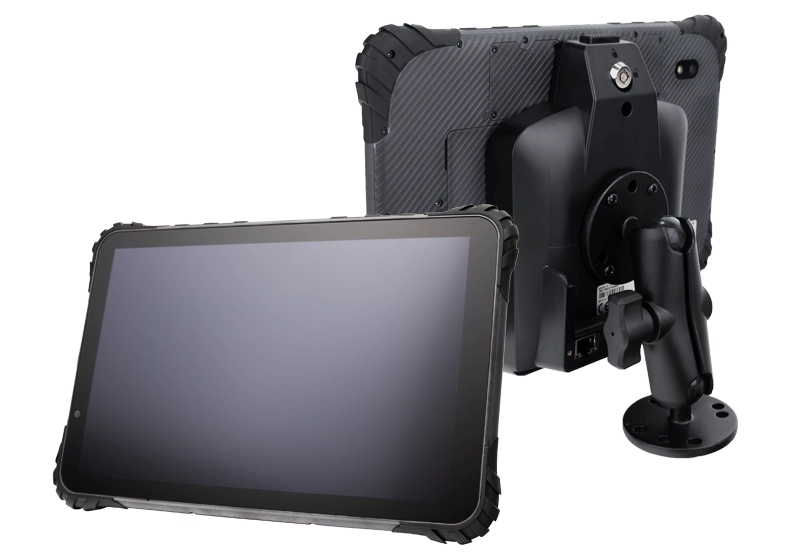
10. How to Choose the Right Forklift Tablet
1. Assess Your Vehicle Environment
Electric vs. combustion engine vibration profiles, indoor/outdoor operation, temperature ranges.
2. Consider Mounting & Integration
Mounting location compatibility, quick-release mechanisms, hot-swappable capabilities.
3. Evaluate Display Requirements
Lighting conditions, glove compatibility, screen size vs. cab space constraints.
4. Plan for Long-Term Reliability
Lifecycle support, spare parts availability, 5+ years of reliable service.
11. Frequently Asked Questions (FAQ)
What is a forklift mounted tablet?
A forklift mounted tablet is a rugged Android device securely installed on a forklift's ROPS or cab structure, providing operators with real-time WMS access, scanning capabilities, and vehicle data integration.
Can a tablet survive forklift vibration?
Yes — MIL-STD-810H certified rugged tablets are specifically tested against forklift vibration profiles, ensuring reliable operation in high-vibration environments. A heavy-duty vehicle tablet mount further isolates the device from chassis vibration.
What tablet is used in warehouse forklifts?
Warehouse forklifts typically use industrial Android tablets with IP67 protection, sunlight-readable displays, glove-friendly touch, and vehicle docking compatibility — like TOPICON's MDT series.
Can you customize forklift tablets for our WMS?
Yes — as an OEM manufacturer, we offer pre-installed WMS software, API integration, RFID/barcode module customization, and private labeling for your brand. Requst OEM forklift tablet quote →
12. Industry Scenarios: Beyond Standard Warehousing

Wide-temp operation for freezer environments

Sunlight-readable, IP67 weather protection
Rugged design for salt-air and heavy-duty use
Need a Custom Forklift Tablet for Your Warehouse Fleet?
Get purpose-built rugged tablets with WMS integration, vehicle mounting, and OEM customization for your forklift operations.
Related Warehouse & Fleet Solutions