
Android vs Windows Rugged Tablets: Which Is Better for Industrial Use?
The operating system you choose shapes software compatibility, hardware integration, deployment costs, and long-term efficiency. For fleet operators and system integrators, selecting the right platform is a strategic decision — not just a technical one.

Table of Contents
When selecting a rugged tablet for industrial applications, one of the most critical decisions is the operating system. The choice between Android rugged tablet and Windows rugged tablet platforms affects software compatibility, hardware integration, deployment costs, and long-term operational efficiency.
The right choice depends on your industry, software ecosystem, and deployment model. This guide provides a comprehensive industrial tablet OS comparison to help you make an informed decision for your fleet, warehouse, or field operations. A purpose-built Android rugged tablet offers distinct advantages in mobile-first environments where cost efficiency and remote manageability matter most.
1. What Is an Android Rugged Tablet?
1.1 Key Features
Open Ecosystem: Supports APK installation, custom apps, and broad developer community
Power Efficiency: ARM architecture delivers extended battery life for field operations
Cost Advantage: Lower total cost of ownership (TCO) for large-scale deployments
Enterprise Ready: GMS, AOSP, and MDM support for fleet management — Android Enterprise enables IT teams to remotely configure thousands of devices from a single console
1.2 Best Use Cases
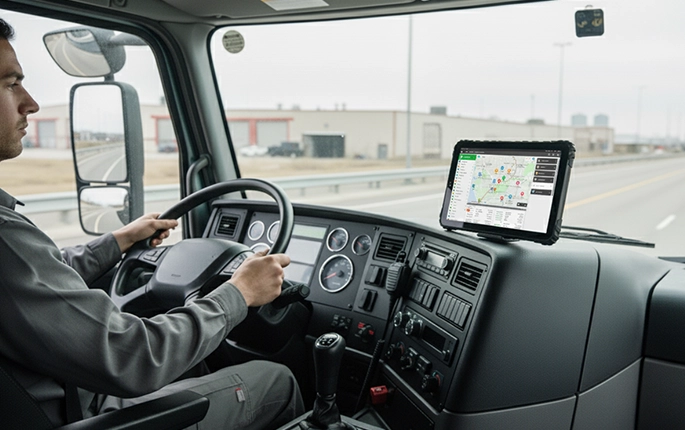 Fleet management
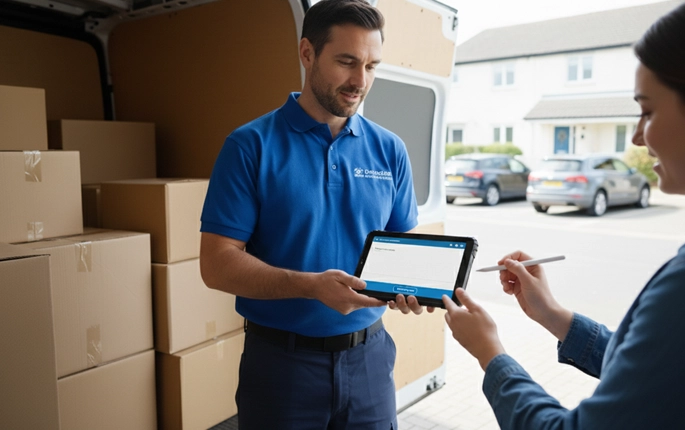 Last-mile delivery
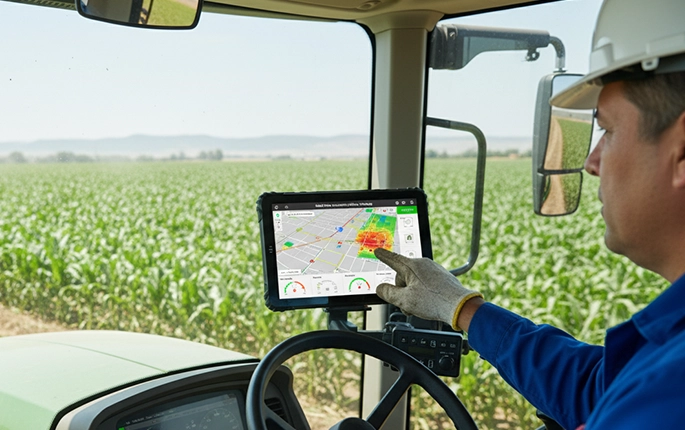 Agriculture vehicles
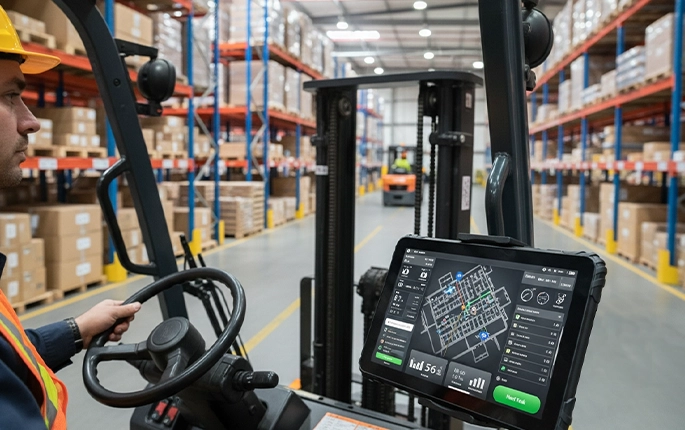 Forklift systems
Source Android-powered fleet tablets | Deploy vehicle-mount computing | Build on Android rugged tablet platforms
2. What Is a Windows Rugged Tablet?
2.1 Key Features
Full desktop operating system
Legacy enterprise software compatibility
High-performance computing capabilities
2.2 Traditional Use Cases (and Their Limitations)
Windows rugged tablets have traditionally been used in:
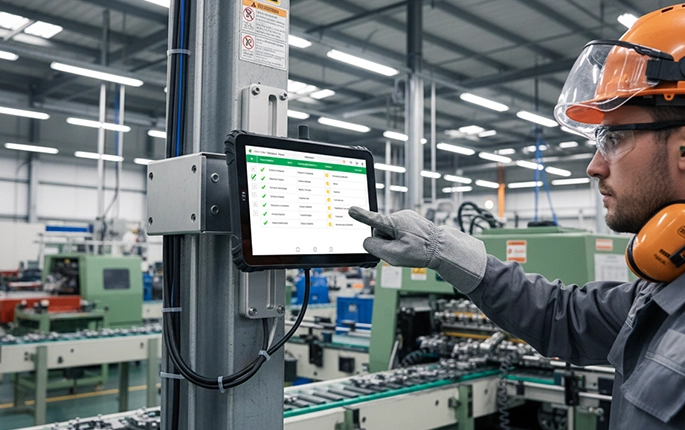 Manufacturing (MES / SCADA)
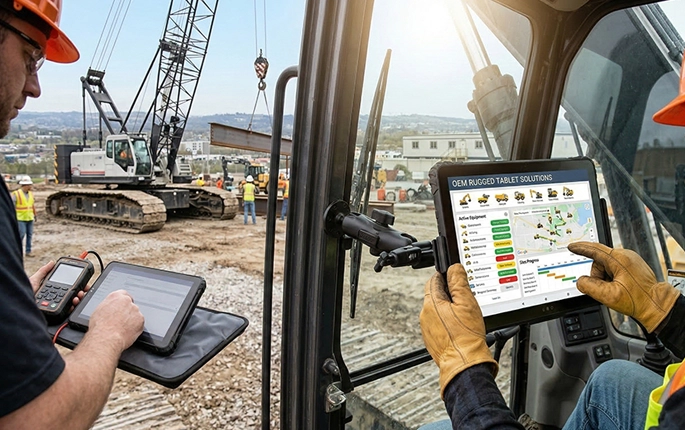 Construction (CAD / BIM)
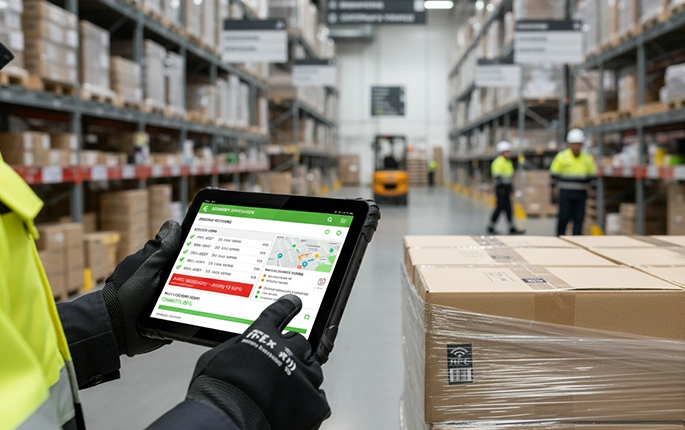 Warehouse (WMS / ERP)
However, these deployments often face challenges:
Higher hardware and maintenance costs
Shorter battery life in field operations
Complex system updates and IT management
3. The Shift: Why Many Industries Are Moving to Android Rugged Tablets
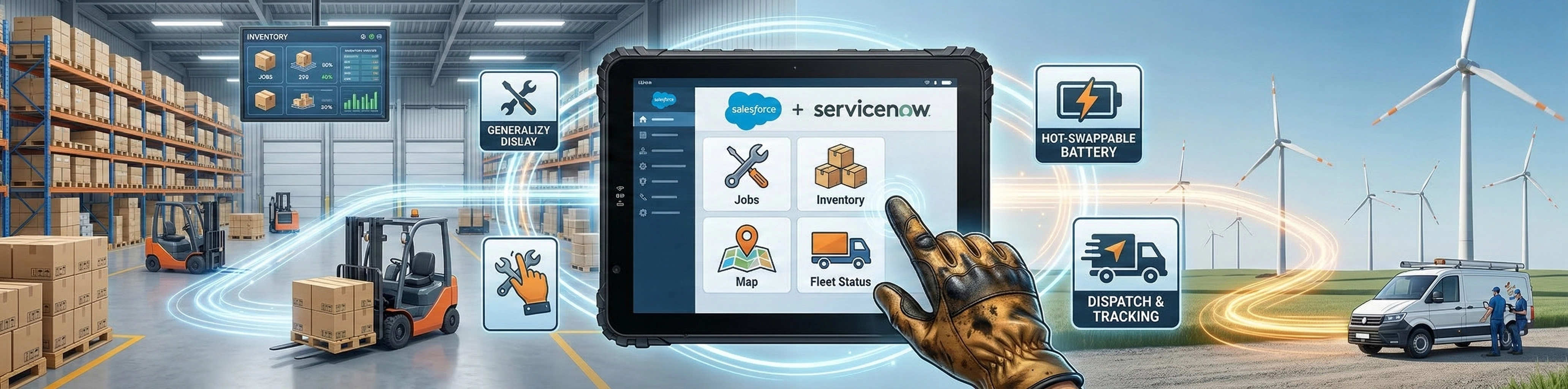
In recent years, many industries that traditionally relied on Windows rugged tablets are shifting toward Android-based solutions. A connected in-vehicle Android terminal provides the mobility, cloud connectivity, and remote manageability that legacy desktop operating systems were never designed to deliver in moving vehicles.
With the rise of cloud platforms, web-based ERP systems, and mobile workforce applications, Android rugged tablets now provide a more flexible and cost-effective alternative for modern industrial operations.
4. Which OS Is Better for Your Industry?

4.1 Transportation & Fleet Management
Android — Optimized for telematics, GPS tracking, real-time communication, and MDM fleet management. For compliance-heavy operations, an FMCSA-compatible logging tablet on Android keeps driver hours accurate without manual input.
4.2 Construction & Engineering
Traditionally dominated by Windows devices due to CAD and BIM software, the construction industry is increasingly adopting Android rugged tablets for on-site data collection, project tracking, and communication.
Heavy engineering software → Windows (desktop); Field operations → Android (mobile).
4.3 Warehouse & Logistics
Android is rapidly replacing legacy Windows systems. Android tablets excel at barcode/RFID scanning, mobile workflows, and real-time inventory updates — functioning as a rugged data collection terminal that syncs with WMS in real time.
4.4 Field Service
Android leads for inspection, reporting, and dispatch. Windows is preferred only for data-heavy legacy tasks requiring desktop-class processing.
5. When to Choose Android Rugged Tablets
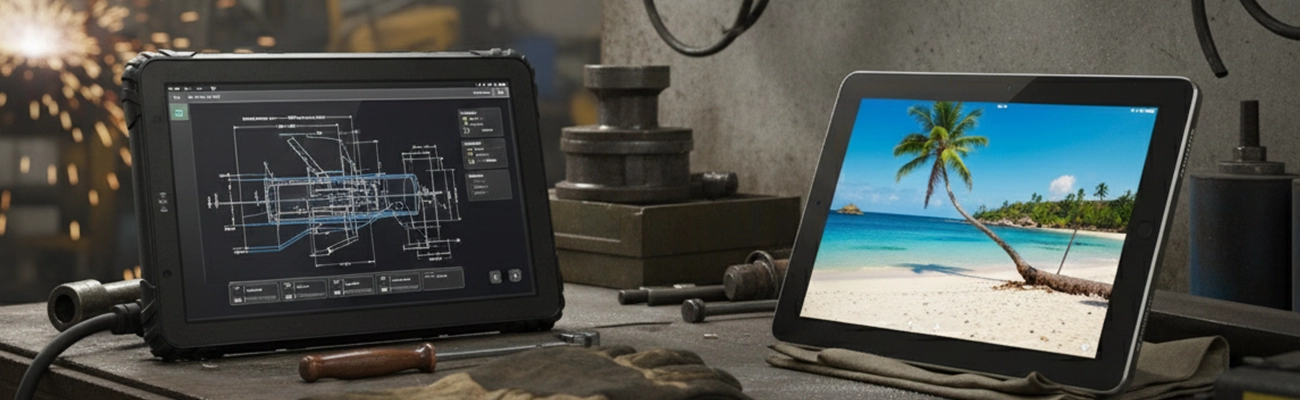
Android rugged tablets are the preferred choice when your deployment requires:
Large-scale deployment — Cost-effective for hundreds or thousands of devices
Cost control — Lower hardware and licensing costs
Mobile applications — Fleet management, delivery, field inspection apps
MDM management — Remote configuration and device monitoring
Deploy Android rugged tablets for fleet operations
6. When Windows Rugged Tablets Still Make Sense
Windows rugged tablets remain relevant when operations demand:
Legacy software support — Existing Windows-based applications that cannot be migrated
High-performance computing — CAD, BIM, complex data processing on desktop
Enterprise IT integration — Active Directory, Group Policy, existing infrastructure
Windows industrial tablet specifications →
7. OEM & Custom Rugged Tablet Considerations
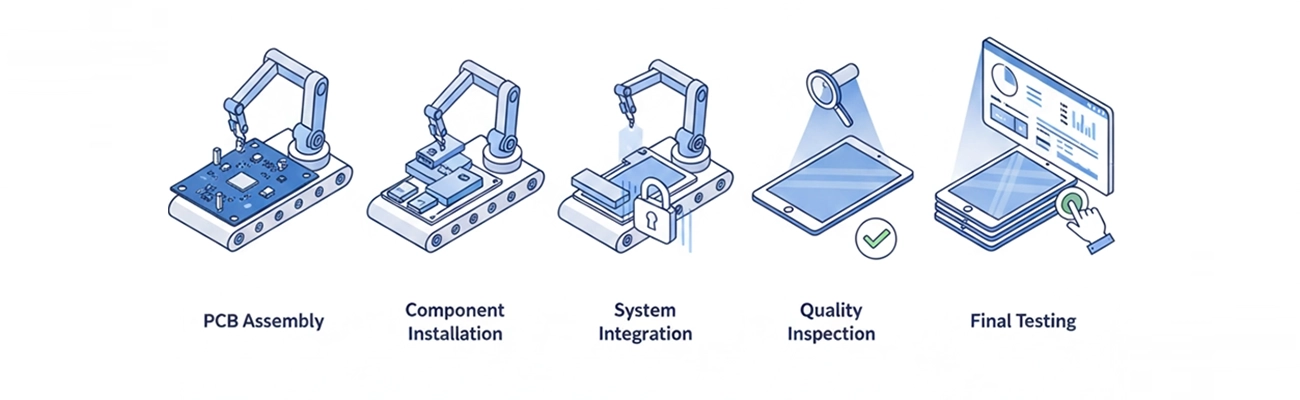
Beyond the operating system, successful industrial deployments often require hardware customization. For fixed in-cab installations, a vehicle docking station with locking cradle provides secure power and data connections through every shift.
Choosing between Android and Windows is only the first step — hardware customization determines long-term success.
Conclusion: Android Solutions Are Becoming the Preferred Choice
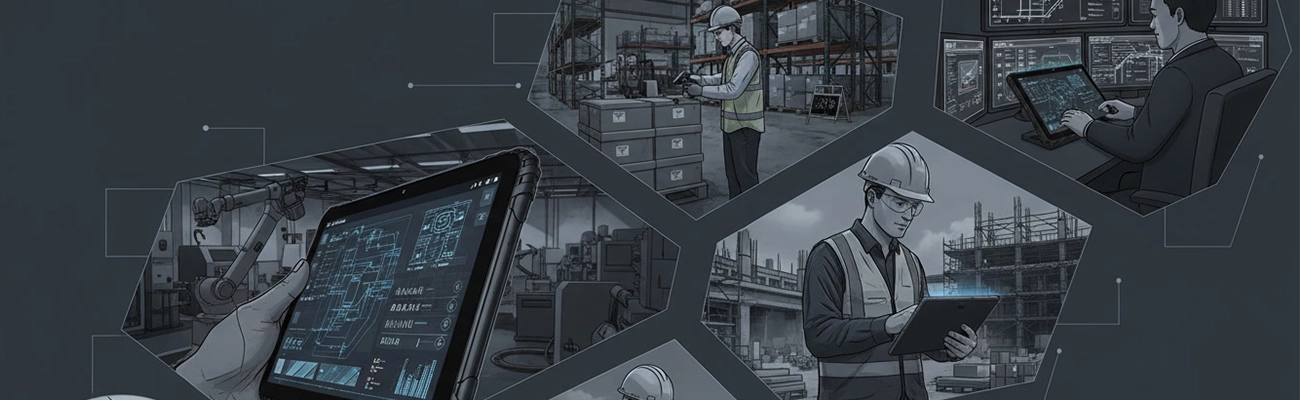
While Windows rugged tablets still play a role in legacy systems, Android rugged tablets are rapidly becoming the standard for modern industrial applications. With mobile-first workflows, cloud-based platforms, and cost-effective deployment, Android delivers the flexibility and scalability that today's operations demand.
The best rugged tablet is not just about OS, but how well it fits your operational workflow. Partnering with an OEM that offers customization ensures your devices are purpose-built for your specific use case.
8. Frequently Asked Questions
Is Android or Windows better for rugged tablets?
For modern industrial applications, Android offers better mobility, cost efficiency, and MDM support. Windows remains relevant for legacy desktop software and high-performance computing.
Can rugged tablets run enterprise software?
Yes. Android tablets run mobile enterprise apps with MDM support; Windows tablets run full desktop enterprise applications. Android is increasingly compatible with cloud-based ERP and SaaS platforms.
Which OS is better for fleet management tablets?
Android is the dominant choice for fleet management due to telematics integration, MDM support, and cost-effective deployment across large vehicle fleets. A fleet-optimized Android computing unit consolidates navigation, compliance, and communication into a single device.
Are Windows rugged tablets more expensive?
Generally yes — Windows devices have higher hardware and licensing costs, but may be justified for specific legacy software or compute-intensive requirements.
Related OS & Industrial Tablet Resources





