
In‑Vehicle Tablet & Terminal – Rugged Fleet Computing Platform for ELD, CAN Bus & Dispatch
This is not a consumer display for CarPlay or backseat entertainment. This is a rugged, vehicle‑integrated computing platform for commercial fleets — running ELD compliance, processing CAN Bus (J1939) data, communicating with dispatch over 4G/5G, and capturing proof of delivery. With Android OS, MDM, SDK/API, it becomes the integrated computing hub for your entire fleet operation. OEM‑ready for system integrators.
MDT865/MDT880 | Drop, Vibration & Temperature Testing
In‑Vehicle Computing Platforms
Each platform runs Android OS with CAN Bus, MDM, and SDK/API access — functioning as an in‑vehicle terminal for fleet software deployment, not just a mounted display.
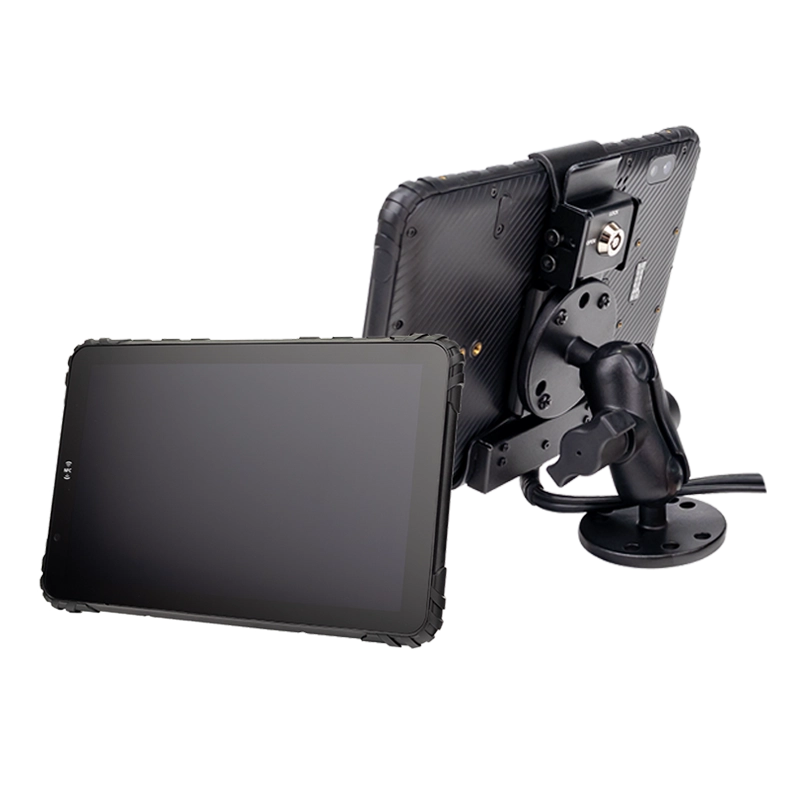
MDT880
8" 5G · Multi‑camera AHD · Telematics Hub
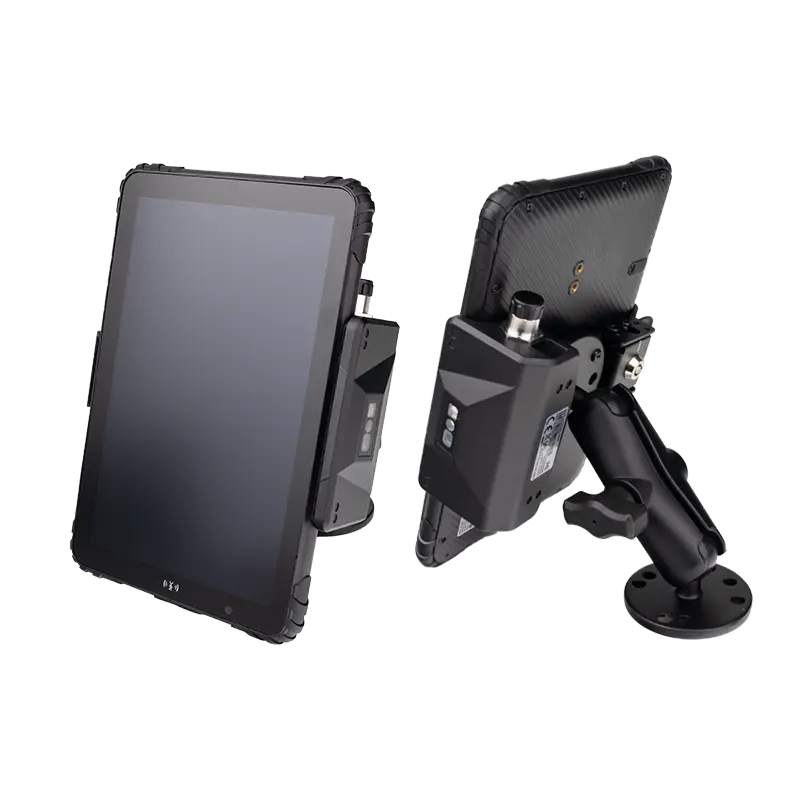
MDT865
8" · CAN Bus (J1939) · ELD & Fleet Ready
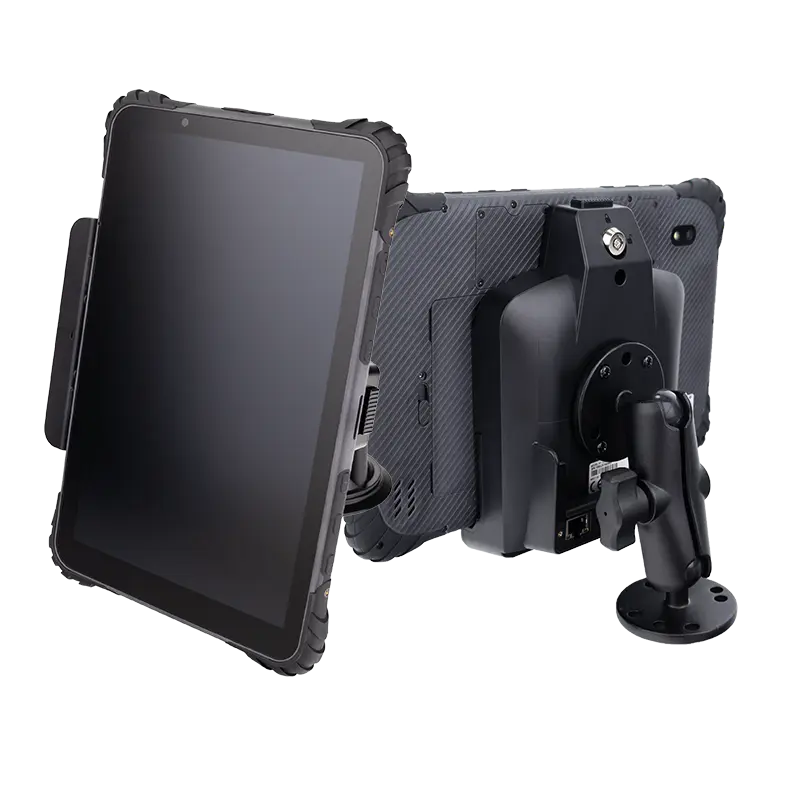
MDT1065
10" · RS232/GPIO/M12 · Telematics Dashboard
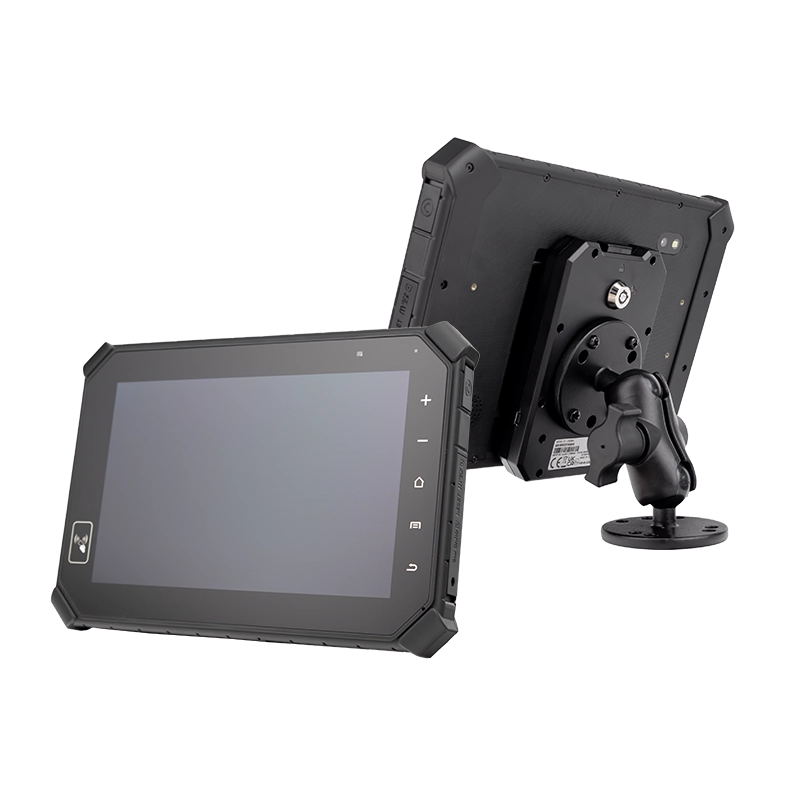
MDT864
Vehicle‑Mount · 9‑36V · 24/7 Fixed Terminal
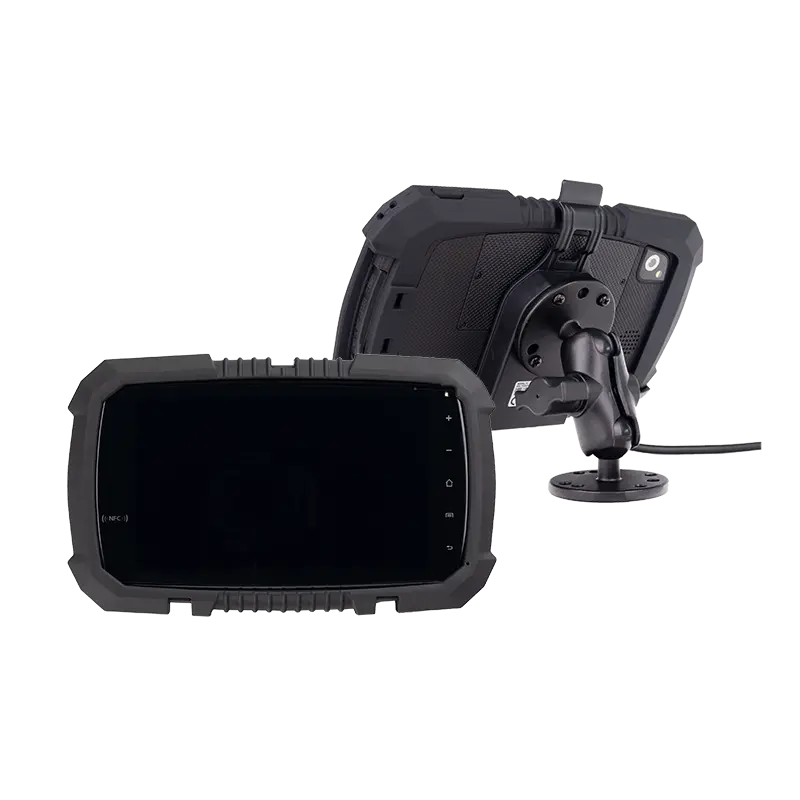
MDT765
7" Compact · Delivery & Dispatch Platform
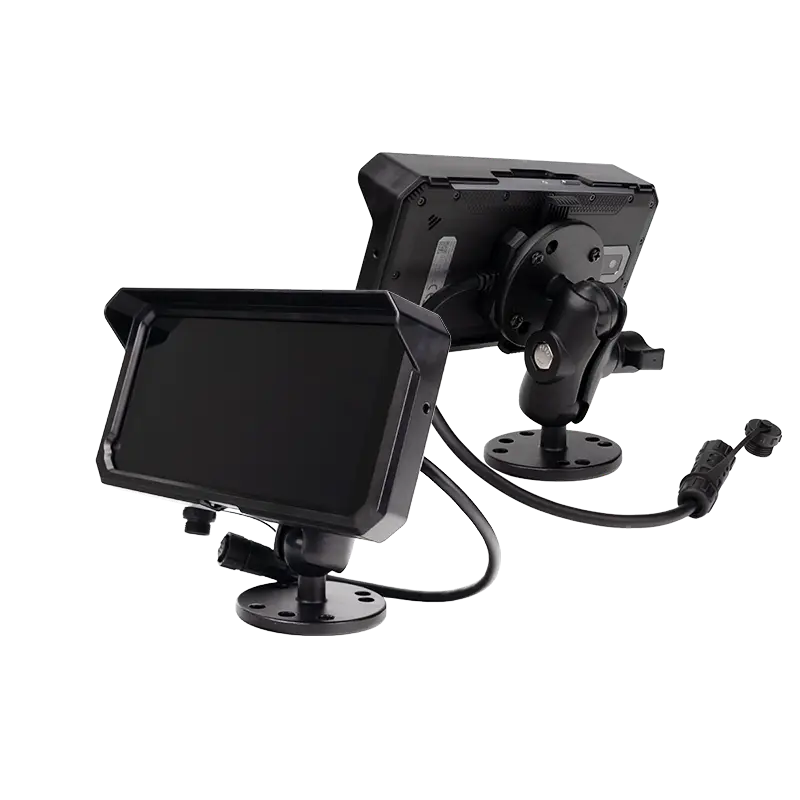
MDT665
5.7" Handheld · Barcode/RFID · Field Service
Why an iPad Isn't an In‑Vehicle Tablet for Fleet Use
Consumer tablets aren't designed for 9‑36V vehicle power, CAN Bus integration, or 5‑year lifecycle management. Here's what a real in‑vehicle computing platform requires.
For a detailed comparison of physical durability and mounting options, see our vehicle mount tablet guide with dock comparisons →.
What Is an In‑Vehicle Tablet (or In‑Vehicle Terminal)?
In commercial fleet operations, an in‑vehicle tablet — often called an in‑vehicle terminal — is not a consumer gadget. It is a rugged Android computing platform permanently installed in trucks, buses, and heavy equipment. Unlike a consumer tablet or a simple mounted display, it integrates directly with the vehicle's power system, CAN Bus network, GPS, and fleet management software — becoming the command center for the driver and a data hub for the back office.
In fleet procurement documents and system integrator RFPs, these devices are referred to interchangeably as in‑vehicle tablets, in‑vehicle terminals, or vehicle‑mounted computing platforms. The terminology varies by industry, but the core requirement is the same: a single Android device that runs ELD compliance, processes CAN Bus data, communicates with dispatch, and captures proof of delivery.
True in‑vehicle tablets provide 9‑36V power with ignition sensing, native CAN Bus (J1939) support, sunlight‑readable 1000‑nit displays, and an open Android OS that runs ELD, telematics, dispatch, and inspection apps without compatibility compromises. They are the single point of truth for hours of service, vehicle health, and delivery status.
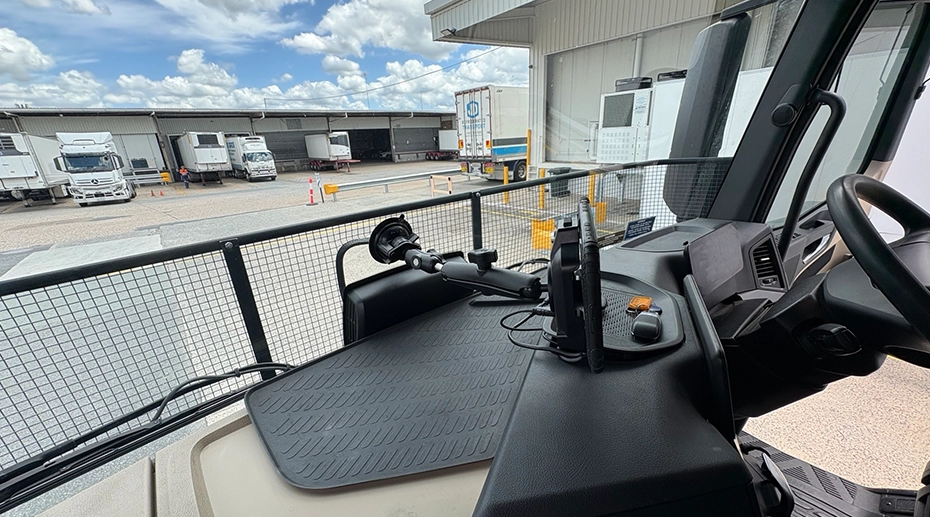
OEM In‑Vehicle Tablet for Fleet & Telematics Integration
Custom hardware platform for system integrators, telematics providers, and fleet software companies.
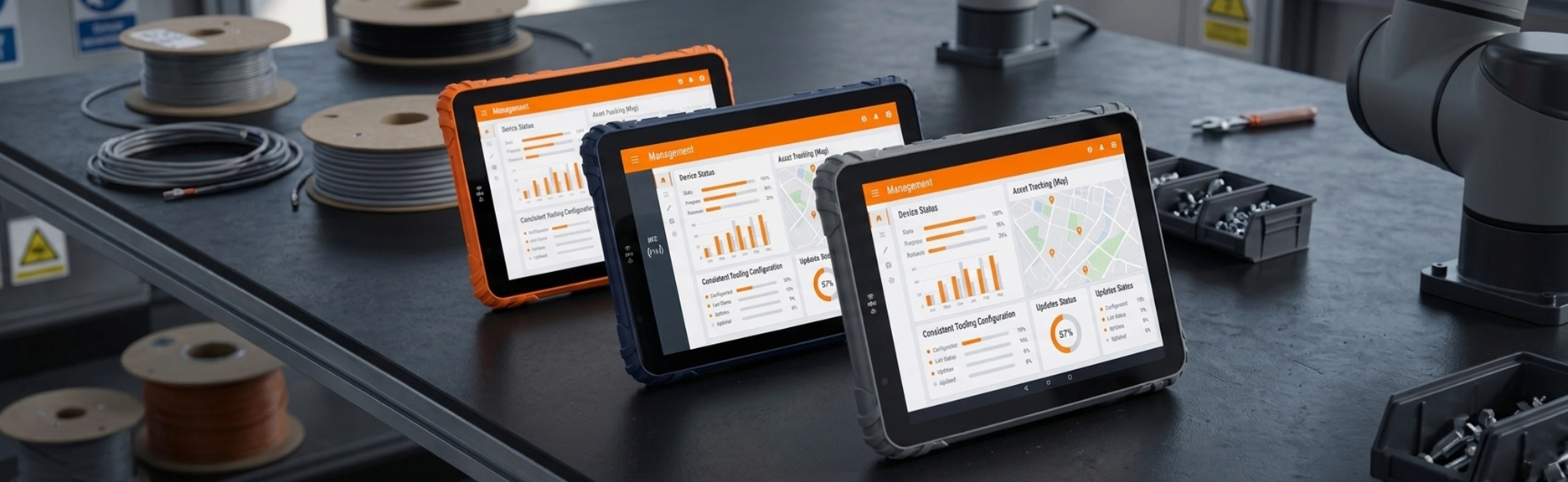
As an OEM in‑vehicle tablet manufacturer, TOPICON provides deep hardware and software integration capabilities — from custom I/O and branding to firmware customization and MDM pre‑configuration — so your fleet solution can be deployed under your own brand, at scale.
Partner with an experienced OEM in‑vehicle tablet manufacturer
The Software Stack That Makes It a Fleet Computing Platform
The mounting hardware keeps the device in place. The software and vehicle integration make it a fleet management tool.
ELD Compliance
Runs FMCSA‑registered ELD applications for hours‑of‑service logging, DVIR, and IFTA reporting. Open Android OS supports all major ELD software platforms without compatibility restrictions.
CAN Bus Telematics
Native J1939 protocol support reads engine RPM, fuel consumption, odometer, and DTCs directly from the vehicle ECU — no external gateway required. Available on MDT865.
Dispatch & Navigation
Runs dispatch applications with real‑time GPS tracking, route optimization, and two‑way driver communication. Multi‑constellation GNSS provides lane‑level accuracy.
MDM & Zero‑Touch Enrollment
Android Enterprise Recommended with zero‑touch deployment. IT administrators configure devices remotely — kiosk mode, app whitelisting, OTA updates — without touching each unit. Explore the full MDM platform →
SDK/API for System Integrators
Custom applications can access CAN Bus data, GPIO pins, RS232 serial ports, and camera streams through a unified Android SDK. No proprietary RTOS — full developer freedom.
Fleet Software Compatibility
Runs Samsara, Geotab, Motive, Verizon Connect, PeopleNet, and custom fleet management platforms. Standard Android OS — any app that runs on Android runs on this hardware.
TOPICON MDM — Enterprise‑Grade Remote Control & Automation
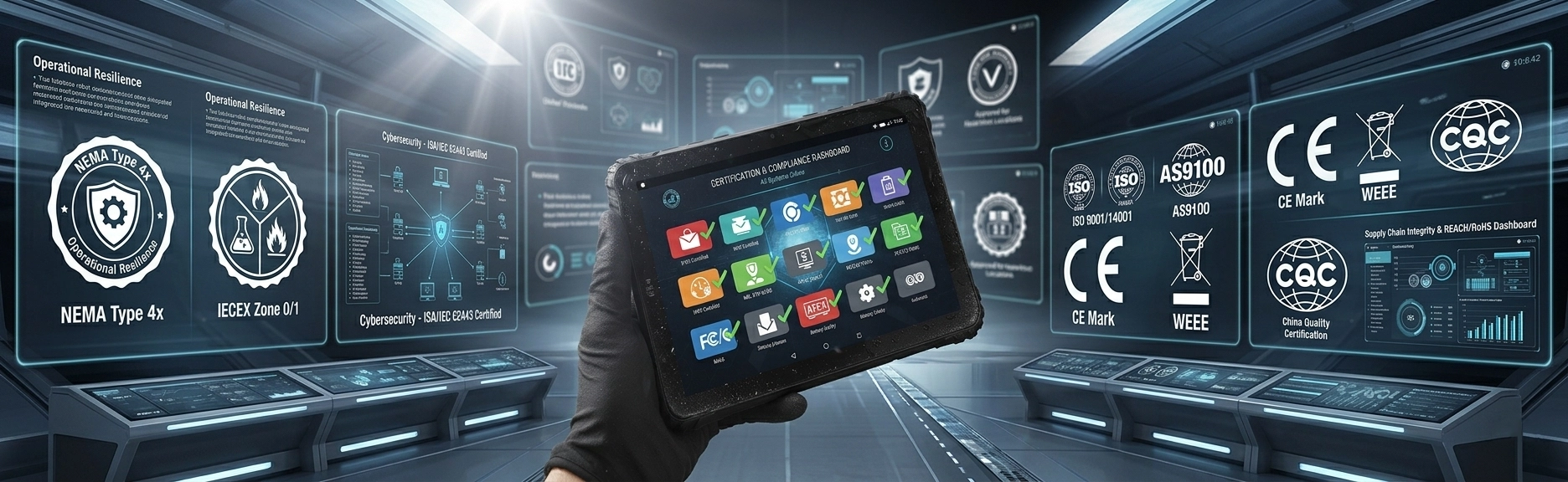
The built‑in MDM server goes far beyond basic enrollment. It provides deep remote control, scheduled OTA updates, batch configuration, and granular security policies — all manageable from a single web console. Learn more about the MDM server →
Real‑Time Monitoring & Inventory
View device status (online/offline), IMEI, OS version, and data usage per SIM in real time. Export complete asset lists to Excel with one click for compliance audits.
Remote Desktop & ADB Shell
Take full remote control of the device screen for troubleshooting. Execute ADB commands directly from the server for advanced diagnostics — no driver intervention needed.
Intelligent OTA & Scheduled Updates
Push firmware updates immediately, on a schedule, or after user confirmation. Force download over WiFi only. Supports wake‑from‑power‑off upgrades to minimize vehicle downtime.
Batch Configuration & Dynamic Sync
Upload Excel lists or manually select devices to batch‑edit settings, push APKs, or update configs. Clone the exact setup of one device and push it to an entire fleet in one operation.
Enterprise Security & Policy Enforcement
Enforce password policies, disable unknown sources, and set app allowlists via Managed Google Play. Google Zero‑Touch support enables out‑of‑the‑box automated provisioning.
Multi‑Tenant Admin & Audit Trail
Create sub‑admin accounts with restricted permissions for different customer groups. All batch operations are logged with full history — every change is traceable for compliance.
Physical Interfaces & Vehicle Connectivity
The software platform described above runs on hardware with specific I/O capabilities — CAN Bus, RS232, M12 Ethernet, AHD camera inputs, and vehicle power management. These physical interfaces are covered in detail on our vehicle mount hardware pages.
Key Features of In‑Vehicle Tablets
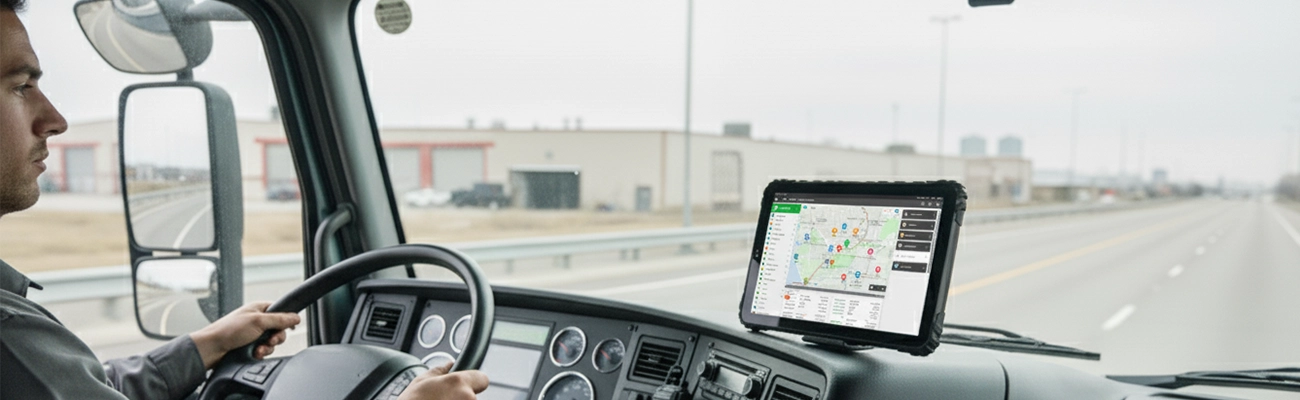

Vehicle Docking Support
Secure mounting with dedicated cradle and vibration‑resistant brackets for stable in‑vehicle operation.

Sunlight Readable Displays
1000‑nit high brightness displays for clear in‑cab visibility under direct sunlight.

Extended Connectivity
4G/5G, Wi‑Fi 6, GPS/GNSS, and external antenna options for continuous fleet communication.

Wide Temperature Operation
Reliable performance from -20°C to 60°C in hot or cold vehicle environments.

Shock & Vibration Resistance
MIL‑STD‑810G certified to handle rough roads and heavy‑duty vehicle vibration.
Continuous Power Supply
9‑36V wide voltage with ignition sensing — direct vehicle power without battery drain.
In‑Vehicle Tablet as a Central Computing Platform
Beyond basic navigation and dispatch, a rugged in‑vehicle tablet serves as the central computing hub for modern fleet operations — unifying data streams, peripherals, and vehicle networks into a single intelligent interface.
Central Control for Fleet Systems
Unified dashboard for dispatch, telematics, ELD compliance, and driver communication — all from a single in‑vehicle device.
Integrates GPS / Camera / Sensors
Multi‑channel camera input, GPS tracking, and external sensor integration for complete vehicle visibility.
Connects to Vehicle Network
Direct integration with CAN bus / J1939 for real‑time engine data, fuel consumption, odometer, and diagnostic trouble codes.
Supports Real‑Time Data Processing
Low‑latency processing for live video feeds, sensor alerts, and instant dispatch updates — enabling faster operational decisions.
Why it matters: An in‑vehicle tablet is no longer just a screen — it's the intelligence layer that transforms fleet data into actionable insights, reducing operational silos and improving response times.
In‑Vehicle Tablet Applications
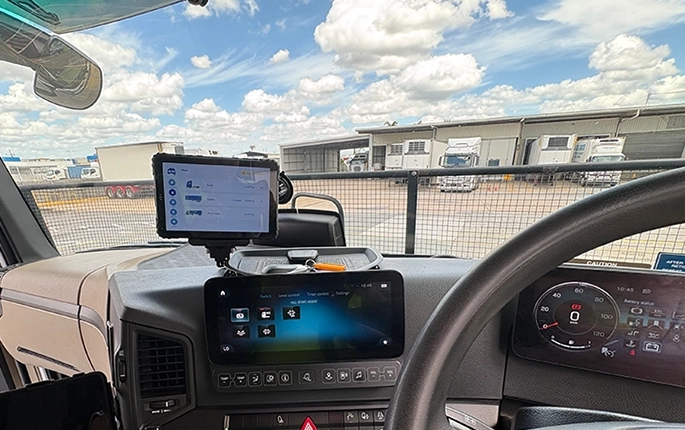
Truck Fleet & ELD Compliance →
ELD logging, GPS tracking, CAN Bus diagnostics, and dispatch communication for long‑haul and commercial trucks.
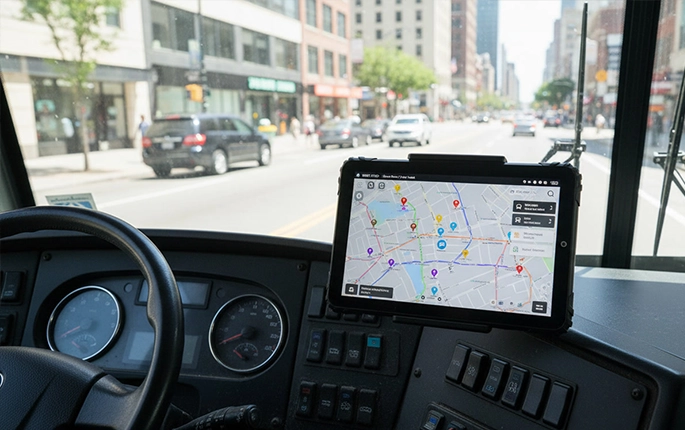
Bus & Public Transit →
Fixed‑mount tablets for bus route management, passenger information, and real‑time fleet tracking.
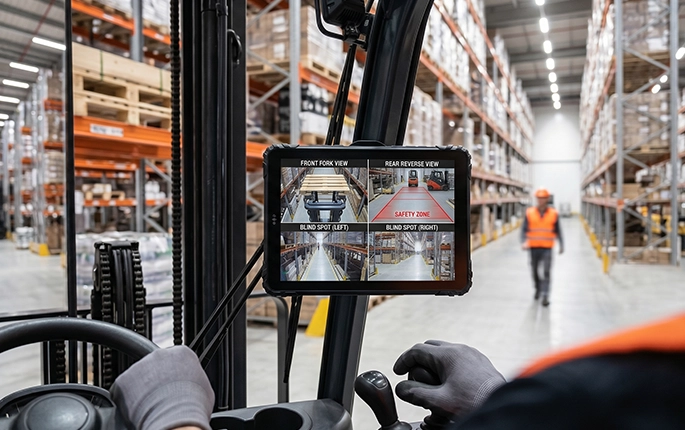
Forklift & Warehouse Vehicles →
Rugged tablets for forklift‑mounted inventory management, barcode scanning, and safety monitoring.
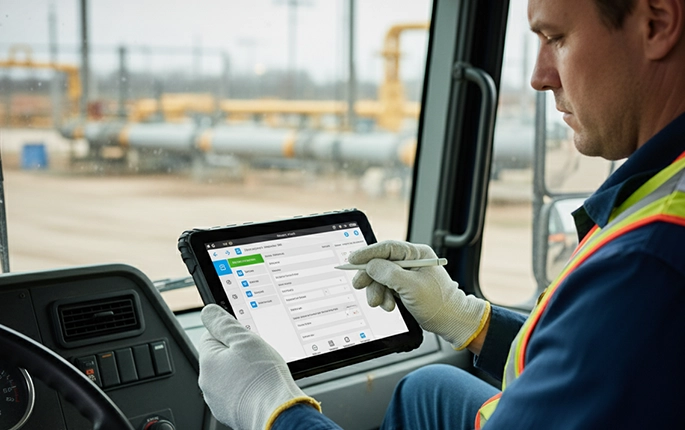
Delivery & Last‑Mile Logistics →
Compact in‑vehicle tablets for delivery drivers: route navigation, proof of delivery, and real‑time dispatch.
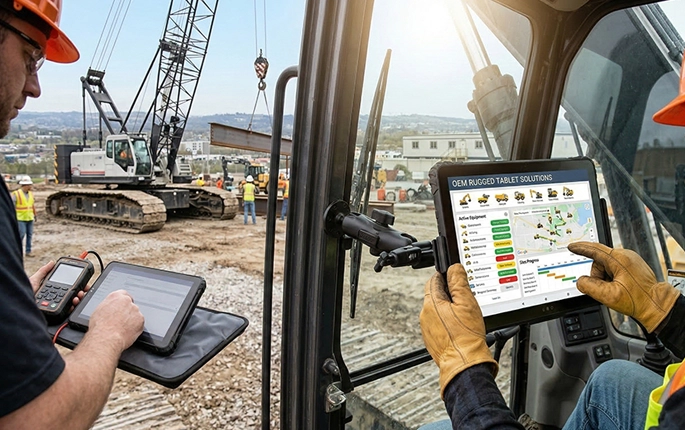
Mining & Construction Equipment →
Heavy‑duty tablets for mining trucks, excavators, and construction machinery — built for extreme vibration and dust.
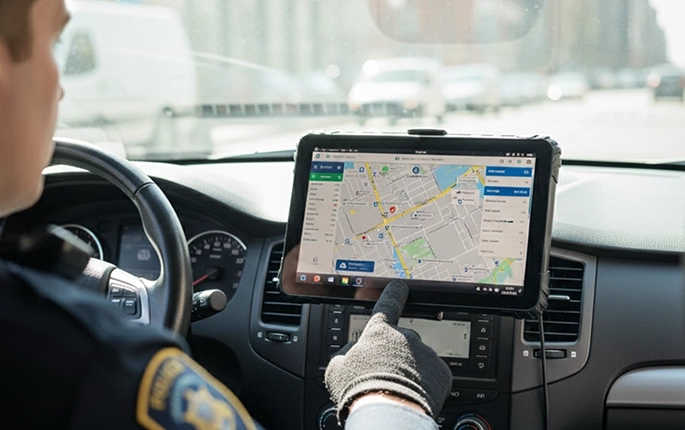
Emergency & Field Service Vehicles →
Rugged MDTs for police, fire, ambulance, and utility field service vehicles with MDM and secure communication.
In‑Vehicle Tablets for Industrial Fleets & Commercial Operations
In‑vehicle tablets are deployed in trucks, forklifts, warehouse vehicles, mining equipment, agricultural machinery, and public safety fleets. Unlike consumer tablets, industrial vehicle‑mounted rugged tablets provide stable docking, continuous power, sunlight‑readable displays, and vibration‑resistant enclosures for long‑term in‑vehicle operation.
TOPICON in‑vehicle rugged tablets support CAN bus integration, GPS, external antennas, camera systems, and fleet management platforms — purpose‑built for transportation, logistics, and industrial automation.
In‑Vehicle Tablet in Action
4‑Channel AHD Camera Integration
MDT880 + CRD880 — 360° visibility for fleet safety
Barcode Scanner Module
Ideal for warehouse and logistics operations
Reliability Test
Drop, vibration & temperature testing
Physical Installation Options
The mounting architecture — docked or fixed, quick‑release or permanent — is a separate engineering decision from the software platform. For detailed guidance on dock types, RAM mount configurations, and vehicle‑specific installation, see our dedicated resource pages.
In‑Vehicle Tablet vs Handheld Rugged Tablet vs Consumer Tablet
For a detailed breakdown of mounting hardware and physical durability, see our vehicle mount tablet comparison →.
Built for Real Fleet Deployments
9‑36V Wide Power
Direct vehicle connection, ignition sensing, no battery drain.
MIL‑STD‑810H / IP67
Vibration, shock, dust, and water resistant for harsh vehicle environments.

5‑7 Year Lifecycle
Long‑term supply and support for fleet deployment stability.
OEM / MDM Ready
Custom branding, pre‑loaded software, remote fleet‑wide device management.
Related Device Categories
Related Applications
Related Industry Solutions
Frequently Asked Questions
What is the difference between an in-vehicle tablet and a regular rugged tablet?
In-vehicle tablets are specifically designed for permanent vehicle installation with vehicle power integration (9-36V), ignition sensing, vehicle docking compatibility, and CAN Bus support — features not found in standard rugged tablets.
What screen brightness do I need for in-vehicle use?
1000-nit minimum is recommended for in-vehicle tablets. Vehicle cabins experience direct sunlight that washes out standard displays (300-500 nits).
Can in-vehicle tablets integrate with CAN Bus for fleet telematics?
Yes. TOPICON in-vehicle tablets support native CAN Bus, J1939, and OBD-II protocols for real-time vehicle diagnostics, fuel monitoring, and telematics data. Learn more: CAN Bus vs RS232 →
Do you offer OEM customization for in-vehicle tablet projects?
Yes. TOPICON provides full OEM/ODM customization including hardware I/O modifications, custom Android OS builds, branding, and vehicle integration design. Request OEM customization →
How are in-vehicle tablets powered in trucks and fleet vehicles?
In-vehicle tablets connect directly to the vehicle's electrical system via 9-36V wide voltage input with ignition sensing — the tablet automatically powers on/off with the vehicle, preventing battery drain.
Need a Rugged In‑Vehicle Tablet for Your Fleet?
Tell us your fleet requirements — we'll help you select the right in‑vehicle tablet or design a custom OEM solution.