Field Service Tablet vs Laptop: Which One Should You Choose?
Field service teams operate where mobility, durability, and real-time data access determine daily productivity. Choosing between a tablet and a laptop is a strategic decision that affects everything from workflow speed to total cost of ownership.
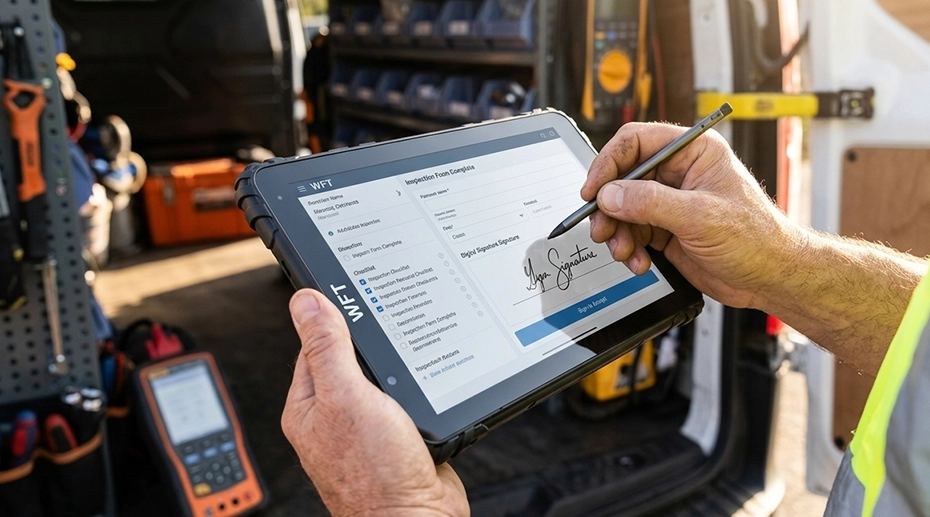
Table of Contents
1. What Is a Field Service Tablet?
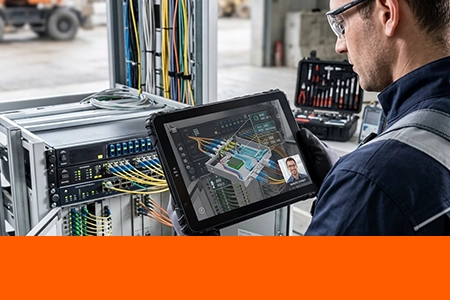
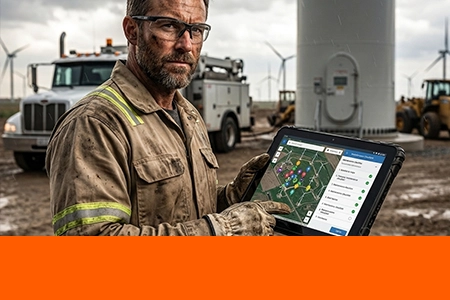
A field service tablet is a rugged mobile device designed for technicians working in demanding environments. It features touch-first interaction, lightweight portability, and durability against drops, dust, and water. Unlike consumer-grade tablets, a purpose-built field computing device keeps working through rain, vibration, and temperature extremes that would disable a standard laptop in minutes.
Touch-first design for glove-friendly operation
Lightweight and portable for one-handed use
IP-rated protection for harsh environments
Easy mounting options for vehicles, forklifts, and equipment

2. What Is a Field Laptop?
A field laptop is a traditional clamshell computer with a full keyboard and higher raw processing power in some configurations. While suitable for office or semi-mobile scenarios, laptops are typically not designed for rugged outdoor use or vehicle mounting. When work moves outside the office, the limitations of a standard laptop become immediately apparent.
3. Key Differences: Tablet vs Laptop for Field Work
3.1 Portability & Mobility
Tablet: Easy to carry with one hand, ideal for technicians moving between job sites.
Laptop: Bulkier design requires a stable surface for use.
Tablets are better suited for highly mobile workflows.
3.2 Durability & Environment Adaptability
Tablet: IP65/IP67 protection, drop resistance, and sunlight-readable screens ensure reliable operation in outdoor and harsh conditions.
Laptop: Standard devices are not designed for harsh environments; rugged laptops exist but are significantly heavier and more expensive.
For field operations, rugged tablet advantages become clear when devices are exposed to dust, moisture, or vibration. A hardened field data terminal with IP67 sealing handles conditions that would destroy an unprotected laptop.
3.3 Ease of Use in the Field
Tablet: Touchscreen with glove support enables faster data entry for inspections. Integrated cameras allow instant photo documentation.
Laptop: Keyboard-heavy operation is difficult in standing or outdoor scenarios.
3.4 Mounting & In-Vehicle Use
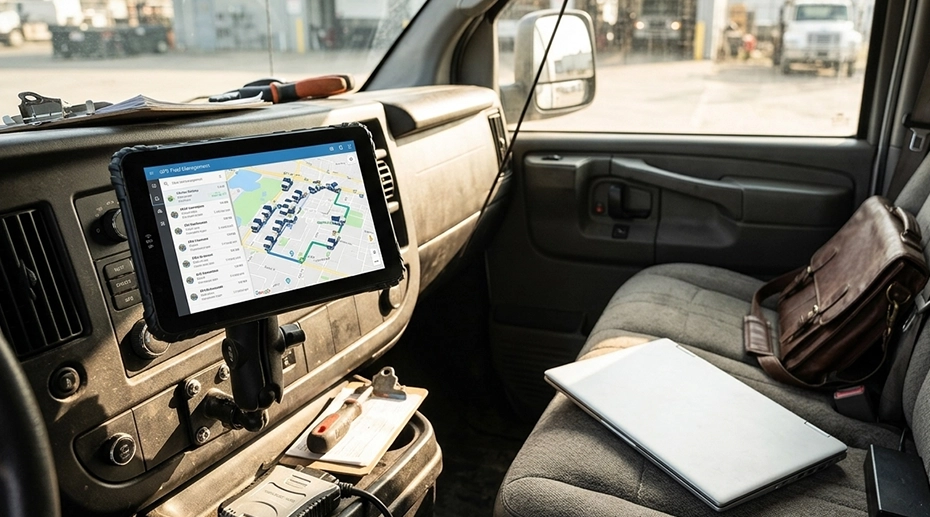
Tablet: Supports docking stations for secure vehicle installation—ideal for fleets, forklifts, and trucks. For fleet vehicles, an in‑vehicle Android workstation with a locking cradle keeps the device stable and powered through every shift.
Laptop: Not designed for permanent mounting in vehicles.
3.5 Battery Life
Tablet: Optimized for full-day field shifts; hot-swappable battery options available for continuous operation.
Laptop: Shorter real-world battery life in outdoor or mobile use.
3.6 Cost & Deployment
Tablet: Lower total cost of ownership (TCO) with easier fleet deployment through MDM management.
Laptop: Higher maintenance costs in harsh environments and more complex fleet management.
4. Use Case Comparison
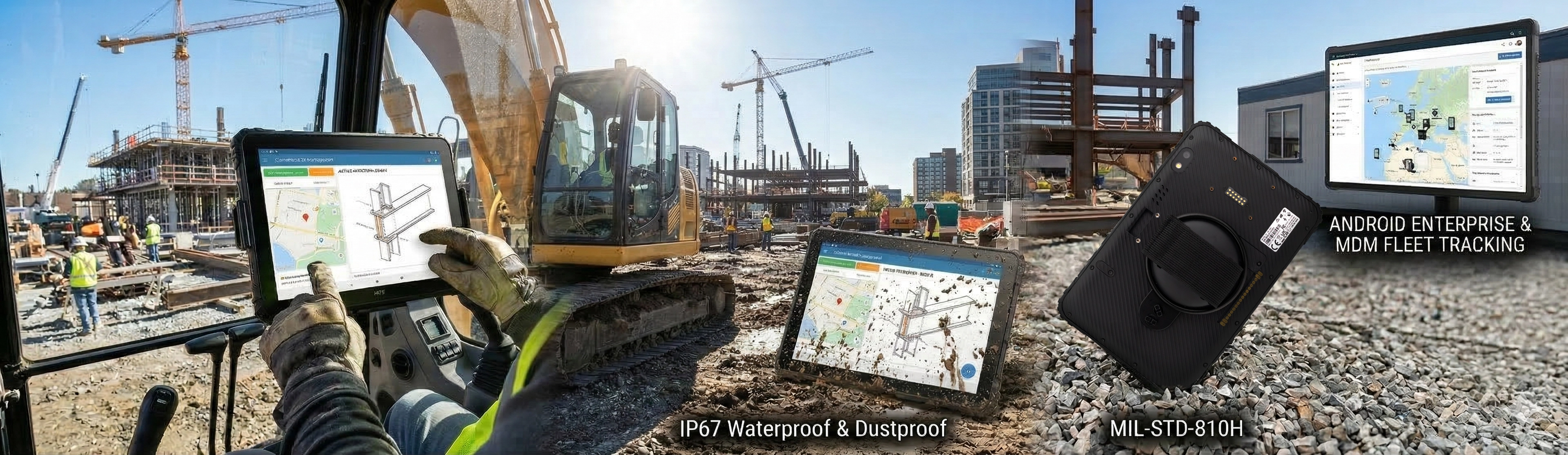
Tablets Are Better For:
Utility inspections
Field data collection
Fleet management systems
Construction site operations
Laptops Are Better For:
Office-based field reporting
Heavy software usage (CAD / data analysis)
Stationary environments
5. When to Choose a Rugged Tablet
You should deploy rugged field service tablets if:
✓ Your workforce operates outdoors or in vehicles
✓ Devices are exposed to dust, water, or drops
✓ Real-time data input is required in the field
✓ You need flexible mounting and integration options
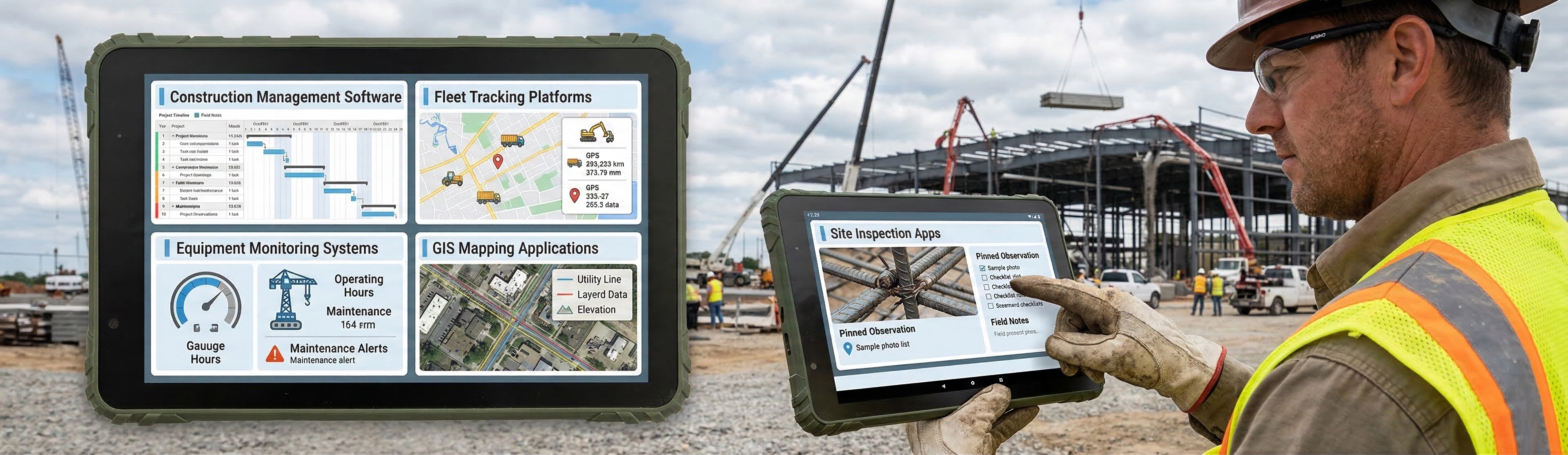
For system integrators and solution providers, rugged tablets offer flexible OEM/ODM hardware customization, including I/O interfaces, docking solutions, and private‑label branding. Request a custom tablet quote to match your exact deployment requirements.
6. Conclusion: Making the Right Choice for Your Field Operations
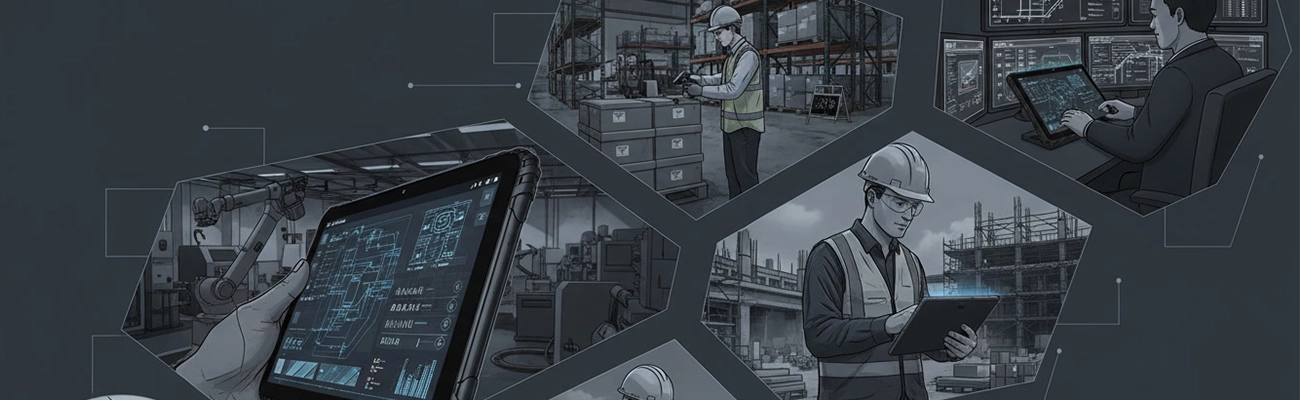
Field service tablets and laptops both have their place—but for most mobile and harsh-environment applications, tablets offer a clear advantage in mobility, durability, and deployment flexibility.
Whether your teams are conducting utility inspections, managing fleets, or working on construction sites, the right device directly impacts productivity and operational efficiency. Equip your field workforce with rugged tablets to start eliminating device downtime and paperwork delays.
Related Field Service & Device Resources