Customizing Android for Fleet: From Kiosk Mode to Deep System Integration
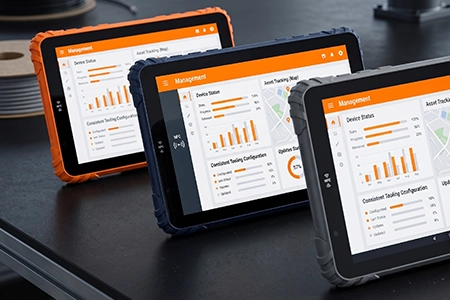
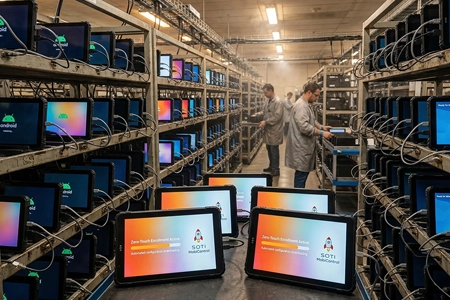
Modern fleet operations require more than consumer tablets with standard Android interfaces. For system integrators deploying rugged tablets at scale, Android customization transforms a general-purpose device into a purpose-built fleet tool.
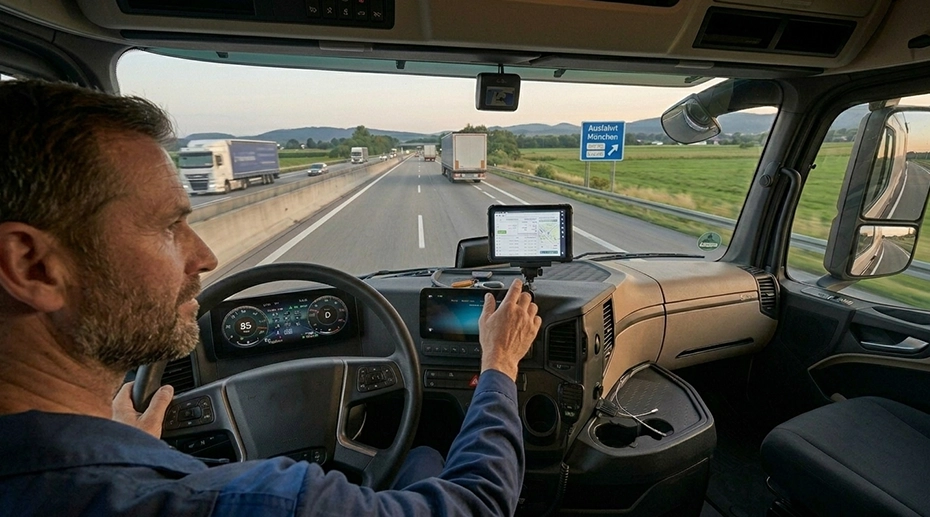
This is why many OEM fleet tablet projects begin with Android kiosk mode — and eventually evolve into deep system-level customization. For integrators who need a complete industrial-grade in-vehicle computing platform, the device must be locked down, hardened, and tightly integrated with vehicle hardware.
Table of Contents
1. What Is Android Kiosk Mode?
Android kiosk mode (also called locked-down mode or single‑app mode) restricts a device to run only one application — or a limited set of approved apps — with user access locked to prevent exit, settings changes, or unauthorized installations. It is the baseline for building a dedicated fleet tablet that operators cannot accidentally break.
2. Why Fleet Management Systems Use Android Kiosk Mode
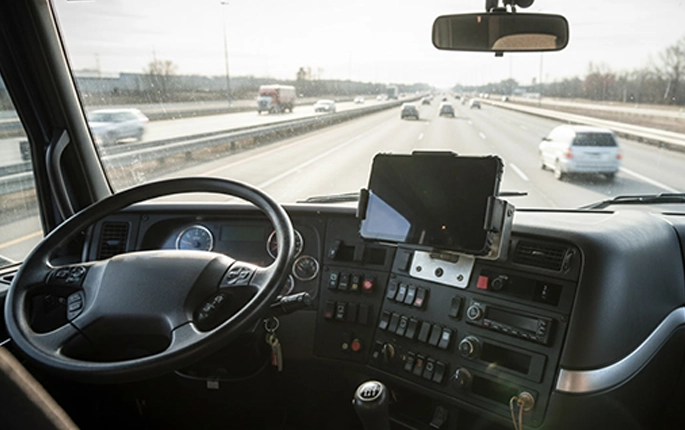 Truck Fleet Management ELD, dispatch, navigation — locked to driver‑focused apps. Deploy fleet management tablets →
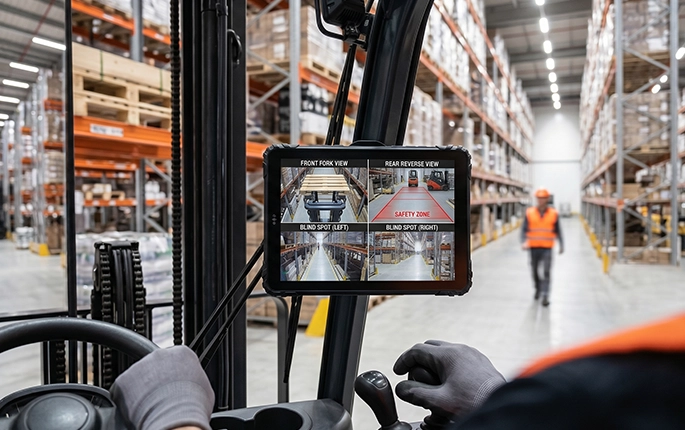 Forklift Operations WMS, barcode scanning, inventory — no accidental exits.
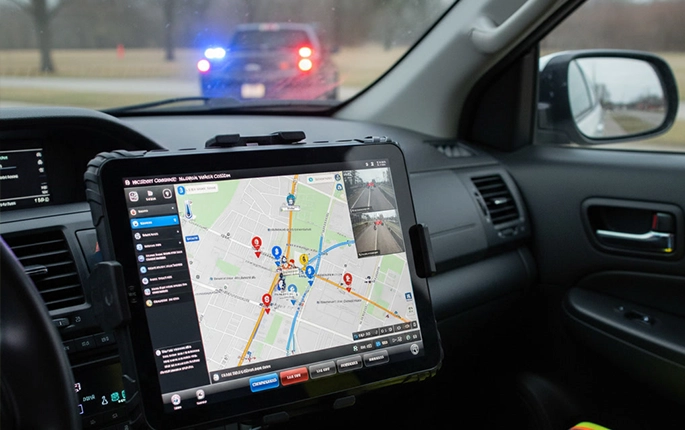 Public Safety Vehicles CAD, emergency dispatch — mission‑critical stability. For patrol fleets, a rugged mobile data terminal with kiosk lockdown ensures uninterrupted emergency response.
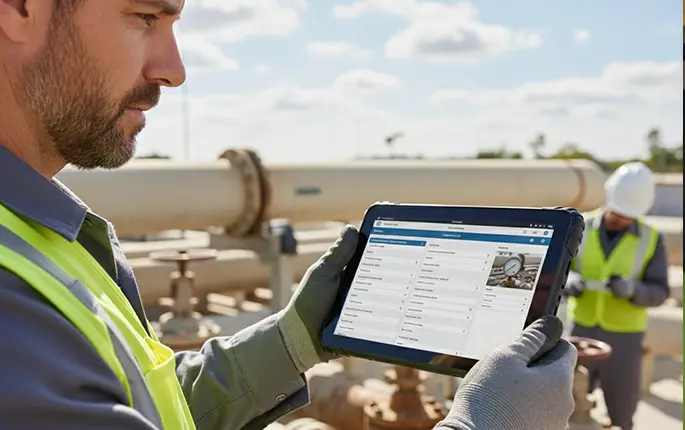 Field Service Work orders, inspections, offline forms — one‑app focus.
3. Why Kiosk Mode Alone Is Not Enough for Industrial Fleet Deployments
Many fleet integrators soon realize that kiosk mode alone is insufficient for real‑world industrial environments. Beyond UI lockdown, rugged fleet devices require deep hardware and system integration. A vehicle-mounted computing solution must combine kiosk‑style software control with reliable power management and peripheral connectivity.
This is where OEM fleet tablet customization moves from software lockdown to system‑level engineering. Start your custom tablet project →
4. Deep Android System Integration for Fleet Tablets
 System UI Customization Custom launcher, boot logo, branded UI.
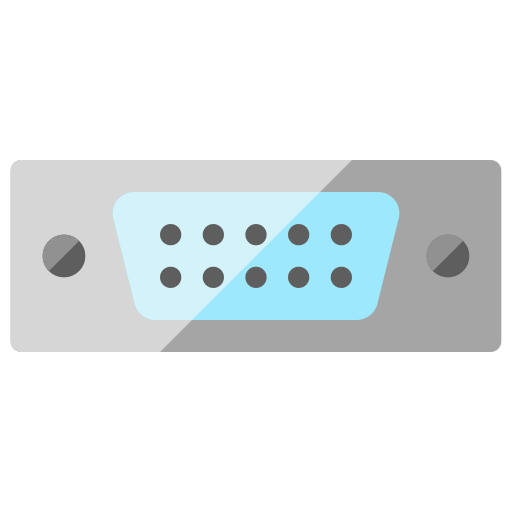 Hardware Integration Barcode, CAN bus, RS232, GPIO, cameras.
 MDM Integration Remote update, app control, policy management.
 Security & Control USB disable, screen lock, unauthorized app blocking.
 Peripheral SDK Support GPS, RFID, thermal printer, serial devices. For ELD compliance, a dedicated logging terminal with locked-down SDK integration guarantees data integrity.
5. Android Customization Layers for OEM Fleet Devices
This layered approach enables Android fleet device customization — from basic kiosk mode to full firmware‑level adaptation. For projects requiring white-label rugged tablet solutions, this layered architecture allows branding and customization at every level of the stack.
6. Common OEM Customization Requests for Fleet Tablets
7. Why Rugged Fleet Tablets Require System‑Level Optimization
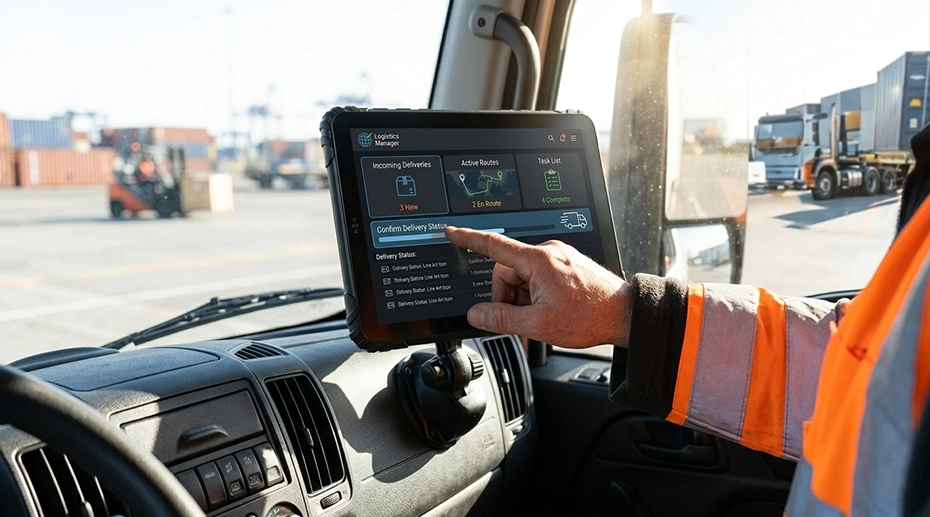
Software‑only kiosk modes fail when hardware is not optimized for vehicle environments. Rugged Android tablets for fleet must combine kiosk‑like UI control with:
System‑level optimization binds rugged hardware with purpose‑built Android — the foundation of a production‑grade fleet tablet. Upgrade to vehicle-mounted fleet tablets →
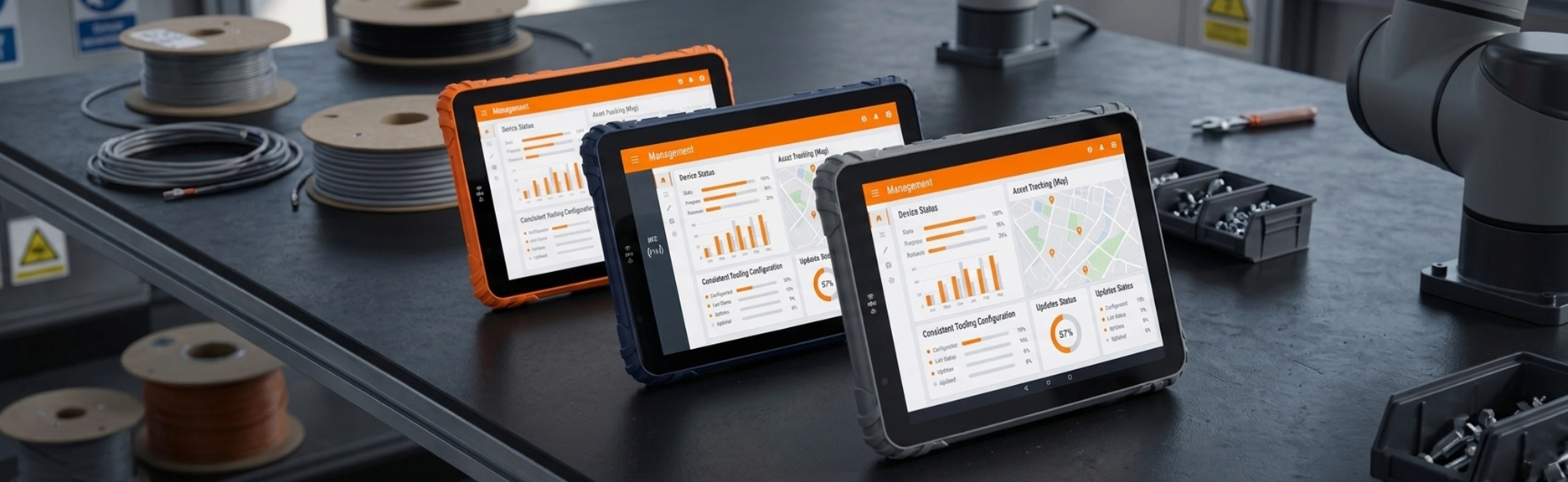
8. OEM Android Customization for Fleet & Industrial Projects
9. FAQ About Android Kiosk Mode & Fleet Tablet Customization
Can Android tablets run in kiosk mode permanently?
Yes. With proper MDM or custom firmware, rugged Android tablets can run in kiosk mode 24/7 without operator exit.
What is the difference between kiosk mode and MDM?
Kiosk mode locks the UI; MDM (Mobile Device Management) handles remote policy, app deployment, and device provisioning.
Can rugged tablets auto-launch apps after reboot?
Yes. Through custom firmware or MDM policies, we can force‑launch any app on system startup without operator interaction.
How do fleet tablets integrate with vehicle systems?
Via CAN Bus, RS232, GPIO, and SDK — our tablets read engine data, sensors, and peripherals directly. Configure CAN Bus tablet integration →
Can Android be customized at the firmware level?
Yes. TOPICON provides full Android system customization — from bootloader to framework — for OEM fleet projects.
What industries use Android kiosk tablets?
Transportation, warehousing, public safety, field service, mining, and logistics — any fleet needing dedicated Android devices. Equip your warehouse with rugged tablets →
Ready to Move from Kiosk Mode to Full Android Fleet Integration?
TOPICON provides OEM Android customization for fleet management, public safety, warehousing, and field service deployments.
Related OEM & Fleet Hardware Resources