Zero-Touch Deployment with MDM: How OEM Clients Scale Device Initialization Efficiently
Deploying hundreds of devices manually is slow, error‑prone, and expensive. For OEM clients and system integrators, automating device provisioning with zero‑touch deployment and MDM is the key to launching large‑scale fleet projects on time and under budget.
Table of Contents
1. Challenges of Large‑Scale Device Deployment
Manual App Installation
Time‑consuming per‑device setup

Configuration Inconsistency
Human error leads to device variation

High On‑Site Costs
Field technicians required for setup
No Remote Maintenance
Difficult to update or fix after deployment
Key insight: Manual deployment does not scale. For projects with 100+ devices, automation is not optional — it's essential. A factory‑preconfigured OEM tablet program eliminates the labor bottleneck from day one.
2. What Is Zero‑Touch Deployment?
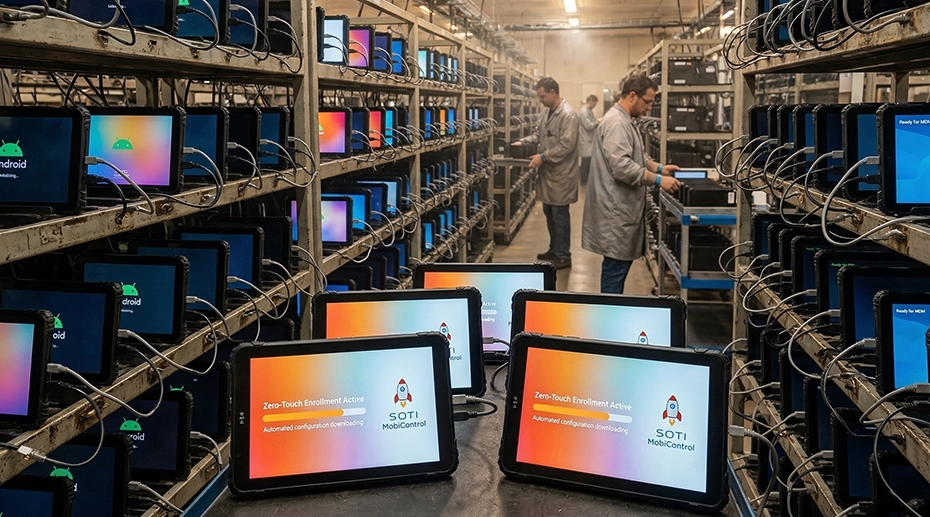
Zero‑touch deployment is an automated device provisioning process that configures devices immediately upon first boot — without any manual intervention. When a device powers on, it automatically connects to servers, downloads settings, installs applications, and registers with the MDM system. This approach is particularly valuable when deploying pre‑staged vehicle computing terminals across distributed fleet locations.
3. Key Components of Efficient Device Initialization
Boot Logo & System Customization
Custom boot animation, logo, and system UI for brand consistency. OEM value: Strengthens brand identity across all deployed devices.
Pre‑installed Applications
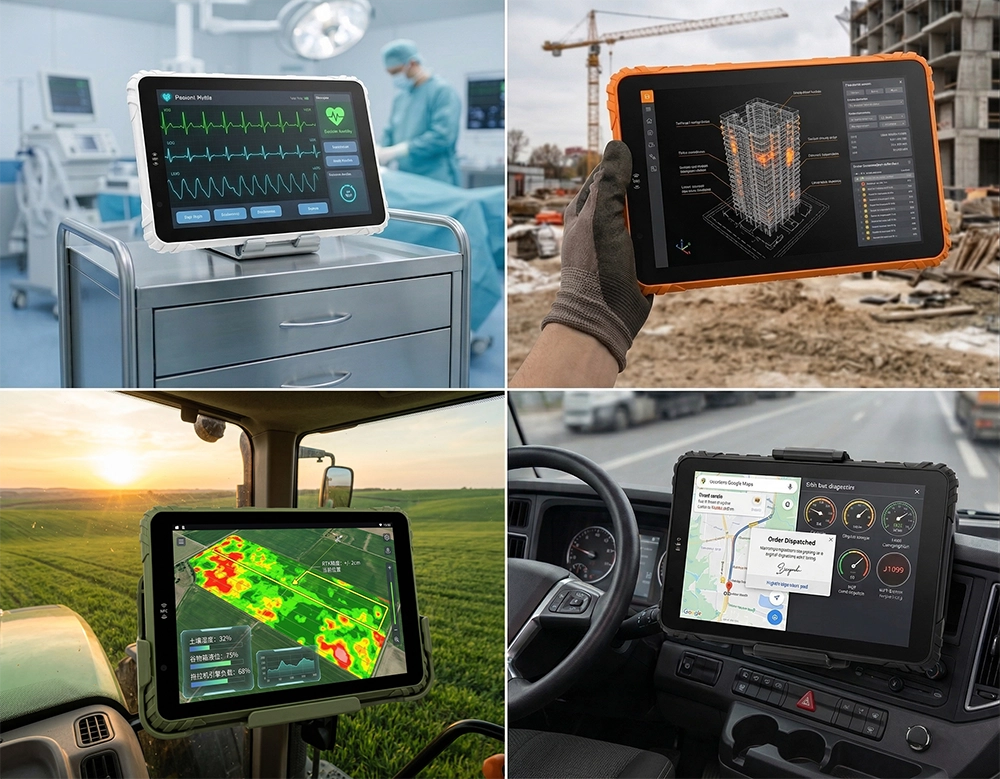
Factory preload, automatic updates, and kiosk mode lockdown. Value: No on‑site app installation required — ideal for turnkey fleet computing solutions that ship ready to work.
MDM Integration & Remote Provisioning
Remote device management, batch configuration, and OTA updates. A centrally managed mobile data platform lets you push policies to thousands of devices from one console.
API & System Integration
Integration with client platforms, data interfaces, and custom development for seamless workflow.
4. How Zero‑Touch Deployment Works in Practice
1. Device powered on
2. Auto provisioning triggered
3. Apps & configs installed
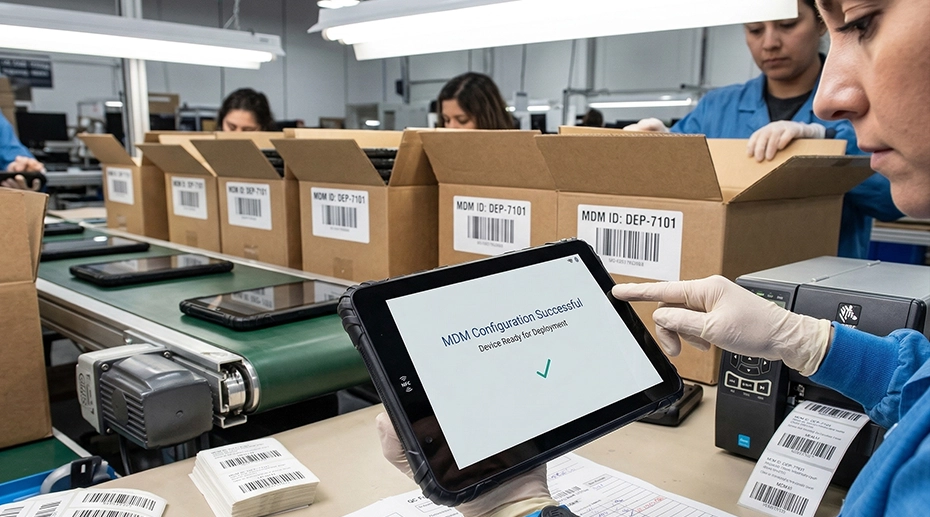
4. Device connected to MDM
5. How OEM Customization Reduces Deployment Costs

Significantly reduced
Near zero

Days → hours
Lower over lifecycle
Key insight: Efficient deployment directly reduces total project cost — not just hardware expense. A customized OEM deployment program shifts the setup work from your field technicians to our production line.
6. Use Cases in Fleet & Industrial Projects
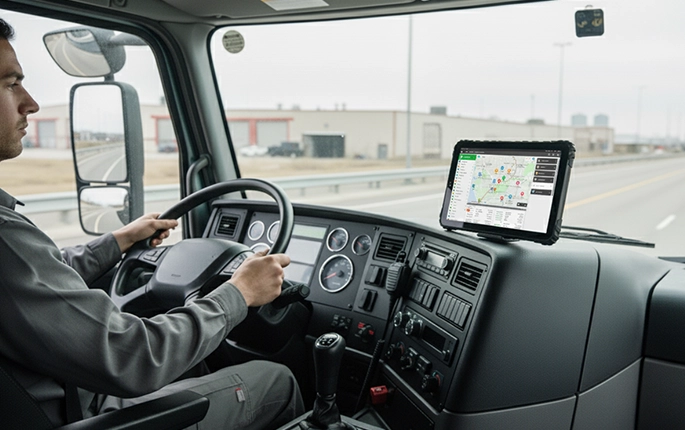
Fleet Management
Deploy MDT devices across hundreds of trucks with pre‑configured ELD and telematics apps. Roll out fleet‑ready hardware →
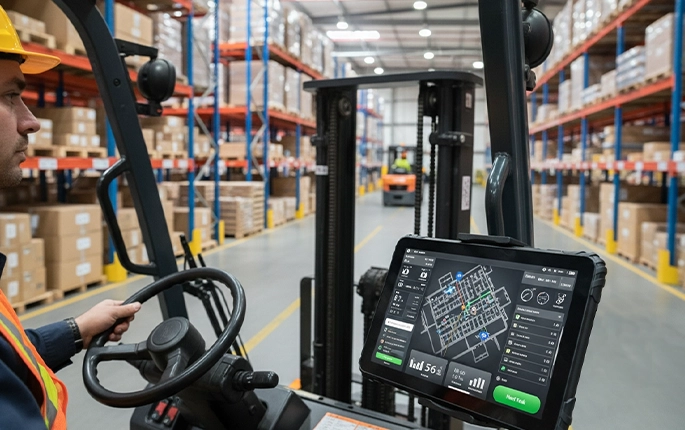
Warehouse Devices
Pre‑load inventory management apps and lock down devices for single‑purpose operation. Configure warehouse‑ready tablets →
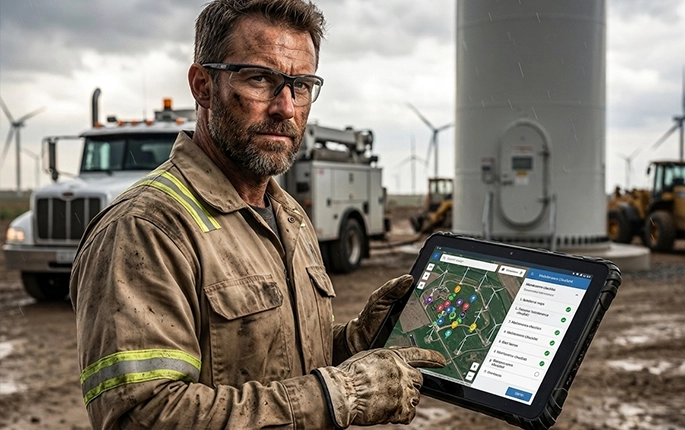
Field Service
Remote provisioning of work order apps and GPS tracking for service technicians. Provision field service devices →
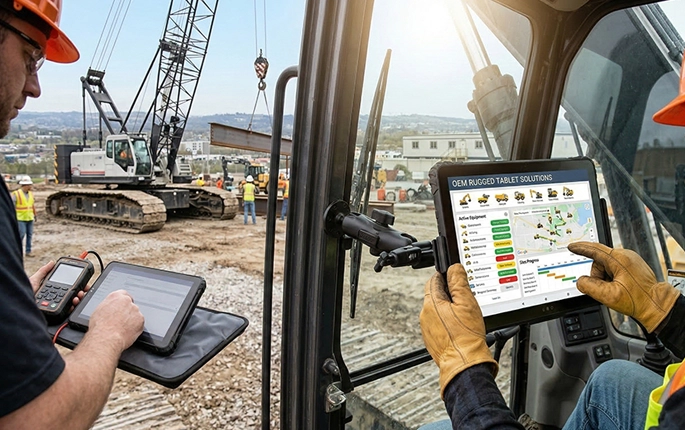
Construction
Rugged tablets pre‑configured with equipment monitoring and site management software. Deploy site‑ready construction tablets →
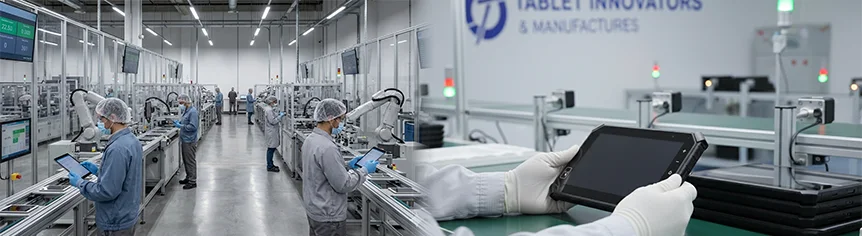
7. How TOPICON Supports OEM Deployment at Scale
8. Manual Deployment vs Zero‑Touch Deployment
9. Frequently Asked Questions
What is zero‑touch deployment?
Zero‑touch deployment is an automated process that configures devices automatically upon first boot — no manual setup required.
What is MDM in Android devices?
Mobile Device Management (MDM) enables remote configuration, app deployment, and policy enforcement across fleets of Android devices.
How to deploy devices remotely?
Through MDM platforms combined with zero‑touch provisioning. Devices auto‑configure when first connected to the internet.
Can rugged tablets support MDM?
Yes, most industrial‑grade rugged tablets are MDM‑compatible. TOPICON devices support major MDM platforms — deploy MDM‑ready mobile data hardware that integrates with your existing management suite.
What is device provisioning?
Device provisioning is the process of preparing and configuring a device for use, including OS setup, app installation, and security policies.
Scale Deployment with Confidence
Automate provisioning, eliminate manual setup, and launch your fleet on schedule. Request a zero‑touch OEM deployment plan →
Related OEM & Deployment Resources