Remote ADB and Screen Control — Troubleshooting Fleet Tablets Without Calling the Driver
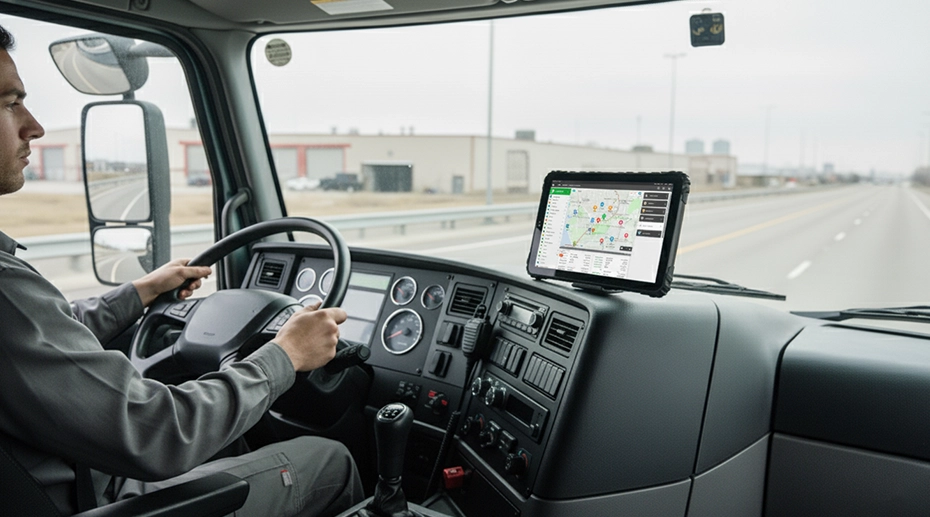
A logistics fleet manager receives a call at 14:30. The ELD app on a driver's tablet has frozen on the hours‑of‑service log screen. The driver cannot complete the pre‑trip inspection or receive dispatch updates. The vehicle is 120km from the nearest depot. Without remote screen control and ADB shell, the response would be to talk the driver through a manual reboot, and if that fails, drive the vehicle back to the depot — half a shift lost. Here is how MDM‑based remote troubleshooting resolved the issue in 4 minutes without the driver touching the screen.
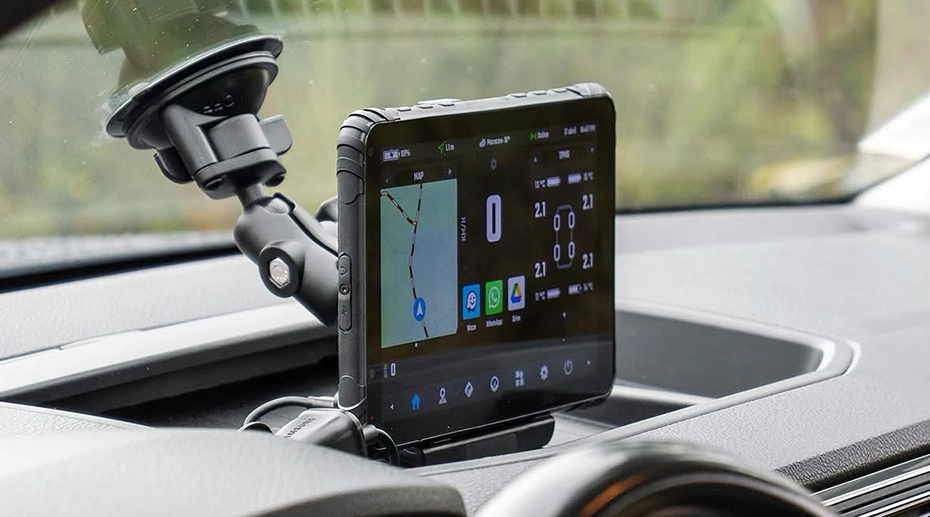
Table of Contents
Field Observation
The most common reason a tablet returns to the depot for service is not hardware failure. It is a software state that the driver cannot diagnose and the IT helpdesk cannot resolve over the phone:
System UI unresponsive — touch registers but nothing changes
Bluetooth or WiFi toggled off — driver cannot find the setting
"Tablet not working" — no further description available
About the Author
TOPICON Hardware Engineering Team
Specialists in Android device diagnostics, remote support architecture, and fleet tablet deployment — supporting system integrators and fleet operators with over‑the‑air troubleshooting tools that reduce vehicle downtime and eliminate unnecessary depot returns.
The Problem: "The Tablet Is Frozen"
A driver reporting "the tablet is frozen" could mean any of a dozen different things. The touchscreen is unresponsive. An app is stuck on one screen. The system UI has crashed but the underlying OS is still running. The device is genuinely hung at the kernel level and requires a hard reboot. The driver cannot distinguish between these states. The IT helpdesk cannot see what the driver sees. Without remote visibility, the standard response is to ask the driver to hold the power button for 10 seconds and hope the reboot fixes the problem.
If the reboot works, the issue goes uninvestigated. If it doesn't, the vehicle returns to the depot — not because the hardware is broken, but because the software state is unknown and the driver cannot be expected to debug it over the phone. A vehicle-mounted tablet deployed in a truck cab that returns to the depot for a software state costs the fleet half a day of vehicle productivity, plus the technician time to reflash or reconfigure a device that likely had no hardware fault. This is exactly the scenario the central fleet device management console was built to eliminate.
What Remote Screen Control and ADB Shell Actually Do
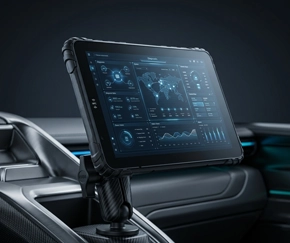
Remote screen control does not use a third‑party application installed on the tablet. It is a server‑initiated session that streams the device display to the MDM console browser window. The administrator sees exactly what the driver sees — same screen layout, same frozen app, same error message. The administrator can interact with the screen: swipe, tap, open settings, force‑close applications, clear cache. Every action is visible to the driver, so the driver understands what is happening to their device.
▶ Remote Screen Control — see exactly what the driver sees and interact with the device from the MDM console
ADB Shell goes one layer deeper. It provides a command‑line interface directly into the Android operating system — not through an app, but through the Android Debug Bridge. The administrator can pull system logs to identify which process is consuming CPU, check memory allocation, list running services, and restart specific components without rebooting the entire device. Commands that would require navigating five levels of hidden settings menus are executed as single‑line instructions from the browser console.
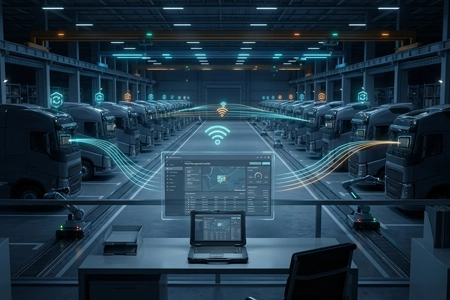
For fleet management tablets deployed across large geographic areas, the combination of remote screen control and ADB shell means that a single skilled administrator can diagnose and resolve software issues on any device in the fleet without leaving their desk. The driver does not need to touch the device. The vehicle does not leave its route. The web-based MDM infrastructure that hosts these capabilities requires no additional software installation and no per-device subscription fee.
The 4‑Minute Resolution: What Actually Happened
Here is the sequence that resolved the frozen ELD app on the truck 120km from the depot:
14:31 — Administrator opens MDM console. The device is listed as online. Administrator initiates a remote screen session. Within seconds, the driver's frozen screen appears in the browser window. The ELD app is stuck on the HOS log page — the navigation buttons at the bottom of the screen are unresponsive.
14:32 — Administrator opens ADB shell. A shell command lists running processes. The ELD app is consuming 94% CPU — it has entered an infinite loop trying to sync with a cloud server that is temporarily unreachable. The app is not frozen at the OS level — it is computationally stuck.
14:33 — Administrator force‑stops the app. Through the ADB shell, the administrator kills the ELD app process. Through the remote screen, the administrator watches the app close and the home screen return. The driver sees the same thing happening on the tablet — no phone call needed.
14:34 — Administrator clears app cache, restarts the app. The ELD app launches cleanly. The HOS log displays correctly. The driver confirms over the phone that everything is working — a 30‑second call to verify, not a 20‑minute troubleshooting session.
14:35 — Administrator flags the incident. A note is added to the device record: ELD app high CPU during cloud sync failure. If this recurs across multiple devices, the pattern will be visible in the fleet‑wide logs.
Total elapsed time: 4 minutes. Total vehicle downtime: zero. The driver never stopped driving. The tablet never left the cab. The problem was identified, resolved, and documented without a depot visit, without a replacement device, and without the driver attempting to describe a technical issue they did not understand.
What Remote Tools Can and Cannot Do
Remote screen control and ADB shell cannot fix a cracked display. They cannot reseat a loose dock connector or replace a battery degraded by two years of high‑temperature cab exposure. Physical failures still require physical intervention. But the tools can determine whether the failure is physical or logical — and that determination is what prevents unnecessary depot returns.
A driver reporting "the screen is black" could mean the display has failed, or the device is in deep sleep, or the backlight is disabled, or the OS has crashed. ADB shell answers this question immediately: if the device responds to an ADB command, the OS is running and the issue is display‑level. If the device does not respond, the issue is power or system‑level. The administrator knows within seconds whether the vehicle needs to return to the depot or whether a remote reboot will resolve the problem.
This capability is not unique to any particular MDM platform for fleet devices. But it requires an MDM server that has been designed for it — not a generic enterprise mobility management tool adapted for vehicle deployments. The ability to initiate a remote screen session without installing a separate remote desktop app, and to access ADB shell without USB debugging cables, depends on the MDM server having direct, authenticated access to the Android system services on the device.
Single Point of Failure
A software state that the IT administrator cannot see is a single point of failure that can ground a vehicle for no physical reason. When the only diagnostic tool is a phone call with the driver — "what do you see on the screen?" — the fleet is operating blind. Tablets return to the depot not because they are broken, but because the support team cannot determine that they are not broken. Remote screen control and ADB shell close this visibility gap. They turn an unknown software state into a known, diagnosable condition that can be resolved without a vehicle visit.
Frequently Asked Questions
Does remote screen control require the driver to install anything?
No. The remote screen session is initiated from the MDM server, not from the device. The driver does not install an app, accept a permission prompt, or interact with the tablet in any way. The session begins as soon as the administrator initiates it from the console. The driver sees the screen responding to remote input but does not need to participate in the troubleshooting process.
Is ADB shell access a security risk?
The ADB shell is only accessible from the authenticated managed MDM server — it is not an open port on the device. The server authenticates via certificate, not password. ADB access can be disabled via MDM policy for fleets that do not require remote debugging. For fleets that use ADB shell, every command executed is logged in the server's audit trail.
What is the difference between remote screen control and a third‑party remote desktop app?
A third‑party remote desktop app runs on the tablet as a user application. It requires installation, updates, and consumes system resources. It can be disabled by the driver or affected by app crashes. The MDM‑integrated remote screen control operates at the Android system service level — it is not an app, cannot be disabled by the driver, and continues to function even when user‑space applications have crashed. This distinction is why it can be used to diagnose application failures that prevent other apps from running.
Can the driver see what the administrator is doing during a remote session?
Yes. The remote screen session is visible on the device display — the driver sees the cursor moving and apps opening as the administrator interacts with the screen. This visibility is intentional. It reassures the driver that the issue is being addressed and allows the administrator to demonstrate solutions if the problem recurs. The session ends when the administrator closes it from the console, and the device returns to normal operation immediately.
Still Troubleshooting Fleet Tablets Over the Phone?
Remote screen control and ADB shell turn every fleet tablet into a remotely serviceable device — no third‑party apps, no driver intervention, no depot visits for software states. Built into the TOPICON MDM server, hosted on our infrastructure, accessed through your browser.