Rugged Tablets for Geotab Fleet Management – Hardware Compatibility Guide
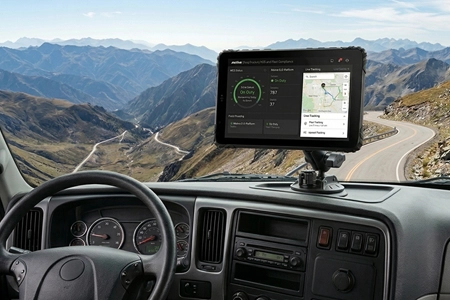
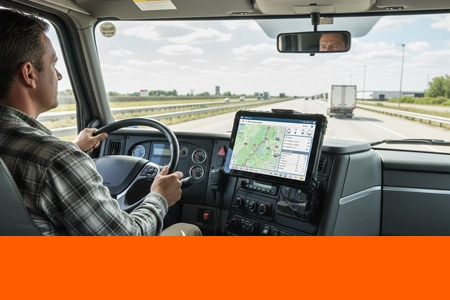
Geotab Drive runs on Android. But not every Android tablet survives a truck cab. Here's what to look for in Geotab-compatible hardware — from CAN Bus integration to vehicle docking and sunlight-readable displays.
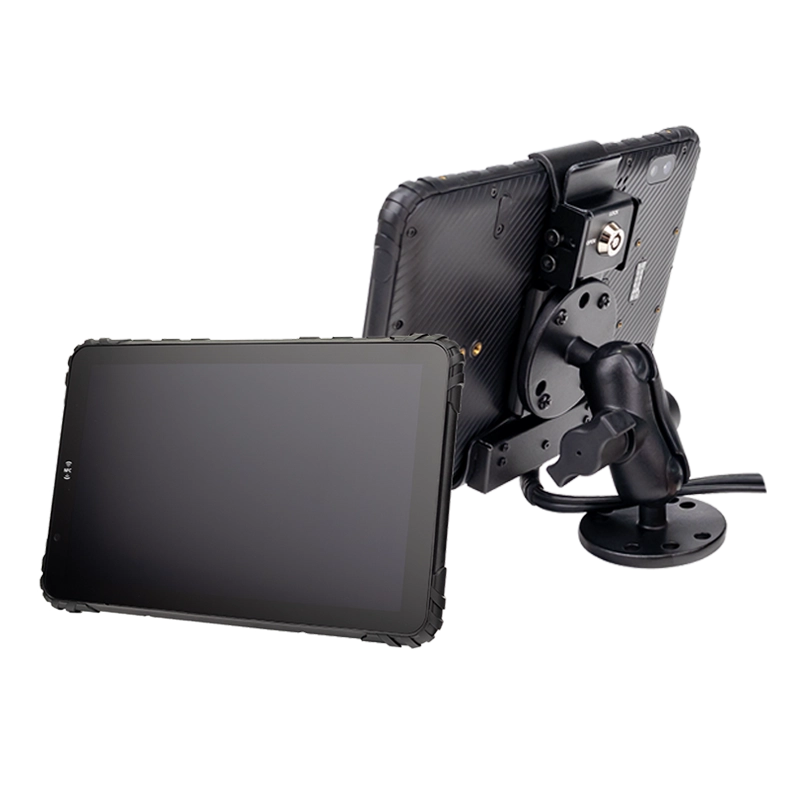
Table of Contents
1. Why Your Geotab Hardware Choice Matters
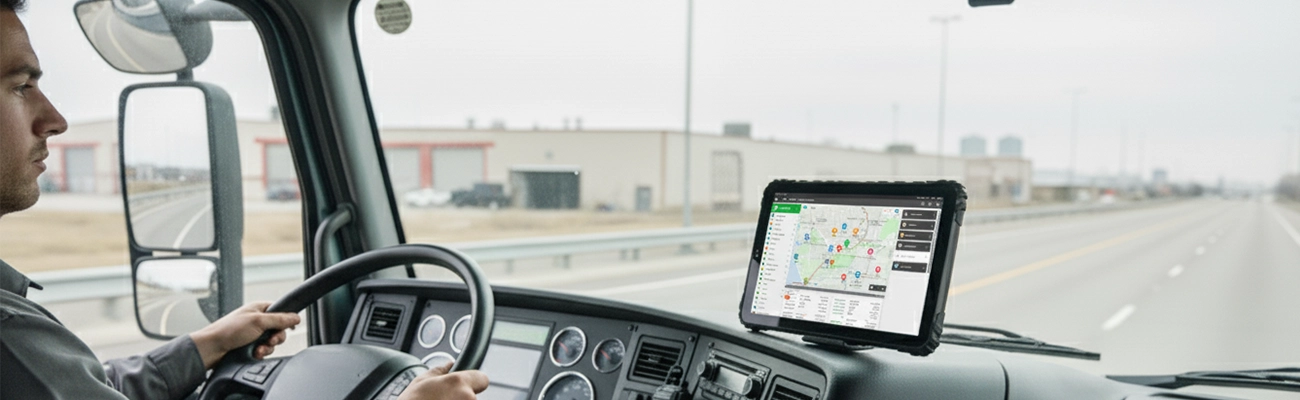
Geotab is one of the world's largest open fleet management platforms. Their system works through a combination of the GO device (plugged into the vehicle's OBD-II port) and the Geotab Drive app (running on an Android or iOS device). Geotab provides the software and the vehicle interface — but they don't manufacture the tablet or MDT that your drivers use every day.
This means the hardware choice is yours. And it's one of the most consequential decisions in your fleet deployment. A consumer tablet that overheats in the cab, loses charge mid-shift, or can't connect to the vehicle's CAN Bus will directly undermine your Geotab investment.
The wrong hardware leads to: missing ELD records, failed roadside inspections, frustrated drivers, and fleet managers who can't trust their own data. The right hardware — a purpose-built rugged MDT — ensures Geotab Drive runs reliably, every shift, in every condition. For integrators seeking a hardened in-cab computing platform that pairs seamlessly with Geotab, purpose-built hardware eliminates the risks of consumer device failure.
Key takeaway: Geotab's open platform gives you flexibility to choose your own hardware. That flexibility comes with responsibility — selecting a tablet that survives real-world truck conditions, day after day.
2. Hardware Requirements for Geotab Drive
What to look for in a tablet that will run Geotab reliably in a commercial vehicle
1. Android OS Compatibility
Geotab Drive supports Android 8.0 and above. For long-term fleet deployments, choose tablets running Android 12 or newer to ensure security updates throughout the device's 5+ year lifecycle.

2. CAN Bus / J1939 Integration
While Geotab's GO device handles OBD-II data, a rugged MDT with dual CAN Bus (J1939-compatible) can capture additional engine data directly.
3. Vehicle Power (9-36V) with Ignition Sensing
Consumer tablets charge via USB and die mid-shift. A proper Geotab hardware platform uses 9-36V wide voltage input with ignition sensing — the tablet powers on when the engine starts, sleeps when it stops.

4. Sunlight-Readable Display (1000-nit)
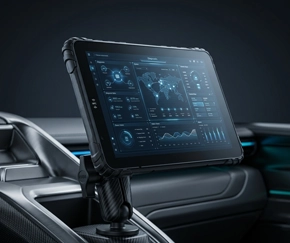
Truck cabs experience direct sunlight that washes out standard 300-500 nit screens. Choose a 1000-nit sunlight-readable display with anti-glare optical bonding. A fixed vehicle computing station with a high-brightness panel ensures Geotab logs remain visible in all lighting.
The Real Risk: Your Geotab Tablet Is the Single Point of Failure
Geotab's software is only as reliable as the hardware it runs on. If the tablet fails, your fleet goes blind.


Roadside Inspections
An officer requests HOS logs. A frozen screen means failure to produce records — triggering FMCSA fines and out-of-service orders.
Missing ELD Records
If the tablet crashes mid-route, driving time goes unrecorded. Gaps in HOS logs are red flags during audits.
Power & Connection Failures
Consumer tablets lose charge mid-shift. A dead device stops compliance, navigation, and dispatch — all at once.
Why it matters: A consumer tablet that fails during a route costs far more than a rugged Geotab-ready MDT — in fines, audit exposure, and CSA score damage. Deploy a compliance-ready ELD tablet to protect your fleet from hardware-triggered violations.
4. Recommended Geotab-Ready Rugged Tablets
TOPICON MDT platforms tested for Geotab Drive and fleet telematics deployments
MDT880 5G
8" 5G Fleet Tablet · 4-Channel AHD · 1000-nit
Ideal for: Advanced Geotab telematics with multi-camera integration
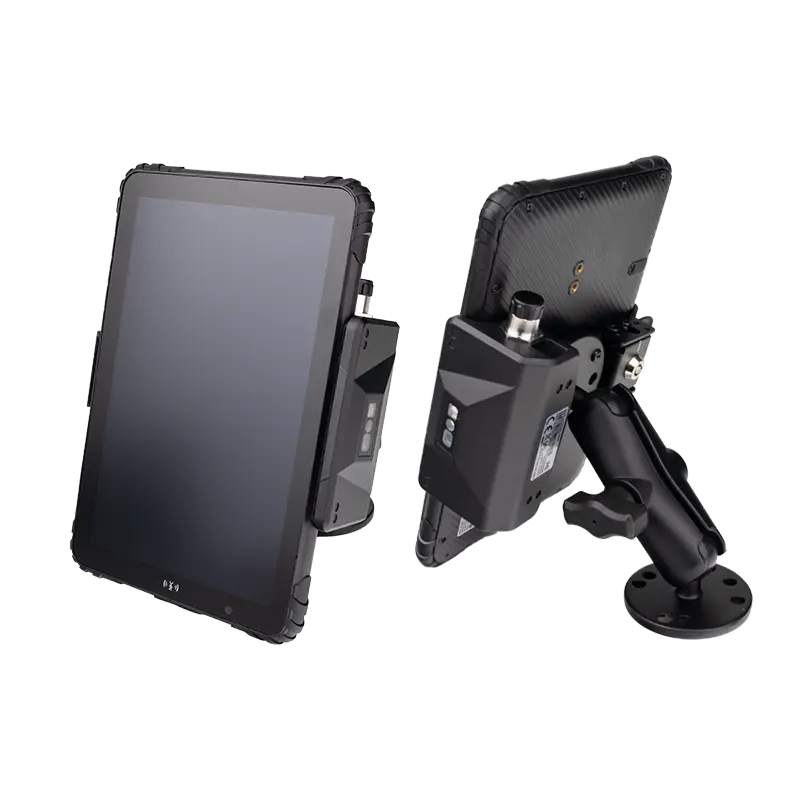
MDT865
8" Compact · 4G LTE · GPS · Vehicle Mount
Ideal for: Standard Geotab Drive deployment for ELD and fleet tracking
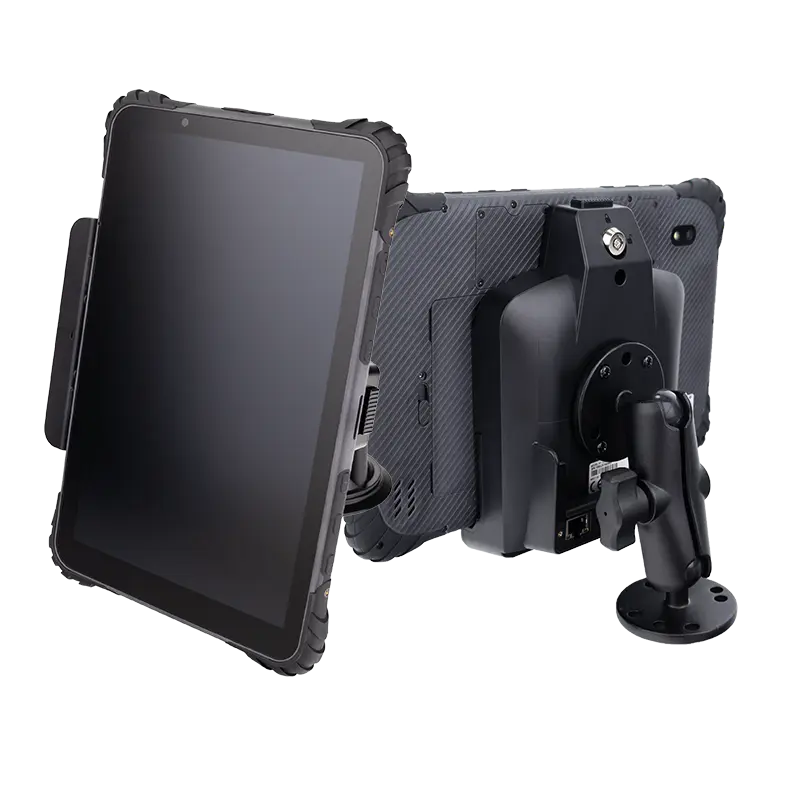
MDT1065
10" Large Screen · Multiple I/O · CAN Bus
Ideal for: Fleet command centers and dispatch monitoring with Geotab
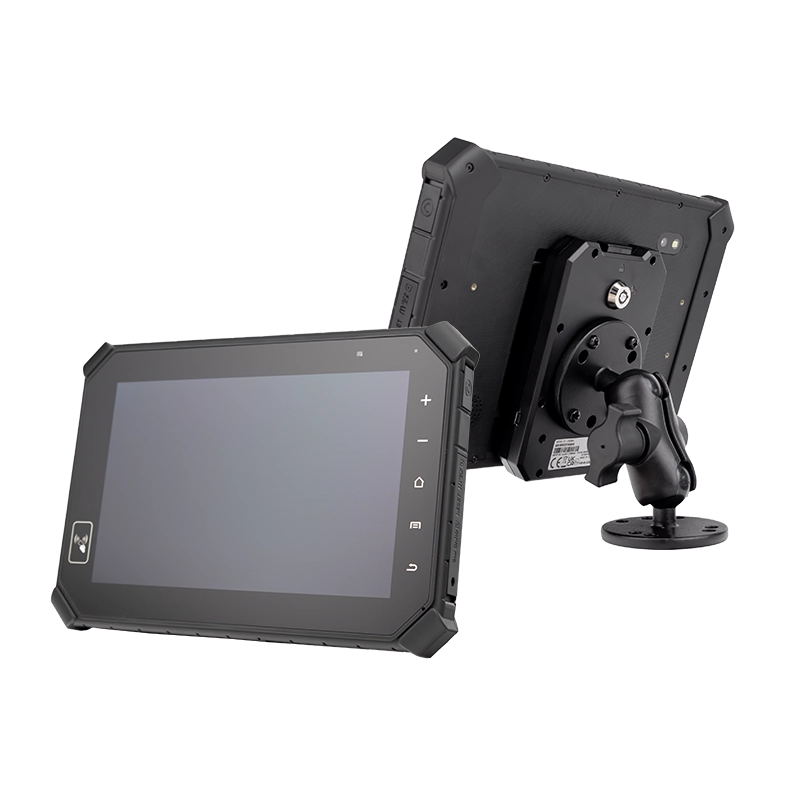
MDT864
Vehicle-Mount · Fixed Installation · 24/7 Operation
Ideal for: Permanent Geotab installation in heavy-duty trucks and buses
5. Geotab-Ready MDT vs Consumer Tablet vs Ruggedized Smartphone
Why professional MDT hardware matters for Geotab fleet deployments
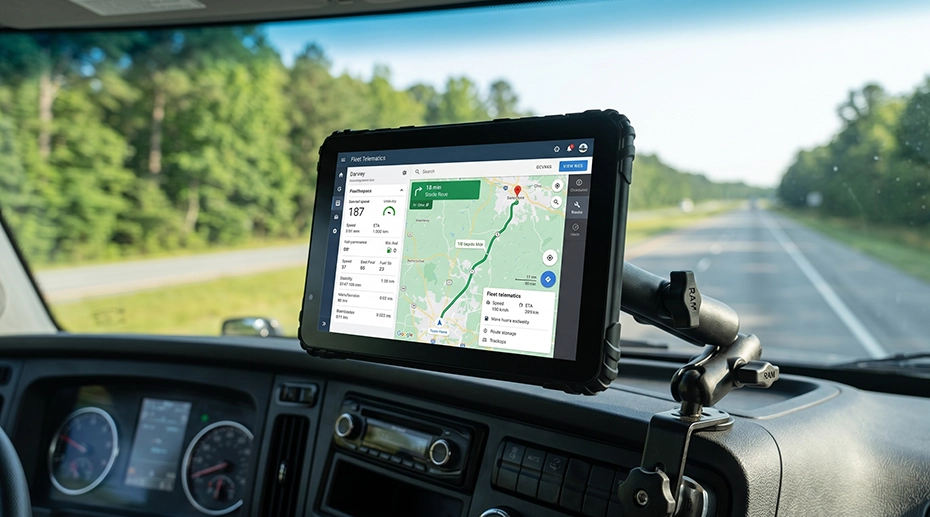
Why this matters: Ruggedized smartphones like the Samsung Galaxy XCover are excellent for field workers, but they lack the large sunlight-readable display, vehicle power integration, and CAN Bus connectivity required for in-cab Geotab deployments. A Geotab-ready MDT fills the gap that neither consumer tablets nor rugged phones can address.
6. OEM Customization for Geotab Solution Providers
White-label hardware platforms for system integrators deploying Geotab across their clients
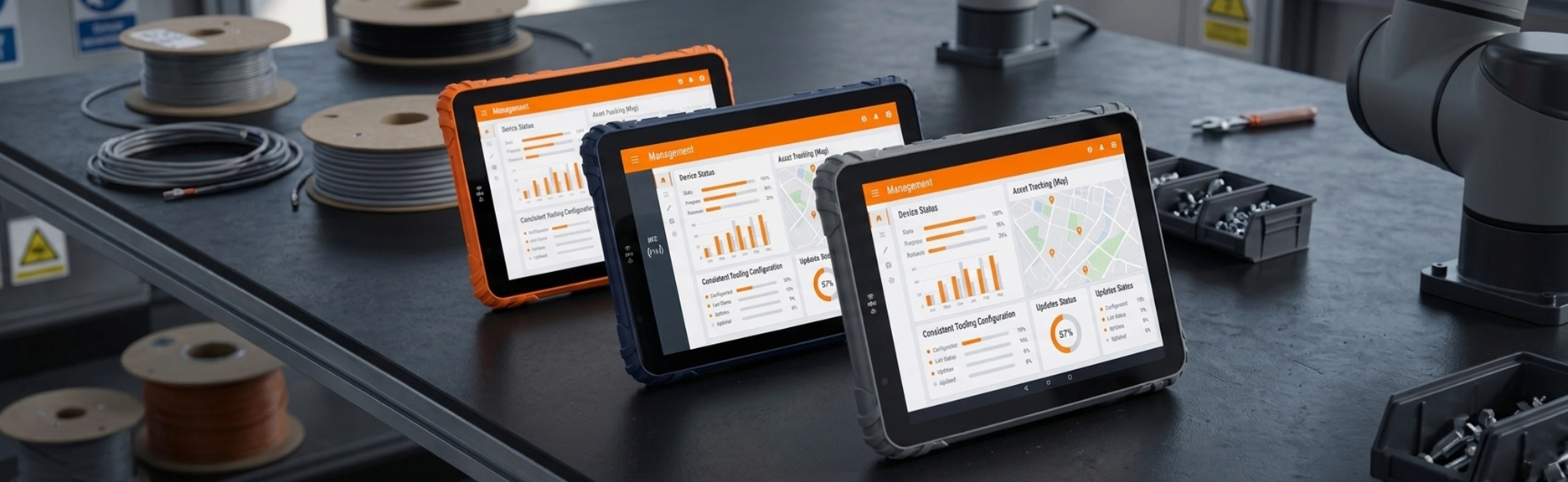

White-Label Branding
Your company logo on the device and boot screen. Custom packaging. Your Geotab solution, your brand — no TOPICON branding visible to end users.
Geotab Drive Ready
Tablets arrive with Geotab Drive installed and MDM pre-configured. Drivers power on and start logging — no setup required on-site.
Custom I/O Configuration
Dual CAN Bus, RS232, GPIO, M12 Ethernet — configure exactly the interfaces your Geotab integration project requires.
5+ Year Lifecycle
Stable hardware supply and Android OS updates throughout your Geotab deployment. No forced obsolescence — planned, predictable fleet rollouts.
7. Frequently Asked Questions
Does Geotab provide tablets, or do I need to buy my own?
Geotab provides the GO device and Geotab Drive software, but does not manufacture or supply tablets. Fleet operators and system integrators select their own Android or iOS hardware to run Geotab Drive.
What Android version does Geotab Drive require?
Geotab Drive supports Android 8.0 and above. For long-term fleet deployments, Android 12 or newer is recommended to ensure security updates and compatibility throughout the device's lifecycle.
Can TOPICON tablets connect to Geotab's GO device?
Yes. Geotab's GO device communicates with Geotab Drive via the tablet's Bluetooth or USB connection — both standard on all TOPICON MDT models. No special hardware modifications are required.
Do I need a special tablet for ELD compliance with Geotab?
FMCSA ELD certification applies to the Geotab software and GO device connection — not the tablet hardware. However, the tablet must be reliable enough to maintain continuous HOS logging. Equip your fleet with rugged ELD-ready tablets →
Can I get Geotab Drive Ready on TOPICON tablets?
Yes. TOPICON offers MDM pre-configuration and Geotab Drive pre-installation for OEM projects. Tablets arrive driver-ready — power on, log in, start logging. No setup required.
Deploying Geotab Across Your Fleet?
TOPICON provides OEM-ready rugged tablets with CAN Bus, 4G/5G, and full Android customization — built for Geotab Drive and fleet telematics.
Related Geotab & Fleet Hardware Resources