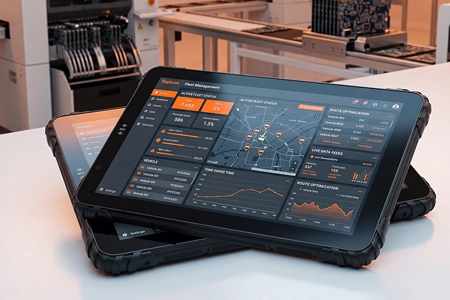
When Fleet Hardware Fails During a Mission – Risk Management for System Integrators
A tablet goes dark in a patrol car at 2am. Or in an ambulance en route to a call. Or in a delivery truck with 47 stops left on the route.
What happens in the next 30 minutes determines whether the client remembers the failure — or remembers how you handled it.
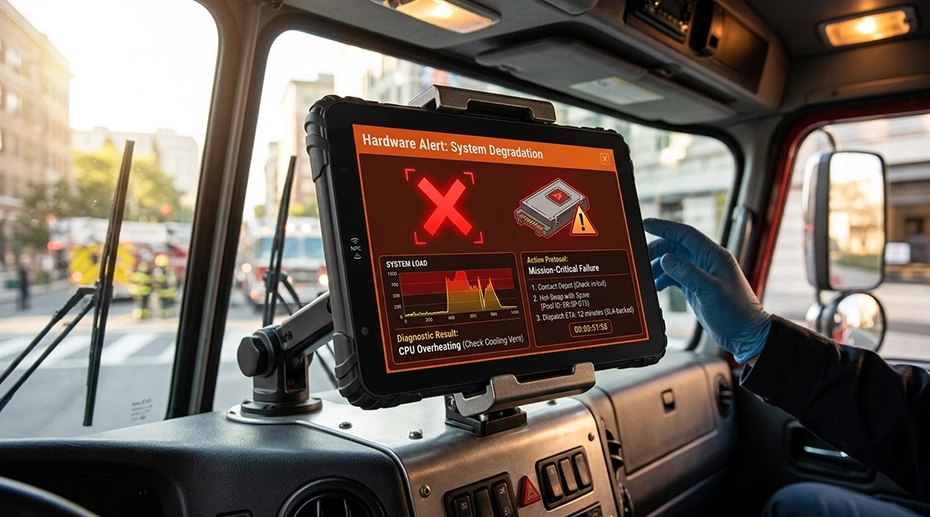
Table of Contents
1. What Separates a Managed Failure from a Client Crisis
A replacement was already configured and ready to ship.
The integrator communicated before the client had to ask.
About This Article
TOPICON Business Strategy Series
Derived from incident response protocols used by system integrators managing fleet hardware across public safety, logistics, and field service. Covers the operational and communication framework that turns a device failure from a contract threat into a retention event. An in‑vehicle computing device backed by a structured spare pool and clear SLA is the foundation of this framework.
2. Before the Failure: Setting Expectations That Protect You
The integrator who has to explain the spare pool process for the first time during a failure event has already lost control of the conversation. The client is upset, a vehicle is idle, and now you're describing a process they didn't know existed.
The integrator who briefed the client at contract signing — "here's what happens when a device fails, here's how fast we respond, here's what you need to do" — has a client who sees the failure as a scheduled event, not a crisis.
What to Cover in the Pre-Deployment Briefing
| Hardware fails. | Every device ever manufactured has a non-zero failure rate. This is not a disclaimer — it's a statement of engineering fact. The integrator's job is not to guarantee zero failures. It's to guarantee a specific response when a failure occurs. |
| Here's the process. | Driver reports the failure to their dispatcher. Dispatcher contacts the integrator's support desk. Support desk confirms the failure and initiates advance replacement shipment within the SLA window. The replacement device arrives pre-configured. Driver docks it and resumes operation. |
| Here's what we need from you. | A designated contact person who can confirm a device failure. A shipping address for replacement delivery. A process for returning the failed device to the integrator for root cause analysis. Define these before the first failure. Document them in the operations manual both parties sign at deployment. |
3. During the Failure: The First 30 Minutes
The clock starts when the integrator is notified. Not when the failure occurred. Not when the driver told their dispatcher. When the integrator's support desk receives the notification.
This distinction matters because the SLA should be anchored to a measurable event the integrator controls — not to an uncontrolled variable like "when the driver noticed the screen was frozen."
The 30-Minute Response Protocol
| 0-5 min | Support desk logs the incident. Confirms vehicle ID, device serial number, failure symptoms, and whether the vehicle is currently on a mission or can be taken out of service. If the vehicle is on a critical mission, escalate to priority response. |
| 5-15 min | Support desk authorizes advance replacement shipment from the spare pool. The replacement device is already MDM-enrolled and application-loaded. No configuration required at this stage — the device was prepared when it entered the spare pool. |
| 15-30 min | Client receives shipping confirmation with tracking number. Support desk provides the replacement device's serial number for the client's asset management records. A follow-up call is scheduled for the estimated delivery time to verify the replacement is operational. |
The communication cadence matters more than the technical response. A client who receives a tracking number within 20 minutes of reporting a failure is a client who feels the situation is under control — even if the replacement device won't arrive until the next morning. Silence is what creates anxiety. Silence is what generates the angry phone call. Deploy fleet tablets with a defined spare pool →
4. After the Failure: Root Cause and Client Debrief
The replacement device is installed. The vehicle is operational. The incident is technically closed.
But the client's perception of the incident hasn't closed. They're asking themselves: "Is this going to happen again? Should I be looking at alternative hardware providers?"
A post-incident debrief answers these questions before the client asks them — and turns a negative event into evidence of process maturity.
Post-Incident Debrief Template
| What failed. | Technical description of the failure mode. Not "the device stopped working." Specific: "the power management IC failed, causing the device to stop charging from the vehicle dock. The battery depleted over approximately 3 hours of continuous use before the device shut down." |
| Why it failed. | Root cause analysis result. Manufacturing defect. Component end-of-life. Environmental factor beyond specification. Client-caused damage. Be honest — if the root cause is unknown, say so and describe the investigation in progress. |
| What we're doing about it. | If the root cause points to a systemic issue, describe the corrective action. If it's an isolated failure, explain why. If the investigation is ongoing, provide a date when the client will receive the final report. |
| Response performance. | Time from notification to replacement shipment. Whether the SLA was met. If it wasn't, why — and what process change prevents recurrence. |
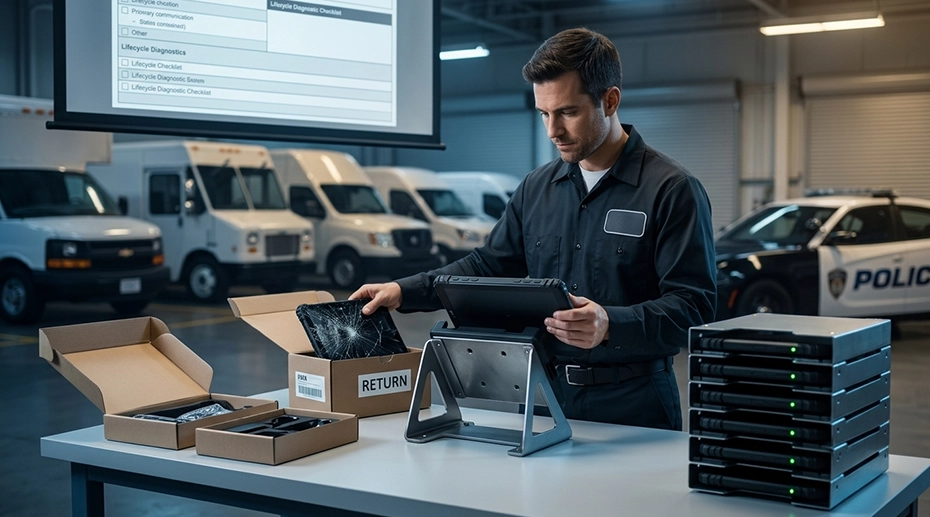
Send this debrief to the client within 5 business days of incident closure. The debrief itself is a retention tool — it demonstrates that the integrator treats every failure as a process improvement opportunity, not just a warranty claim. A properly structured spare pool makes the replacement process mechanical rather than reactive.
5. Contract Language That Protects the Integrator
A failure event is not the time to discover what the contract says about liability. The contract should define the integrator's maximum exposure before the first device is deployed.
Four Clauses Every Fleet Hardware Contract Needs
| 1. | Limitation of liability. The integrator's total liability for hardware failure is limited to the service fees paid for the affected device during the incident period. The integrator is not liable for consequential losses — lost revenue, missed deliveries, regulatory fines, or reputational damage. This clause is standard in enterprise IT contracts. Do not remove it under client pressure. |
| 2. | Force majeure for carrier delays. The integrator is responsible for shipping the replacement device within the SLA window. The integrator is not responsible for carrier delivery delays caused by weather, natural disasters, or carrier operational failures. The SLA clock stops when the package is handed to the carrier — not when the client receives it. |
| 3. | Client-caused damage exclusion. The integrator's replacement obligation applies to device failures — not to devices damaged by the client. Drop damage, liquid damage, cable tear-out, and unauthorized modification are excluded from SLA coverage. These events are handled under the damage classification framework in the HaaS contract. |
| 4. | End-of-life and obsolescence exclusion. The integrator is not obligated to replace devices that have reached their defined end-of-life date, even if they are still functional. The EOL date is specified in the original deployment schedule. This prevents the client from demanding SLA-covered replacements for devices that should have been refreshed under the planned cycle. |
Building your contracts around an OEM‑grade vehicle computing platform with documented lifecycle and supply continuity gives these clauses operational substance — the manufacturer's commitment backs the integrator's SLA promise.
6. Critical Mission Fleets: Higher Stakes, Different Rules
Public safety, emergency medical, and utility restoration fleets operate under different failure tolerances than commercial logistics. A delivery truck can wait for a replacement device. An ambulance cannot.
These deployments require a different risk architecture — not just faster response, but redundancy built into the vehicle itself.
Critical Mission Risk Architecture
Onboard Spare Device
Each critical vehicle carries a second MDM-enrolled device, powered off and stored in a protected location. If the primary device fails, the operator swaps to the spare in under 60 seconds. The failed device is returned to the depot for replacement. This is the only architecture that guarantees zero downtime for a single-device failure — at the cost of doubling the per-vehicle hardware investment. For secure mounting of both primary and spare units, a rugged vehicle docking station with quick‑release mechanism enables the swap without tools.
Depot-Level Spare Cache
Each depot or station maintains a pre-configured spare device inventory proportional to the number of vehicles operating from that location. A device failure triggers a depot swap within the shift — the vehicle returns to base, the device is swapped in 60 seconds, and the vehicle resumes operation. This adds 10-15% to the spare pool cost compared to a centralized spare model.
Pricing these deployments: Critical mission SLAs are priced differently from commercial fleet SLAs. The per-vehicle monthly fee reflects the cost of the redundancy architecture — onboard spare or depot cache — plus the faster response commitment. The client pays for the architecture that makes the SLA achievable. OEM hardware platforms with configurable deployment models allow the integrator to design the risk architecture around the mission requirements, not around hardware limitations.
7. Frequently Asked Questions
How do I handle a client who demands zero hardware failures?
Explain that zero failures is not an engineering reality — it's a cost decision. Zero failures requires full redundancy: two devices per vehicle, two independent power paths, two independent connectivity paths. The client can have zero downtime. They cannot have it at the same price as a standard deployment. Present the redundancy architecture and its cost. Let the client decide whether their mission requires it.
What if the failure is caused by our own hardware defect?
Replace the device under SLA. Investigate the root cause. If the defect is systemic, work with the manufacturer on a corrective action plan and communicate it to affected clients before they ask. A manufacturer defect handled transparently builds more trust than a defect discovered by the client.
How many spares should a critical mission fleet keep?
For critical mission fleets using depot-level spare caches, maintain one spare per 10-15 vehicles at each depot — higher than the standard 5-10% for commercial fleets. If using onboard spare devices, maintain a central spare pool of 5% of the fleet to replace failed onboard spares. The onboard spare model doubles per-vehicle hardware cost but eliminates vehicle downtime entirely.
How does TOPICON support integrators managing hardware risk?
TOPICON provides advance replacement warranty programs, failure rate data for risk modeling, and configurable hardware platforms that support redundancy architectures — from standard spare pools to onboard backup devices for critical mission deployments. Discuss your risk management requirements →
Building a Hardware Risk Management Framework for Your Clients?
TOPICON supports system integrators with advance replacement programs, configurable redundancy architectures, and failure rate data — the operational foundation for managing hardware risk across commercial and critical mission fleets.
Related Business & Strategy Resources