Vehicle Mount Terminal Selection Guide – How to Choose the Right In-Vehicle Computing Platform
Three vehicle mount terminals can share the same screen size, the same IP rating, and the same processor — and perform completely differently in a fleet deployment.
The difference isn't in the spec sheet. It's in the integration architecture: how the device connects to vehicle power, how peripherals attach, and whether the installation is designed to be permanent or removable. Here's a selection framework for system integrators evaluating vehicle-mounted computing hardware.
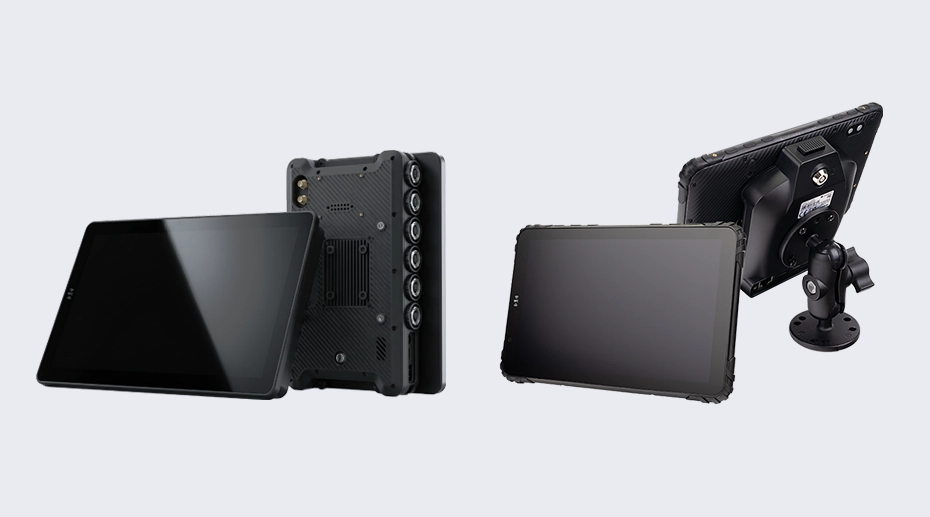
Table of Contents
Field Experience
Vehicle mount terminal selection decisions that hold up over a 5-year deployment typically answer three questions before comparing specifications:
What peripherals connect to it — and will that list change over the deployment lifecycle?
What's the vibration environment in the target vehicle?
About This Article
TOPICON Hardware Selection Series
A technical selection framework for system integrators and fleet solution providers evaluating vehicle-mounted computing platforms. Covers integration architecture, connector selection, peripheral strategy, and environmental hardening — the variables that determine whether a terminal works reliably in a vehicle, not just on a bench. An in-vehicle computing terminal designed with the right architecture from the start avoids the costly retrofit cycles that adapted consumer devices inevitably require.
1. Fixed Installation or Detachable Architecture
This decision shapes everything downstream — the connector type, the power architecture, the mounting hardware, and whether the device survives the first year of vehicle vibration.
Fixed Installation: Aviation Connectors, Permanent Mounting
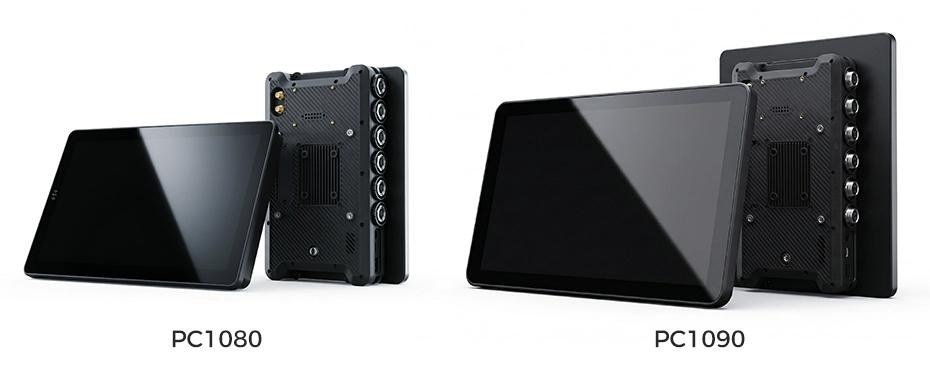
A fixed vehicle mount terminal bolts to the vehicle structure. Thread-locked aviation connectors (GX16/M12) carry power, CAN Bus, RS232, Ethernet, and camera inputs through a single locking interface. Once installed, the device stays in the vehicle for the full deployment lifecycle — 5-7 years without being removed.
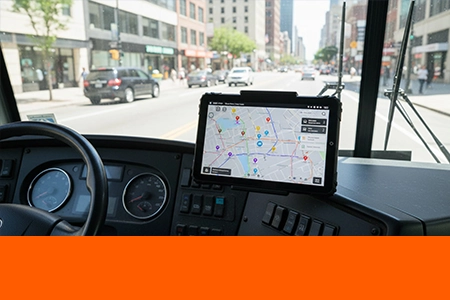
When this architecture makes sense: Bus driver consoles. Train cabs. Mining equipment. Industrial HMI panels. Public-facing installations where the device must be tamper-proof. Any environment where removing the device would require tools — and where the operator never needs to take it out of the cab.
Connector selection matters here. Aviation connectors are thread-locked — they cannot vibrate loose. The entire peripheral bundle connects through a single connector body. No individual cables to work themselves out over years of vehicle operation. The trade-off: adding or changing peripherals requires rewiring. The peripheral set must be known at installation and stable over the deployment lifecycle.
Detachable Architecture: Docking Station, One-Hand Release
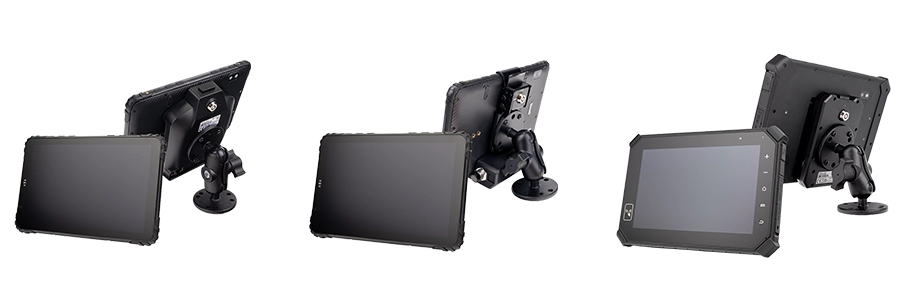
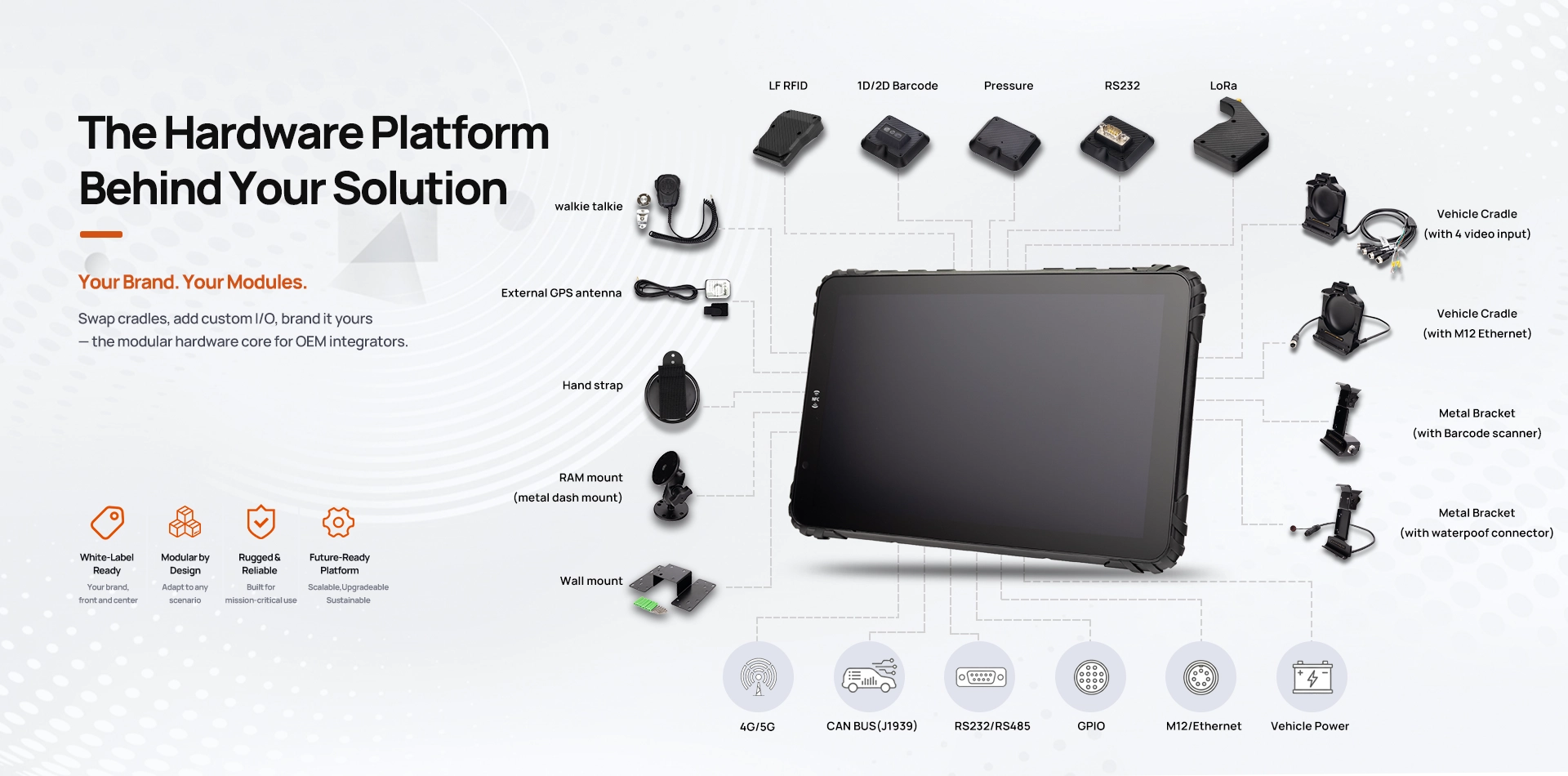
The docking station is hardwired to the vehicle once. The terminal docks and undocks in seconds — pogo-pin contacts deliver power, CAN Bus data, RS232, and peripheral connections through the dock. The device detaches for off-vehicle use: roadside inspections, signature capture, shift handovers.
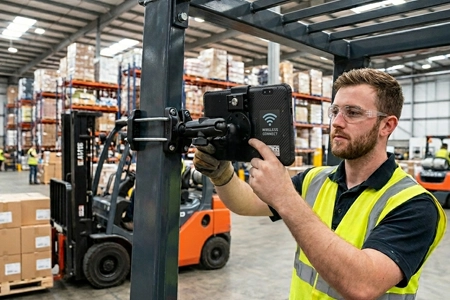
When this architecture makes sense: Truck fleets with driver shift changes. Delivery operations requiring off-vehicle scanning. ELD compliance where the device must be presented during inspections. Forklift operations where the terminal serves both in-cab and on-foot roles. For fleet operators evaluating their options, a vehicle-integrated computing terminal with a modular dock system offers the flexibility to reconfigure without replacing the entire hardware investment.
Dock modularity is the advantage here. The same terminal can serve different vehicle roles by changing the dock — a standard dock for basic power and charging, a CAN Bus dock for vehicle diagnostics, a barcode/RFID dock for warehouse scanning. The terminal stays the same. The dock adapts to the vehicle role. Comparing deployment architectures across vehicle types helps match the dock configuration to the operational requirement.
2. Connector Type — What Connects to the Terminal
The connector is the single most important physical interface on a vehicle terminal. It determines what peripherals can connect, how reliably they stay connected under vibration, and whether a peripheral change 3 years into the deployment requires rewiring the vehicle.
3. Single CAN or Dual CAN — What Are You Reading from the Vehicle
A single CAN Bus channel reads engine data — RPM, fuel rate, fault codes. For ELD compliance and basic fleet tracking, one channel is sufficient.
But modern fleet applications increasingly need two independent CAN channels. The powertrain CAN carries engine and transmission data. The body CAN carries door status, lighting, HVAC, and driver controls. A telematics platform that monitors both simultaneously — engine health on one channel, driver behavior on the other — needs dual CAN controllers in the terminal. Fleet telematics hardware with dual CAN architecture captures both data streams without switching latency.
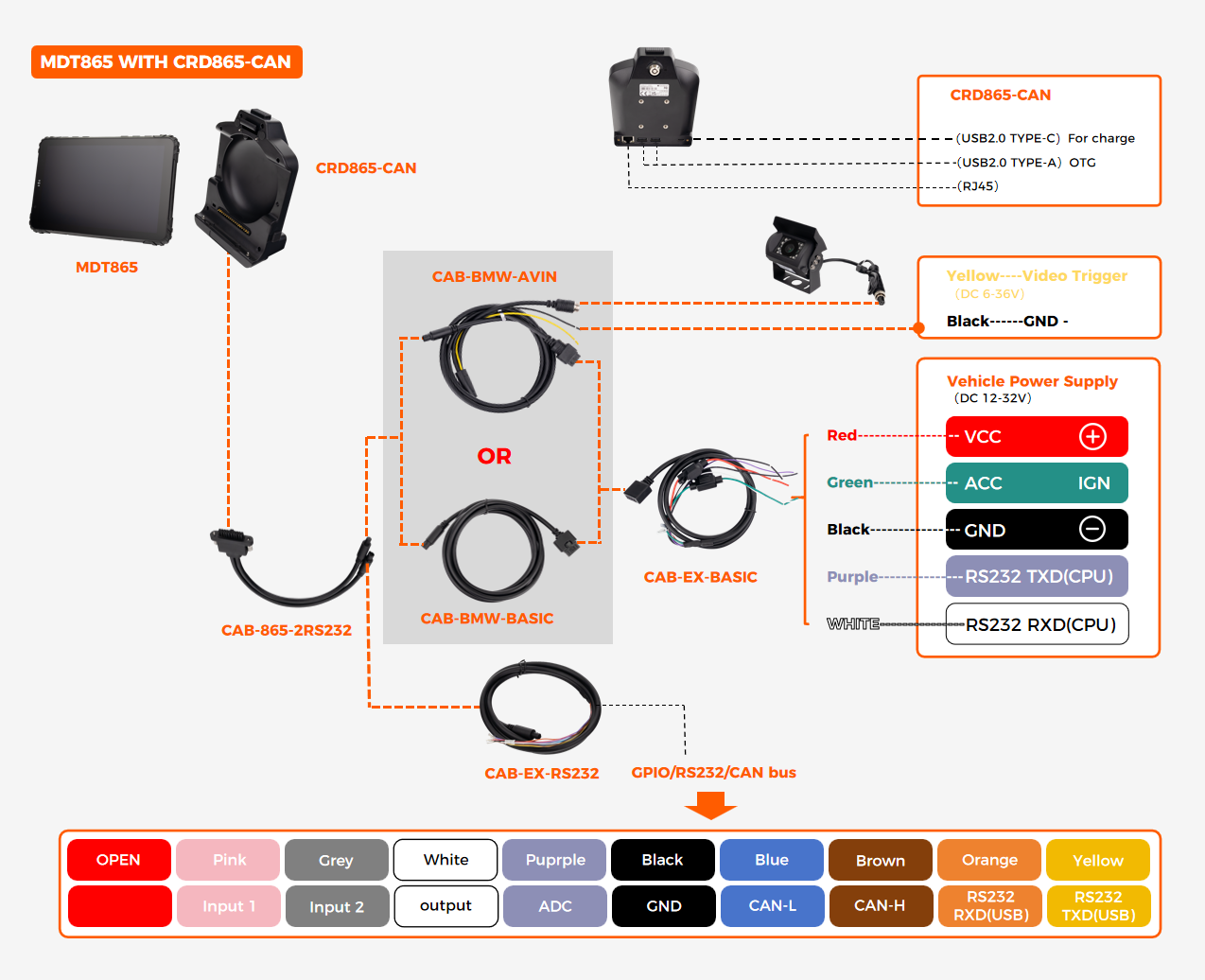
Dual CAN also enables aftermarket sensor integration. One channel reads the vehicle's OEM CAN bus. The second channel connects to aftermarket sensors — weight scales, temperature probes, tire pressure monitors — on a separate network. This keeps aftermarket traffic off the vehicle's mission-critical bus. CAN Bus integration planning for fleet deployments covers protocol selection and electrical compatibility in more detail.
4. Peripheral Strategy — Plan for What You'll Need in Year 3
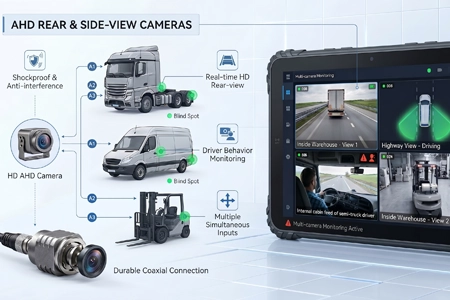
A vehicle terminal deployed today may need different peripherals in three years. The fleet software evolves. Regulations change. The business adds new services that require new hardware — barcode scanning, RFID tracking, multi-camera recording.
Fixed-architecture terminals commit to a peripheral set at installation. Changing it means rewiring the vehicle. Detachable-architecture terminals change peripherals by swapping the dock — the terminal stays the same. This is not a small operational difference over a 5-year deployment. Peripheral integration for barcode, RFID, and LoRa covers the module options available across both architectures.
5. Vibration and Temperature — What the Vehicle Does to the Terminal
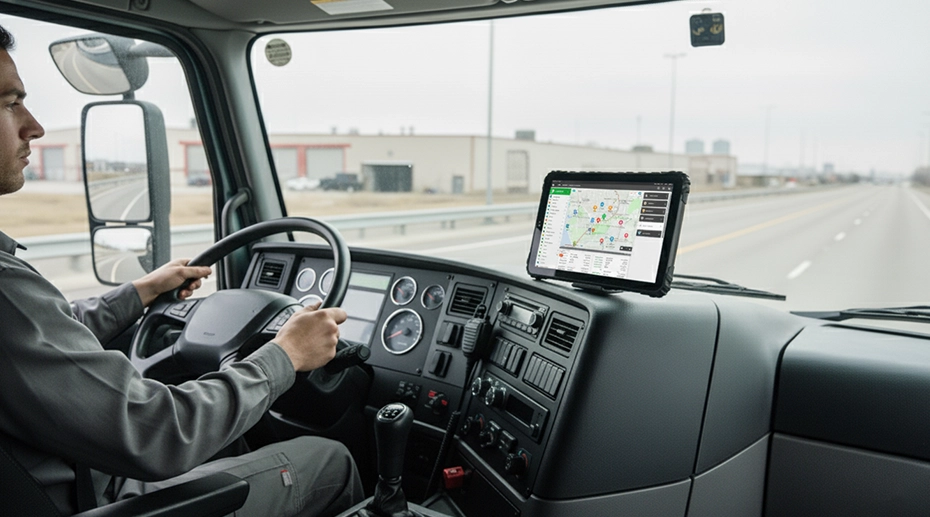
A terminal that survives a lab vibration test may fail in a vehicle within months. The difference is in the mounting architecture, not the device rating.

Moderate Vibration
Truck cabs, delivery vans, bus dashboards.
Docking station with RAM mount arm. Pogo-pin contacts rated for sustained highway operation. Cable strain relief essential.
High Vibration
Forklifts, construction equipment, agricultural machinery.
Short, stiff RAM arm. Locking dock with secondary retention. Vibration-dampening washers between mount and vehicle surface.
Extreme Vibration
Mining equipment, tracked vehicles, rock crushers.
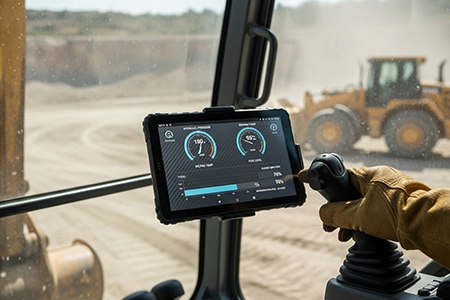
Fixed bolt-on installation. Aviation connectors. No articulating arms. Panel PC form factor preferred over detachable architectures.
Temperature range matters at the component level, not just the spec sheet. A terminal rated for -20°C to 60°C may use components rated for that full range — or it may use commercial-grade components that pass a thermal test once but degrade under daily thermal cycling. The difference shows up in Year 3, not Year 1. Mounting best practices for vibration protection covers the mechanical design that prevents environmental degradation.
6. Selection Summary: Mapping Requirements to Architecture
7. Frequently Asked Questions
What's the difference between a vehicle mount terminal and a rugged tablet?
A vehicle mount terminal is designed specifically for permanent or semi-permanent in-vehicle installation with integrated vehicle power management, fixed connector architecture, and dedicated mounting hardware. A rugged tablet may be vehicle-mounted but typically relies on external adapters and third-party brackets for vehicle integration. The terminal is engineered for the vehicle environment; the tablet is adapted to it. Vehicle-mounted computing platforms provide the integration depth that adapted tablets cannot.
Should I choose aviation connectors or a docking station?
Aviation connectors for permanent installations where the terminal is never removed. Docking stations for deployments where the terminal is regularly undocked — shift changes, inspections, off-vehicle scanning. The decision is not about which connector is better. It's about whether the terminal needs to be removable. For fleet managers specifying an integrated in-vehicle computing terminal, the connector architecture should be locked in before any other component decision.
Do I need dual CAN Bus on a vehicle terminal?
Single CAN is sufficient for ELD compliance and basic fleet tracking — it reads engine data from the powertrain bus. Dual CAN is needed when the application requires simultaneous access to two separate vehicle networks — powertrain and body CAN, or OEM CAN and aftermarket sensor CAN. If your telematics platform monitors both engine health and driver behavior, specify dual CAN controllers.
Does TOPICON provide vehicle mount terminals with both fixed and detachable architectures?
Yes. TOPICON offers fixed-installation terminals with aviation connectors and detachable terminals with docking stations — both supporting dual CAN Bus, RS232, GPIO, and 9-36V vehicle power integration. Contact our engineering team for architecture selection support →
Selecting Vehicle Mount Terminals for Your Fleet Project?
TOPICON provides fixed-installation and detachable vehicle mount terminals with dual CAN Bus, aviation connectors or docking stations, and 9-36V vehicle power — engineered for the vehicle environment, not adapted to it.
Related Selection & Integration Resources