MDT vs Rugged Tablet vs Panel PC – How to Choose the Right Fleet Computing Architecture
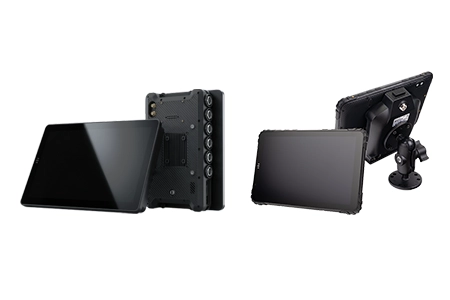
One hardware platform. Three deployment architectures. The same TOPICON device — say, an MDT880 — can operate as a docked MDT in a truck cab, as a standalone rugged tablet with a barcode module in a warehouse, or even mounted on a wall or desk via a docking station. The choice isn't about buying different hardware. It's about configuring the same hardware for the role it needs to play.
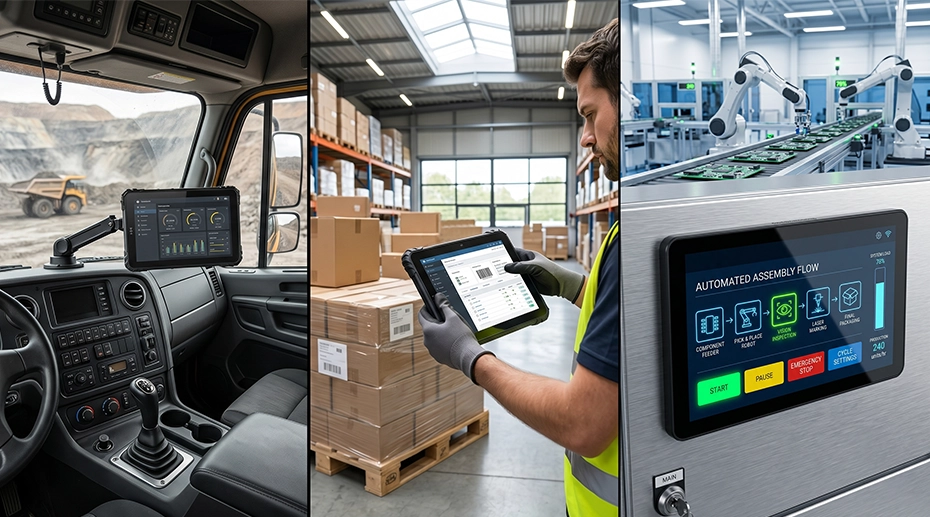
Table of Contents
Field Experience
Across hundreds of fleet deployments, the architecture decision typically comes down to three operational questions:
What peripherals need to connect — and how often do they change?
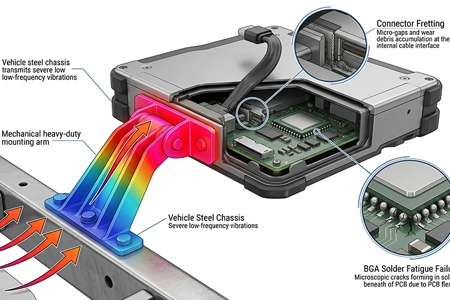
What's the vibration environment, and where will the device be mounted?
About the Author
TOPICON Fleet Deployment Team
Hardware engineering specialists supporting system integrators with deployment architecture design, form factor selection, and vehicle integration planning across MDT, rugged tablet, and Panel PC configurations.
One Hardware Platform, Three Deployment Architectures
The MDT880, MDT865, and MDT1065 are fundamentally the same class of device: a rugged Android computing platform with a common software stack, common MDM enrollment, and common application compatibility. What changes is the physical architecture — how the device connects to its environment, what peripherals attach to it, and whether it's designed to be removed or to stay fixed. For system integrators evaluating rugged tablets for fleet deployment, this architectural flexibility means fewer SKUs to manage and a unified spare parts pool across the entire deployment. Deploying a versatile in-cab computing hub that supports multiple configurations reduces both upfront procurement complexity and long-term maintenance overhead.
This is different from choosing between competing product lines. You're choosing the deployment configuration that matches the vehicle role, the driver workflow, and the environmental conditions — using the same core hardware platform across your entire fleet. That's a significant advantage for system integrators: one MDM policy, one app stack, one spare parts pool, multiple deployment architectures.
Architecture 1: MDT (Mobile Data Terminal) — Docked and Detachable
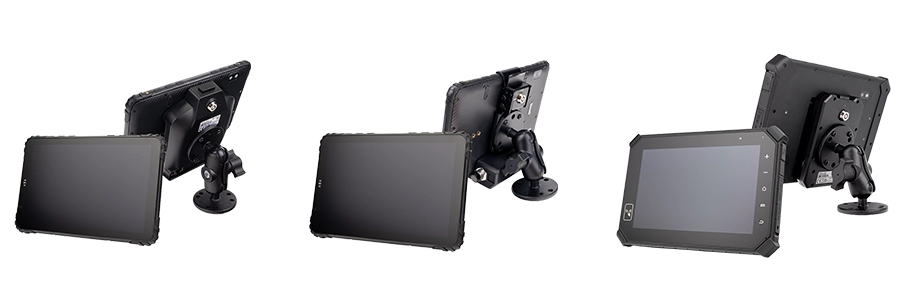
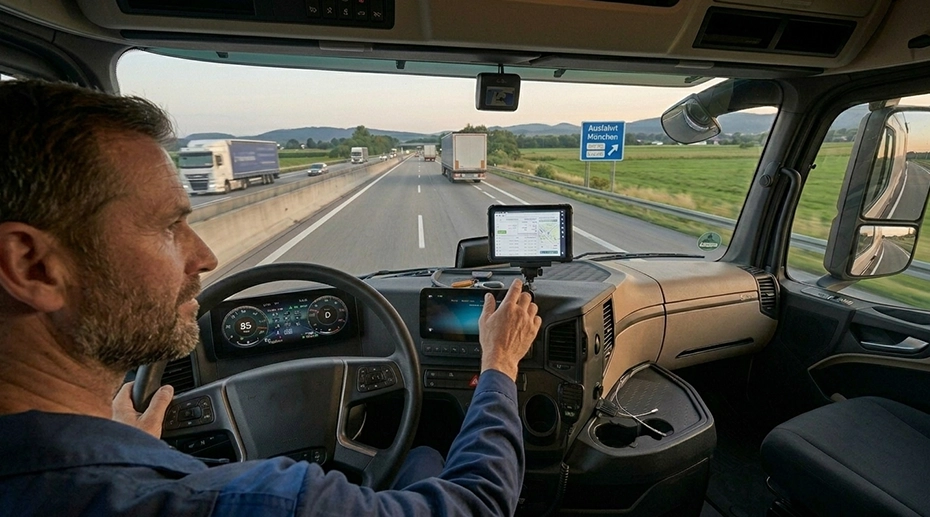
The device lives in a vehicle docking station. Pogo-pin contacts deliver power, CAN Bus data, RS232, and peripheral connections through the dock. The tablet detaches in one motion for off-vehicle use — roadside inspections, signature capture, shift handovers — then snaps back to charge and reconnect all peripherals automatically. For fleet deployments requiring vehicle mount tablets with docking stations, the MDT architecture provides the ideal balance of in-vehicle stability and off-vehicle portability.
These docked configurations represent the most common vehicle mount terminal architecture in fleet deployments — the docking station handles vehicle power, CAN Bus, and peripheral integration while the tablet remains removable for off-vehicle use, shift changes, and roadside inspections.
The Docking Ecosystem
Docks are not one-size-fits-all. Different docks serve different vehicle roles — and docks are not limited to vehicles. The same dock can be mounted on a wall, a desk, a pillar, or a forklift ROPS cage using RAM mount or fixed brackets.
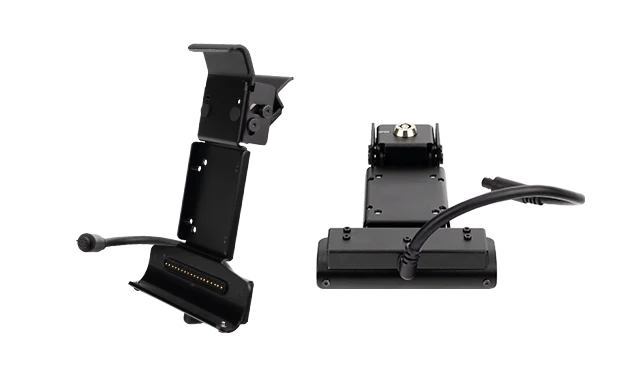
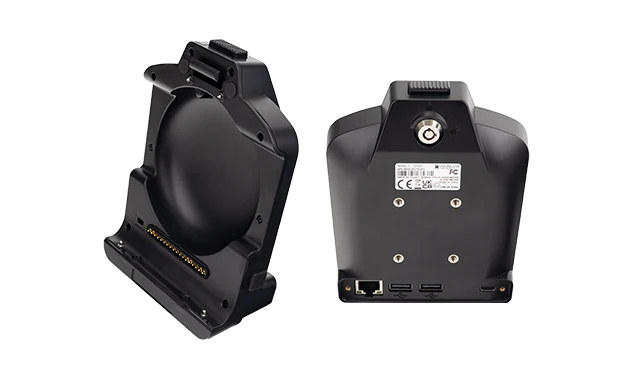
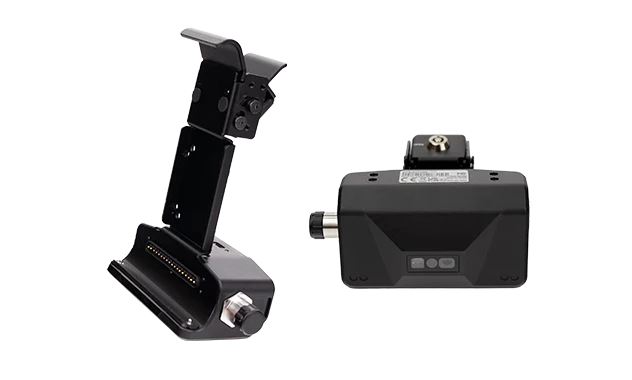
Docks also differ by environment: Standard docks for truck cabs and indoor mounts. Waterproof-rated dock variants available for marine, outdoor, and wash-down environments. Choose the dock based on where it will be mounted — not just the vehicle type, but the exposure to moisture, dust, and cleaning processes. For maritime or open-cab deployments, spec a waterproof tablet and dock combination that can handle direct spray and humidity.
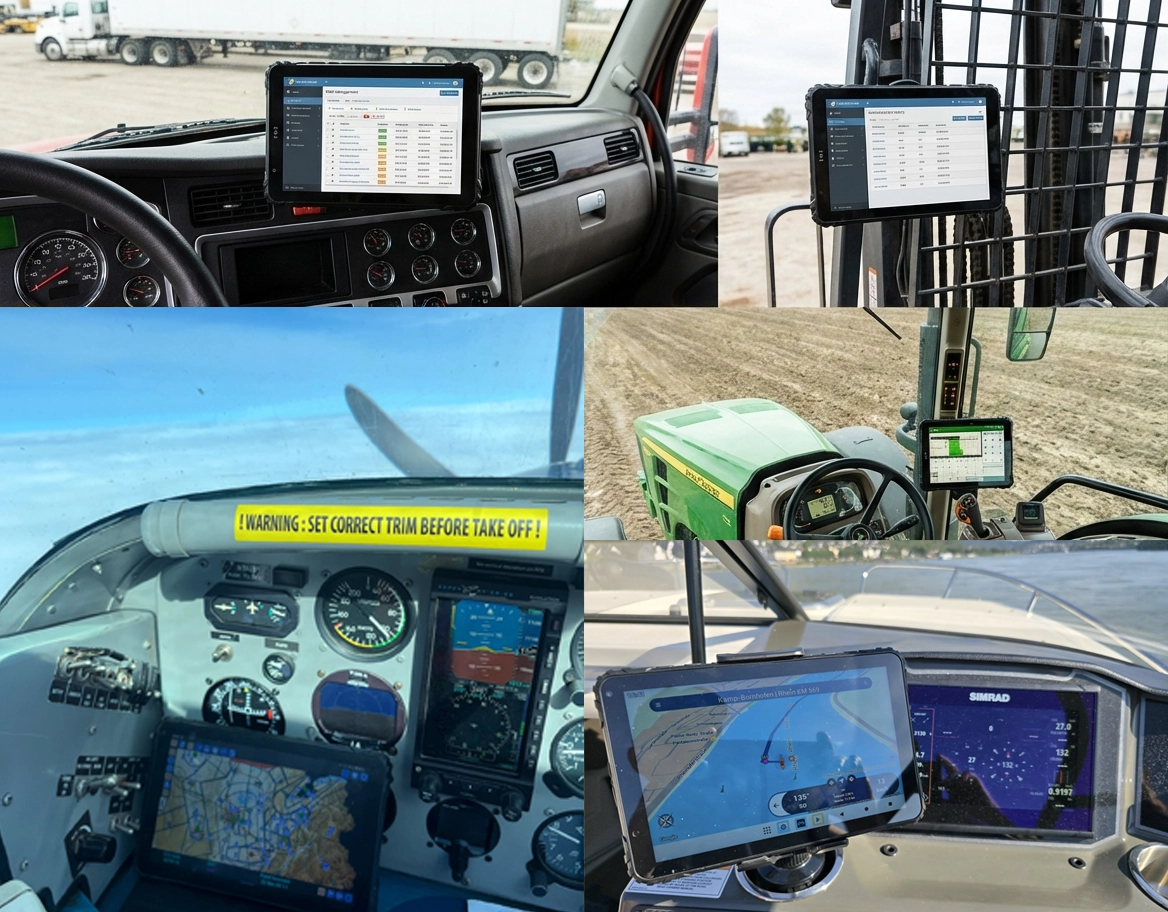
Architecture 2: Rugged Tablet — Standalone with Modular Expansion
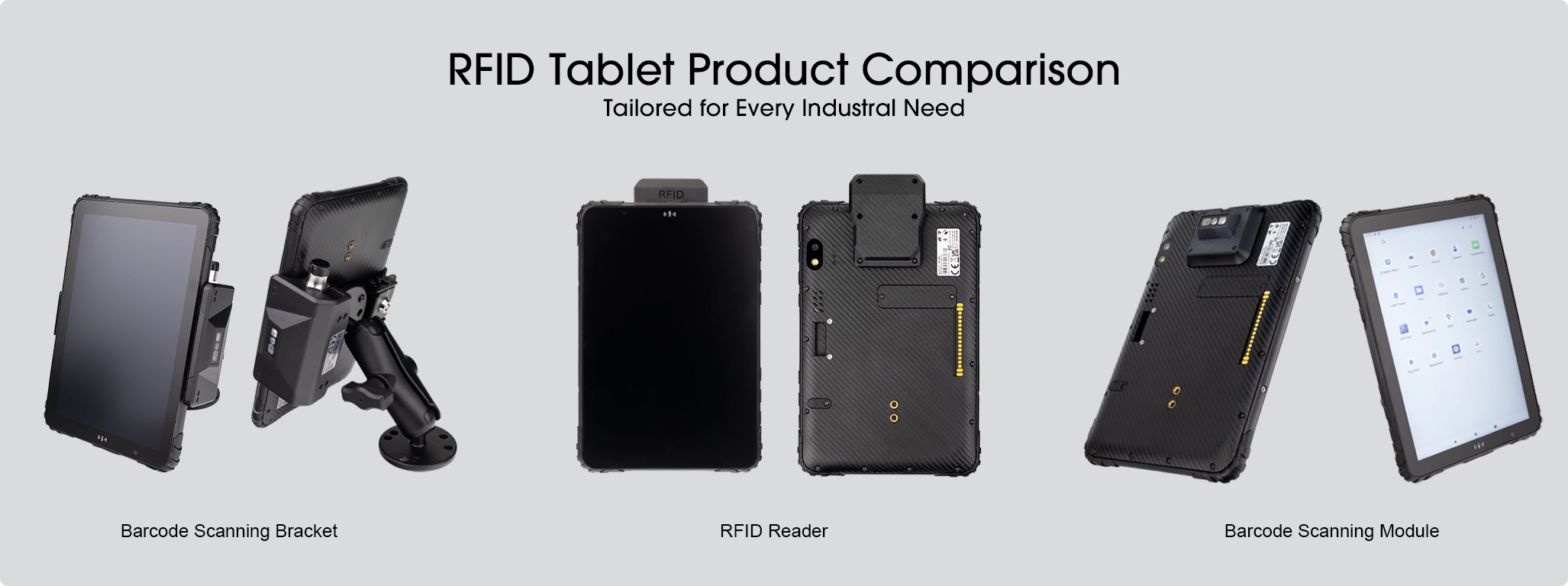
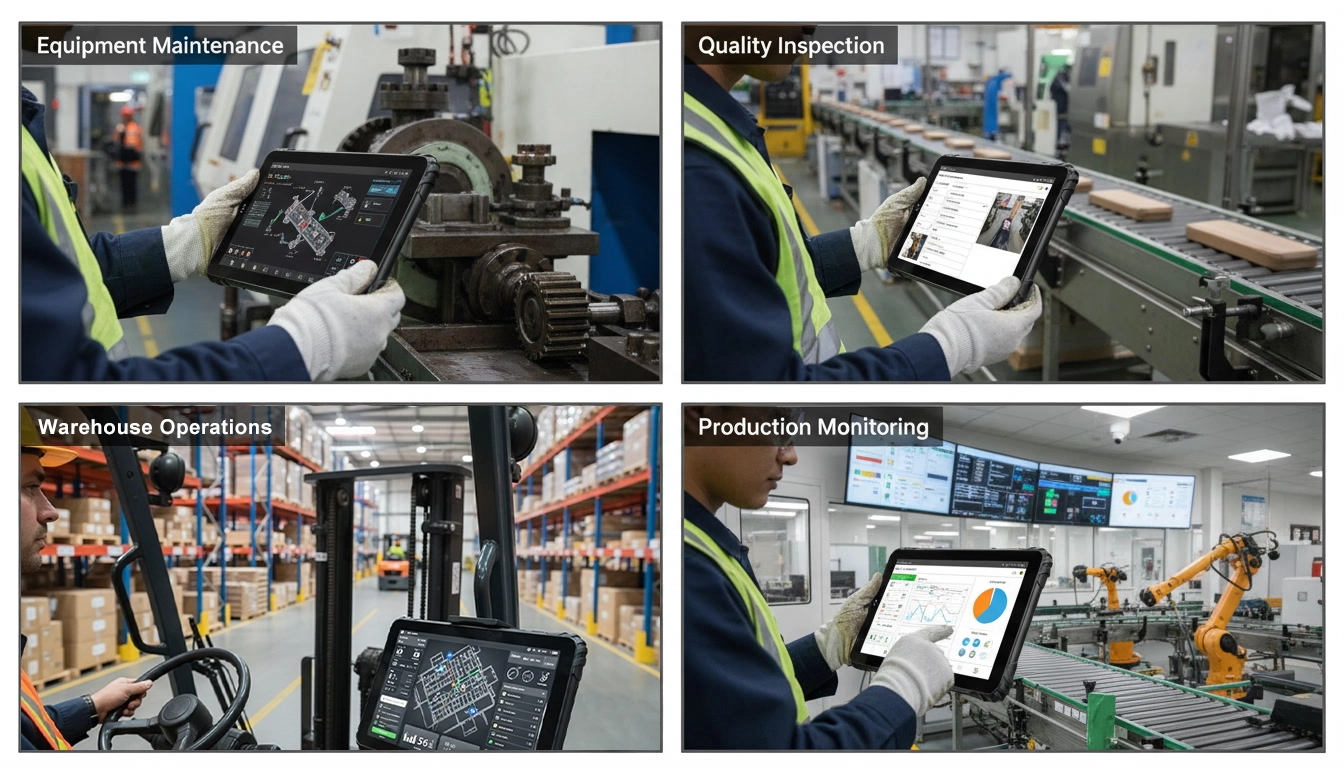
The same MDT880, MDT865, or MDT1065 — without a docking station. The device operates as a standalone rugged tablet, powered by its internal battery or USB-C charging. Expansion modules attach directly to the device: barcode scanner, RFID reader, LoRa module. No dock required. This is the architecture for multi-scene deployments where the tablet moves between roles — from a vehicle mount in the morning to a handheld inspection tool in the afternoon. For Android rugged tablets deployed in logistics and field service, this modular approach eliminates the need for separate dedicated scanning hardware. A multi-purpose fleet data tablet configured this way serves as the single device that moves with the operator throughout the day.
Modular Expansion — Same Tablet, Different Capabilities
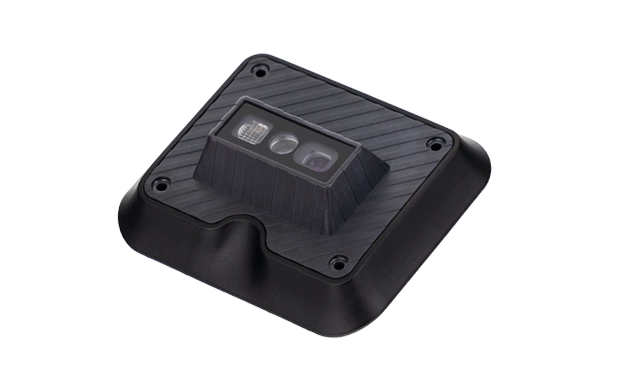
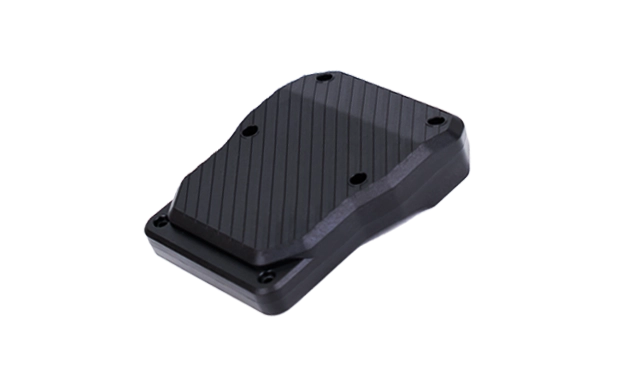
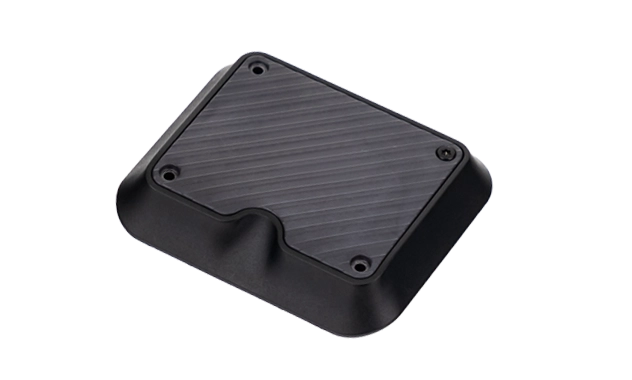
Best for: Deployments where the tablet serves multiple roles — vehicle-mounted for navigation and dispatch, then detached for field inspections with barcode/RFID. Warehouse operators who need a single device that can dock in a forklift and undock for floor scanning. Any scenario where a fixed dock would limit the device's utility.
See Expansion Modules in Action
Same MDT865 tablet — three different module configurations, no dock required
Barcode Scanner Module
MDT865 with metal bracket and optional barcode scanner — ideal for warehouse, logistics, and inventory management.
RFID LF Reader Module
MDT865 with integrated LF RFID module — for asset tracking, access control, and industrial identification.
GPS Enhancement & Fleet Tracking
External antenna setup for high-precision GPS — real-time vehicle tracking and telematics integration.
→ All modules attach directly to the tablet — no docking station required. The same device that docks in a truck cab in the morning can be a handheld barcode scanner in the warehouse in the afternoon.
Architecture 3: Panel PC — Fixed Installation with Aviation Connectors
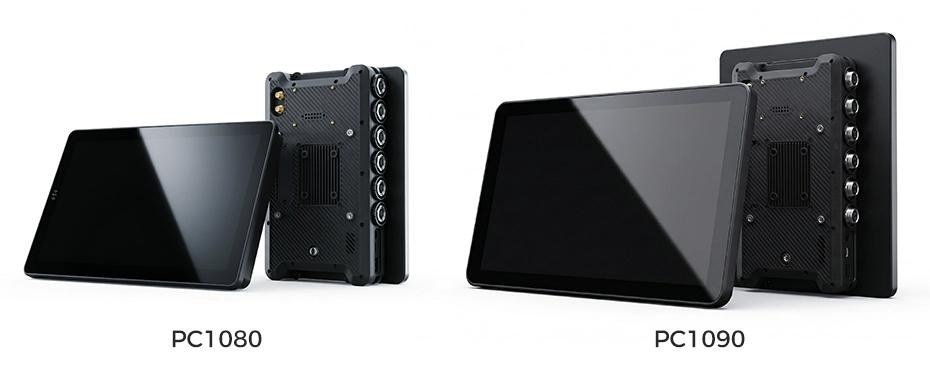
A dedicated fixed-installation computing platform. The PC1080 (8-inch) and PC1090 (10-inch) Panel PCs use locking aviation connectors (GX16/M12) for power, CAN Bus, RS232, Ethernet, and camera inputs — connectors that thread-lock and cannot vibrate loose. Once installed, the device becomes part of the vehicle or workstation. For deployments requiring industrial rugged tablets in the most extreme environments, the Panel PC architecture provides unmatched connection reliability. This is the permanent vehicle computing installation designed for zero-maintenance, always-on operation.
Despite being a fixed-installation device, the PC1080 and PC1090 support RAM mount ball patterns and 75×75mm VESA mount — allowing flexible positioning on dashboards, overhead brackets, wall mounts, or articulated arms during initial installation. The mounting is adjustable; the device-to-vehicle connection is permanent.
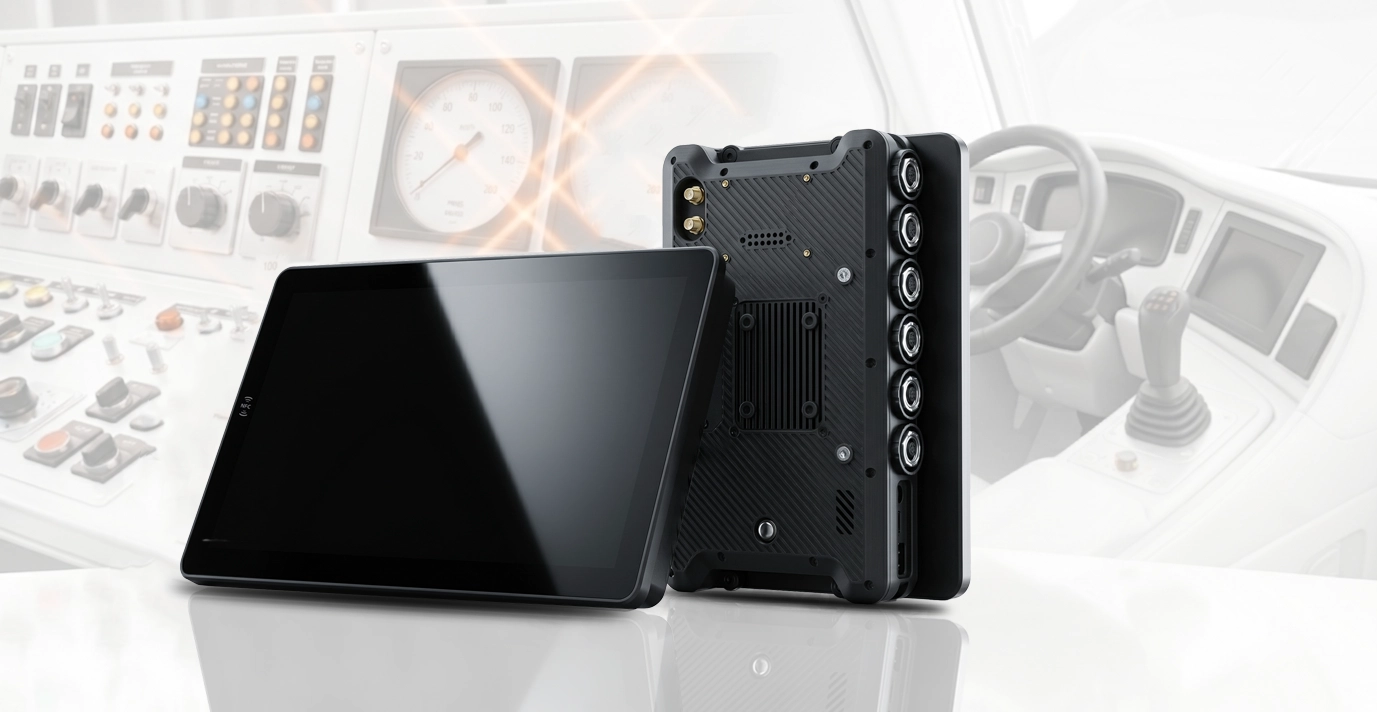
Best for: Bus driver consoles, train cabs, mining equipment, heavy machinery HMI, and any deployment where the device must survive years of continuous vibration without removal. Tamper-proof public-facing installations. Environments where even a docking mechanism introduces an unnecessary failure point.
Architecture Selection: Which Configuration for Which Role?
Frequently Asked Questions
Can the same device be used as an MDT and as a standalone rugged tablet?
Yes — for the MDT880, MDT865, MDT1065, and MDT1080. The same hardware unit can be deployed with a docking station in a truck cab (MDT architecture) or without a dock, using expansion modules for barcode, RFID, or LoRa (Rugged Tablet architecture). The software stack, MDM configuration, and application compatibility remain identical across both architectures. For telematics providers, this means deploy one unified fleet computing platform that adapts to each vehicle's role.
Can docking stations be mounted outside of vehicles?
Yes. Docking stations are not vehicle-exclusive. Using RAM mount compatibility, docks can be mounted on walls, desks, pillars, forklift ROPS cages, and any surface where a RAM ball mount can be attached. For environments exposed to moisture or wash-down cleaning, waterproof dock variants are available with sealed connectors and corrosion-resistant materials. Spec waterproof tablet solutions for wet environments →
When should I choose a Panel PC over an MDT?
Choose a Panel PC (PC1080/PC1090) when the device will never be removed during normal operation, the vibration environment is extreme, the installation must be tamper-proof, or the peripheral configuration is fixed for the deployment lifecycle. The aviation connector architecture provides maximum connection reliability — at the cost of removability. Panel PCs support RAM mount and VESA mount for flexible positioning during installation.
Can I mix architectures within the same fleet deployment?
Yes — and this is a common pattern. Long-haul trucks may use MDT880s in docked MDT configuration for driver shift changes. The same fleet's warehouse team may use MDT880s in standalone Rugged Tablet configuration with barcode modules. Mining excavators may use PC1080 Panel PCs for fixed, zero-maintenance installation. All devices run the same MDM policy and application stack. Plan your multi-architecture fleet deployment →
Planning a Mixed-Architecture Fleet Deployment?
TOPICON provides MDTs, rugged tablets with modular expansion, and Panel PCs — with engineering support to help system integrators configure the right architecture for each vehicle role, all running a unified software platform.
Related Decision Guides & Deployment Resources