MDM-Ready Rugged Devices: Enterprise Management for Industrial Tablets
Deploy and manage rugged Android tablets at scale with MDM compatibility. TOPICON devices support Android Enterprise, zero-touch enrollment, and remote management for fleet, warehouse, and field operations.
1. What Is an MDM-Ready Rugged Device?
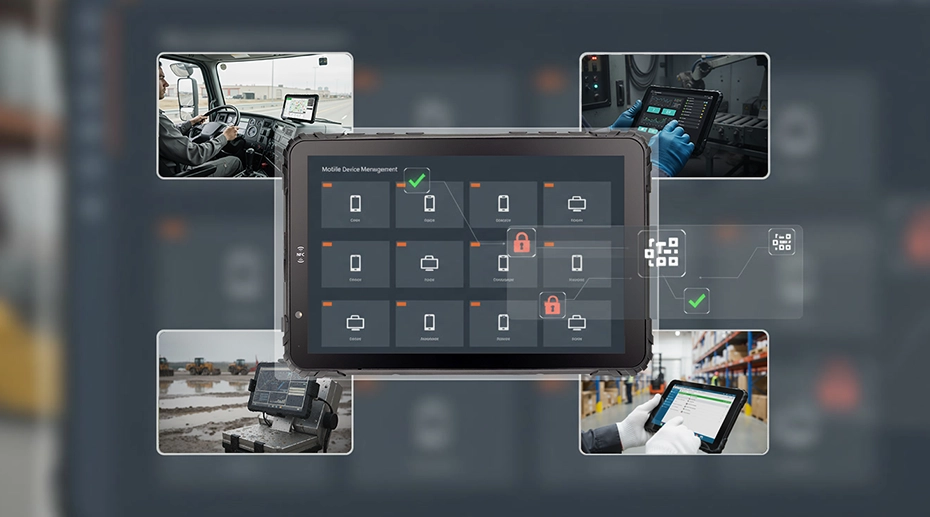
An MDM-ready rugged device is an industrial-grade tablet, handheld, or vehicle-mounted terminal that comes pre-configured to support Mobile Device Management (MDM) platforms for centralized control, security, and remote maintenance. As an OEM manufacturer, TOPICON provides MDM-ready hardware that integrates seamlessly with leading enterprise MDM solutions — or can be customized with your preferred platform.
Common Rugged Device Types for MDM Deployment
2. Why Rugged Devices Require MDM Management
Centralized Control for Large-Scale Deployments
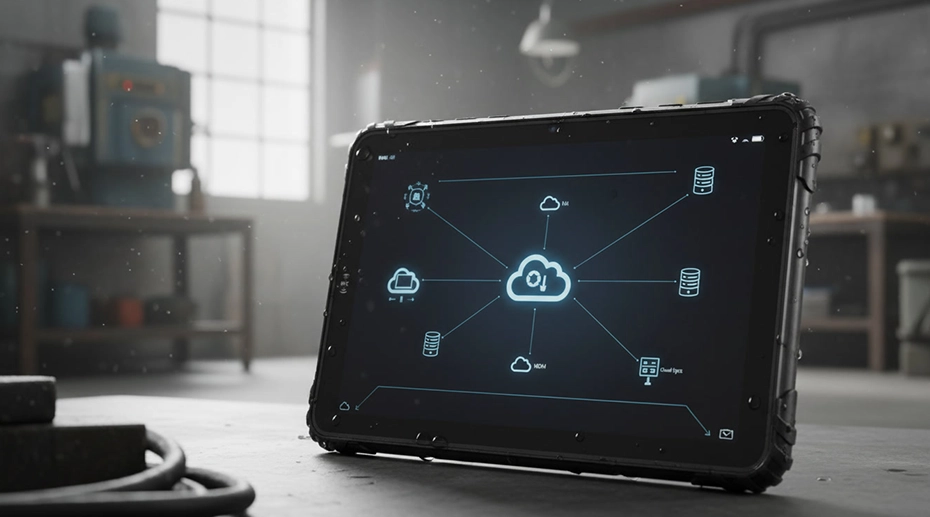
Manage hundreds or thousands of devices from a single console, ensuring consistent configuration across all endpoints.
Prevent Misuse in Harsh Environments
Restrict unauthorized access, control application usage, and maintain device security in shared operational settings.
Reduce Maintenance & IT Costs
Remote troubleshooting, automated updates, and centralized monitoring significantly lower total cost of ownership.
Ensure Compliance & Consistency
Enforce corporate policies, industry regulations, and operational standards across all deployed devices.
Ideal for System Integrators Deploying to:
Commercial vehicle management
Heavy equipment monitoring
Farm machinery control
Forklift & inventory operations
3. Key MDM Features for Rugged Devices
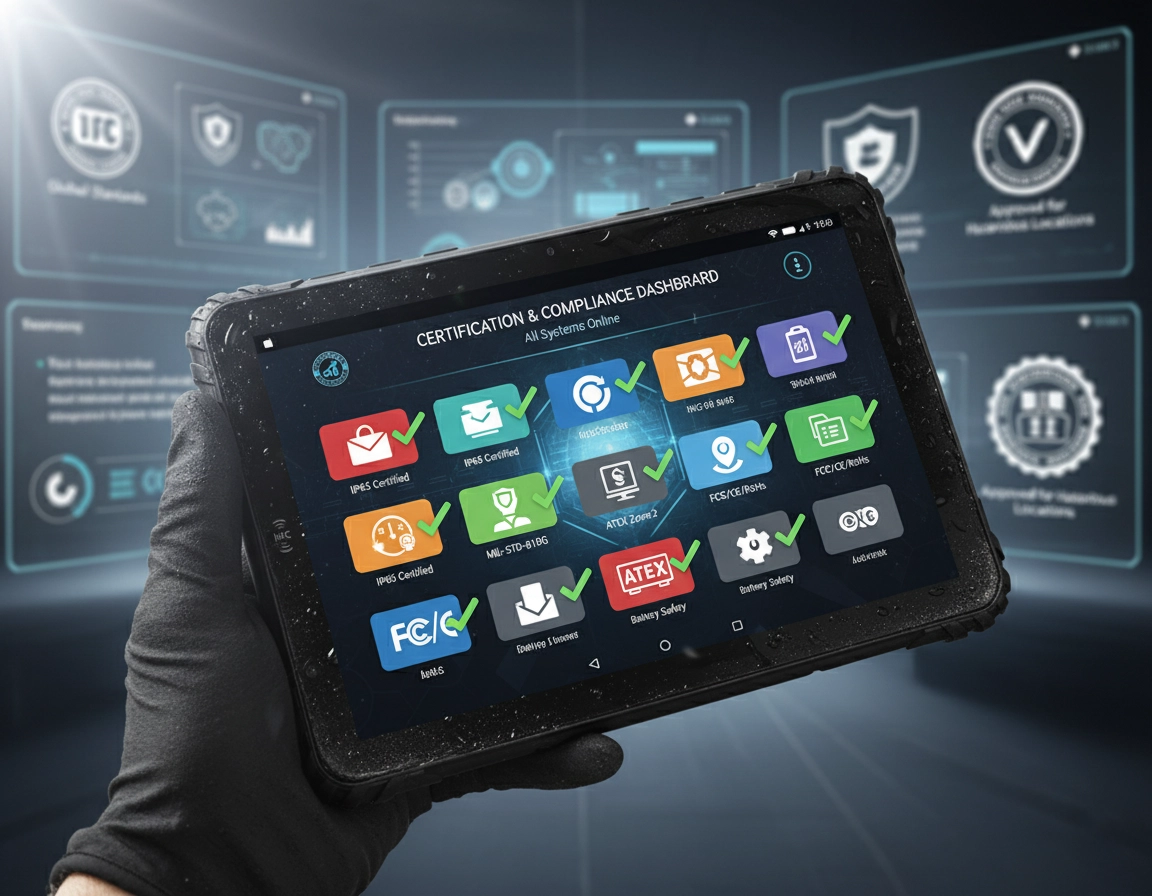
Device Enrollment & Provisioning
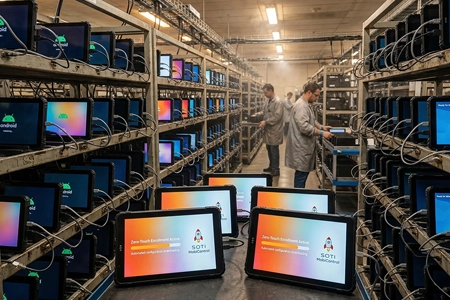
✓ Zero-touch enrollment
✓ QR / SN-based batch enrollment
Remote Configuration & App Management
✓ Silent app install / update / removal
✓ Application whitelist / blacklist
Security & Policy Control
✓ Kiosk mode & single-app lockdown
✓ Password policy enforcement
✓ USB / camera / peripheral control
Monitoring & Remote Support
✓ Real-time online/offline status
✓ Remote lock / wipe / reboot
✓ Battery health & location tracking
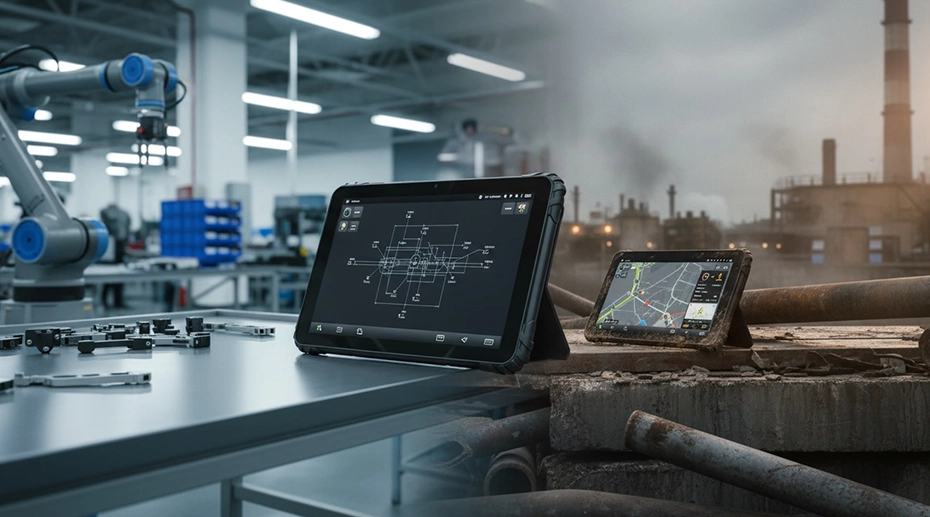
4. MDM for Rugged Tablets vs Consumer Devices
5. OEM Customization for MDM Deployment
As an OEM manufacturer, TOPICON provides end-to-end MDM readiness customization for system integrators:
OS Pre-configuration
Android Enterprise setup, kiosk mode, custom launcher, GMS/AOSP options
MDM Platform Integration
Pre-load MDM agent, whitelist apps, configure enrollment settings
API & SDK Support
Custom APIs for hardware integration, system-level permissions
6. Common Use Cases for MDM Rugged Devices
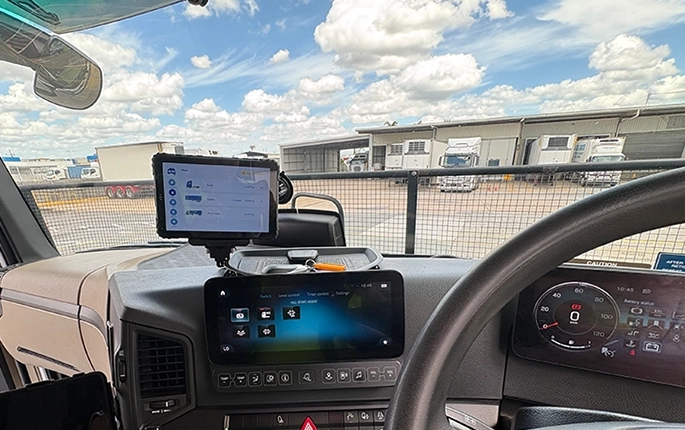
Fleet & Vehicle Management
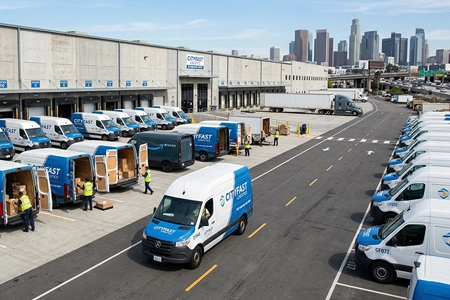
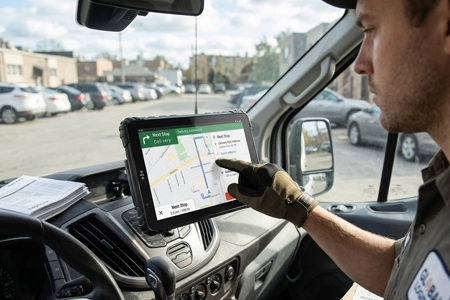
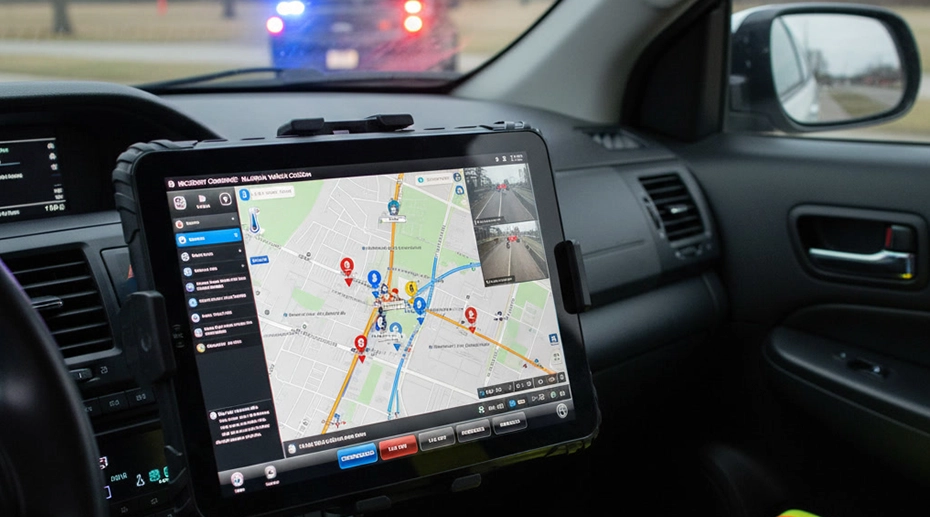
Centralized management of in-vehicle tablets across trucking and delivery fleets.
→ Transportation Solutions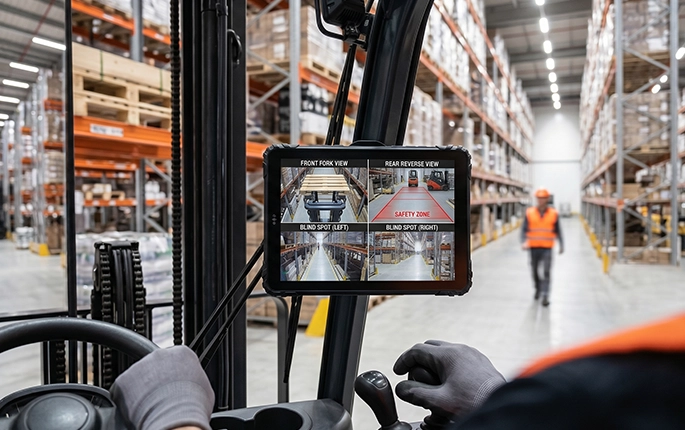
Forklift & Warehouse Systems
Lockdown mode for forklift-mounted tablets, remote device status monitoring.
→ Warehouse Solutions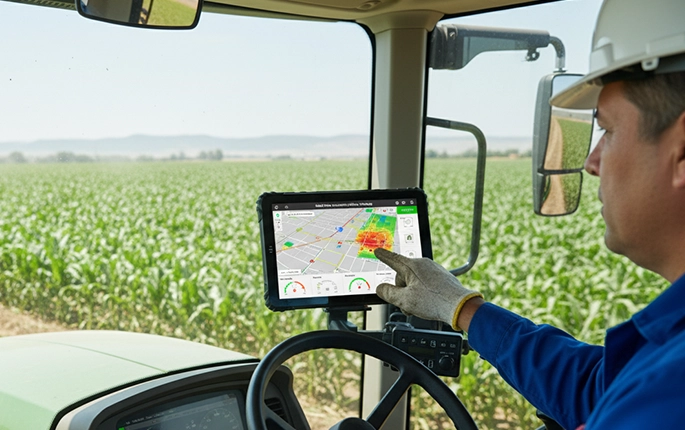
Agricultural Machinery
Remote management of tablets on tractors and harvesters in field locations.
→ Agricultural Solutions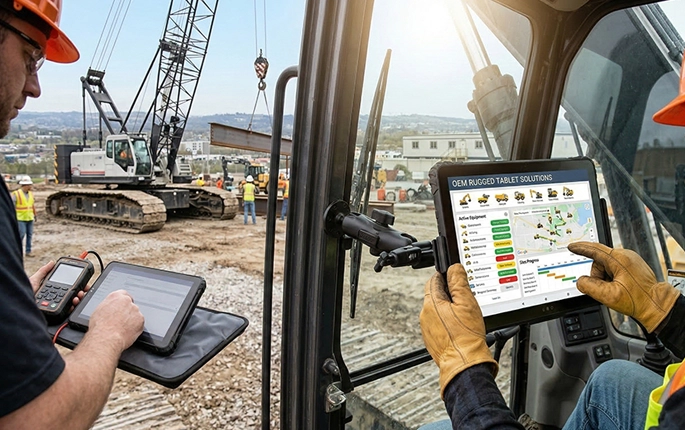
Construction Equipment
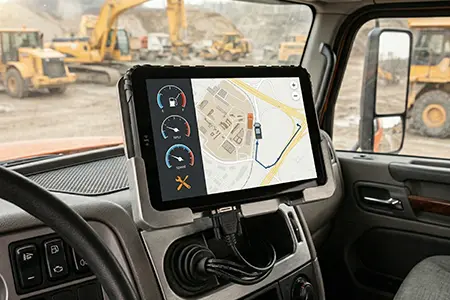
Centralized control of rugged tablets on excavators and heavy equipment.
→ Construction Solutions7. How to Choose an MDM-Ready Rugged Device

Hardware-level MDM Support
Secure boot, remote diagnostics, hardware-based security modules.
OS Update Lifecycle
Guaranteed Android security updates for 3-5 years.
Vehicle Power Integration
Docking stations, ignition sensing, wide voltage input (9-36V).
API & System Permission Openness
SDK access, system-level permissions for MDM integration.
8. Conclusion: MDM as the Foundation for Rugged Deployments
For organizations deploying rugged tablets at scale, MDM is not optional — it is the foundation of secure, reliable, and efficient device operations.
Key Takeaways for System Integrators
Related MDM & Rugged Device Resources