What Is an In-Vehicle Tablet? The Complete Guide to Fleet-Ready Android Computing
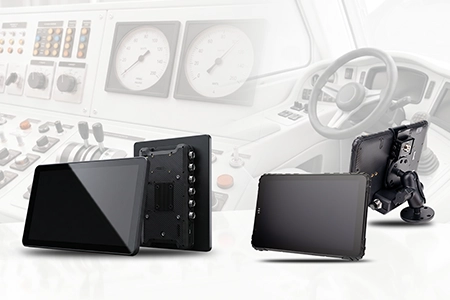
An in-vehicle tablet is a rugged Android computing device purpose-built for permanent or semi-permanent installation inside commercial vehicles. Unlike a consumer tablet propped on a dashboard, it integrates directly with the vehicle's electrical system, CAN Bus network, GPS, and fleet management software — becoming the command center for the driver and a data hub for the back office.
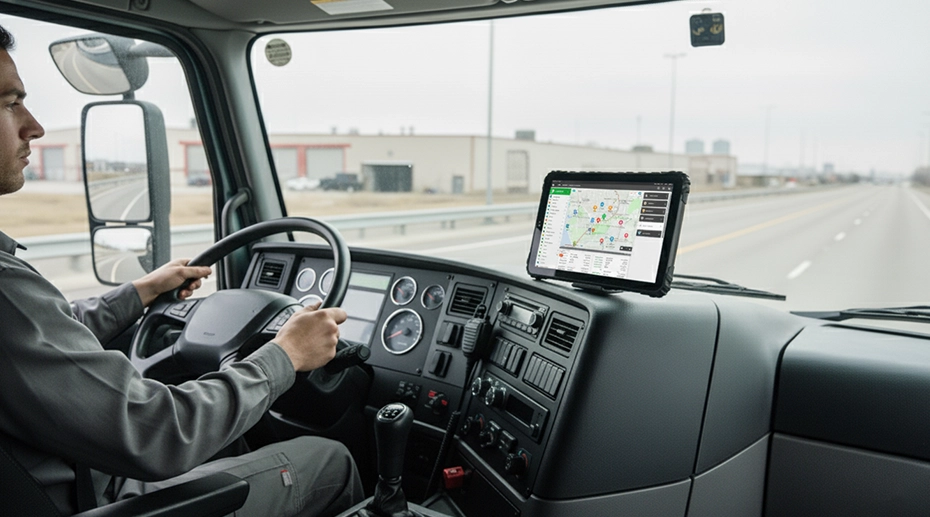
Table of Contents
1. What Is an In-Vehicle Tablet?
An in-vehicle tablet is a rugged Android computing device purpose-built for permanent or semi-permanent installation inside commercial vehicles — trucks, buses, forklifts, delivery vans, and emergency vehicles. Unlike a consumer tablet that you might prop on a dashboard with a suction cup, an in-vehicle tablet integrates directly with the vehicle's electrical system, CAN Bus network, GPS, and fleet management software. For fleets that need a hardened in-cab computing hub, this level of integration is the baseline — not an add-on.
The key distinction is integration. A consumer iPad can display maps and run apps, but it can't read engine diagnostics through J1939, automatically power on with the ignition, or survive the constant vibration and temperature swings of a working vehicle. An in-vehicle tablet does all of these natively.
At its core, an in-vehicle tablet is the command center for the driver and a data hub for the back office. It runs ELD compliance software, processes real-time telematics, captures proof of delivery, and communicates with dispatch — all from a single device mounted securely in the cab.
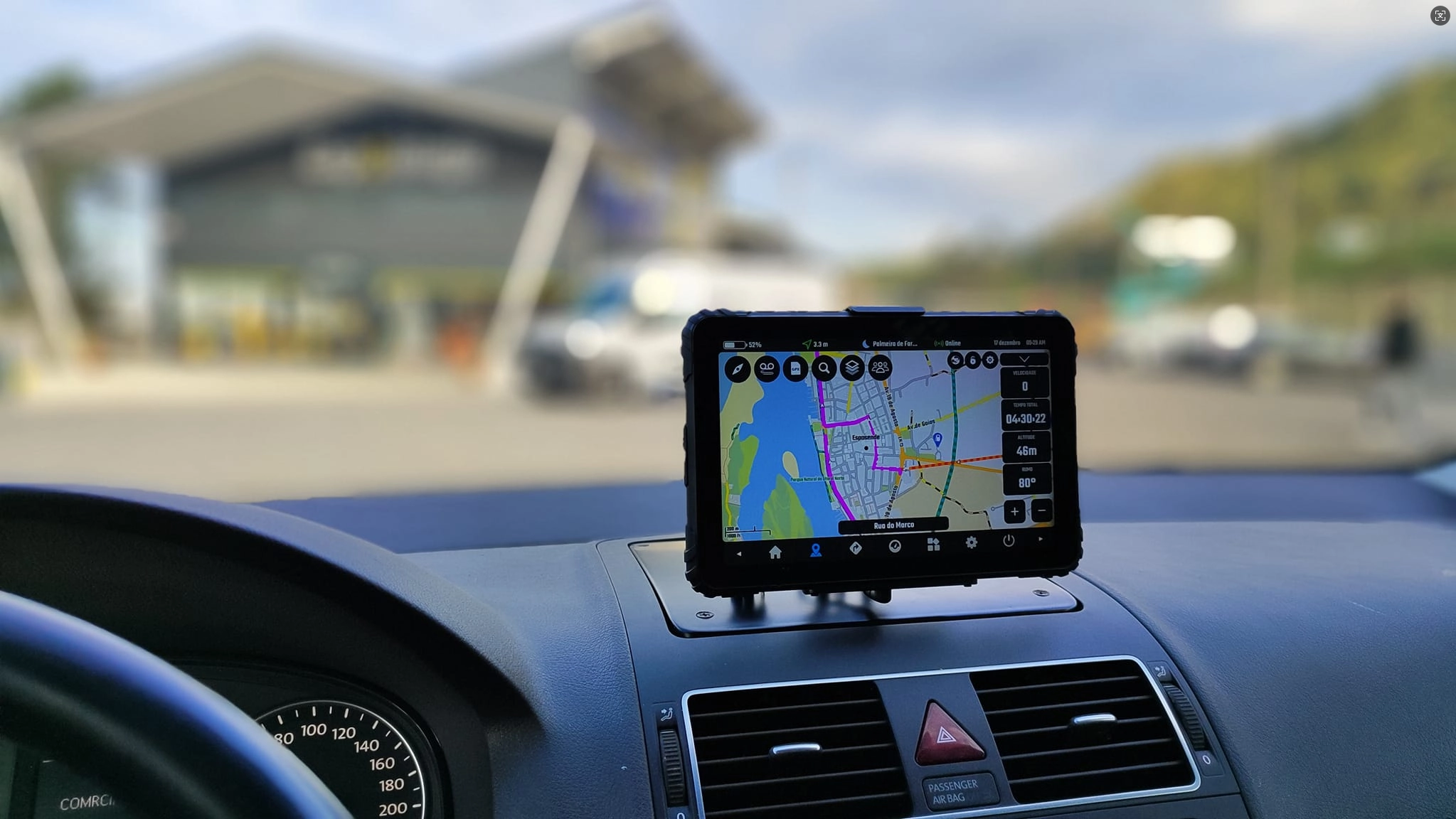
2. In-Vehicle Tablet vs Consumer Tablet
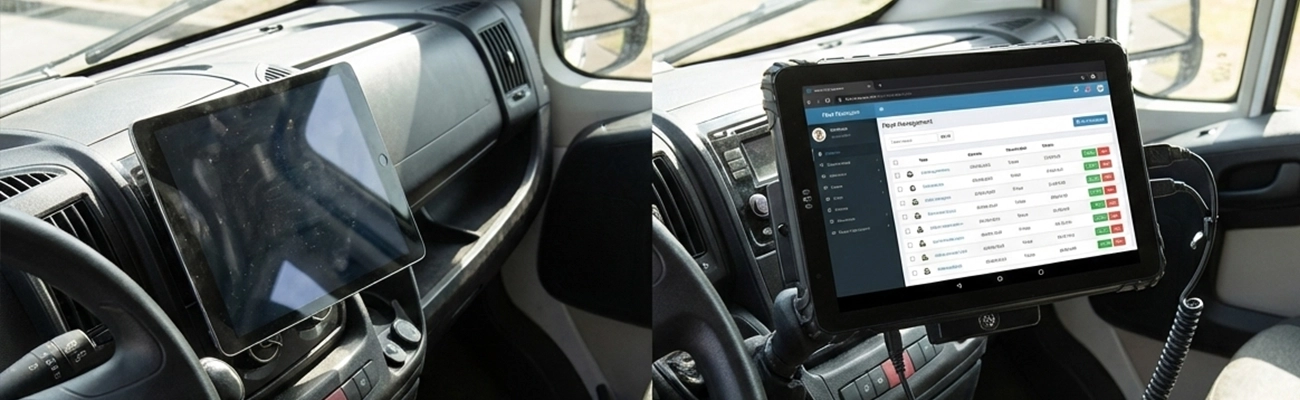
The difference between an in-vehicle tablet and a consumer tablet is not just about durability — it's about whether the device can actually do the job in a commercial vehicle environment.
Consumer tablets fail in fleet environments for four predictable reasons: they can't handle vehicle voltage spikes, they overheat in direct sunlight, they lose touch sensitivity with gloves, and their batteries swell in high-temperature cabs. An in-vehicle tablet is engineered to solve each of these problems at the hardware level.
3. Key Features of an In-Vehicle Tablet
When evaluating an in-vehicle tablet for fleet deployment, these are the features that separate professional hardware from consumer devices:

9-36V Vehicle Power with Ignition Sensing
Connects directly to the vehicle's electrical system, powers on automatically with the engine start, and prevents battery drain.

Native CAN Bus (J1939)
Hardware-level CAN Bus reads engine RPM, fuel consumption, odometer, and DTCs directly from the vehicle ECU. Spec a CAN Bus tablet →

1000-nit Sunlight-Readable Display
Optical bonding and anti-glare treatment ensure clear visibility even in direct cab sunlight.
IP67 / MIL-STD-810G Durability
Sealed against dust and water, tested against shock, vibration, and extreme temperatures. Deploy waterproof rugged tablets →

4G/5G Connectivity with GNSS
Always-on cellular connectivity plus multi-constellation GPS for real-time tracking. Configure GPS fleet tablets →

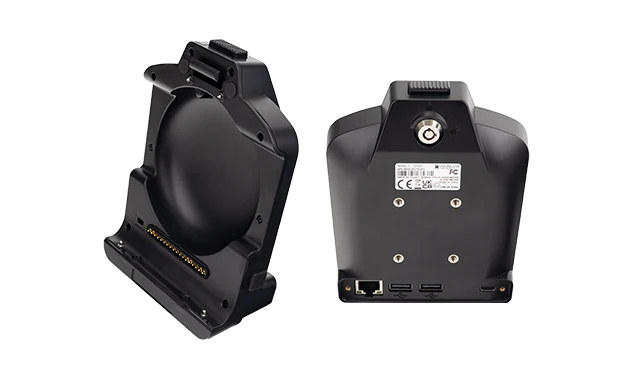
Dedicated Vehicle Dock
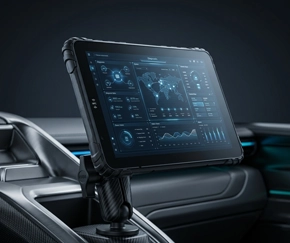
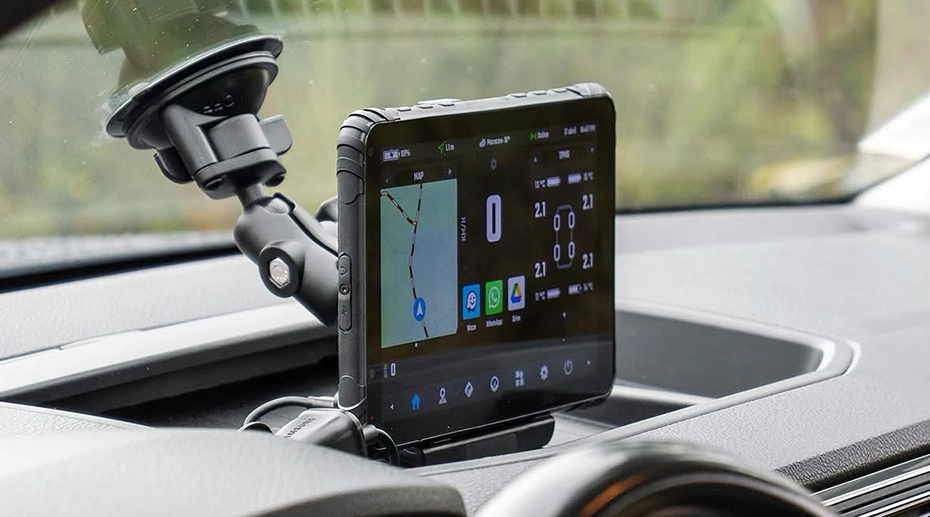
Secure docking with pogo-pin contacts provides reliable power and data, with quick-release for multi-driver fleets. Vehicle Mount Terminal for permanent installations. Explore our Vehicle-Mounted Tablets →
In-Vehicle Tablet Reliability Test
MIL-STD-810G validation — vibration, drop, and temperature testing
Drop, vibration & thermal cycling — fleet-grade durability validation
4. Certifications That Matter
For commercial fleet deployments, certifications are not marketing — they're requirements that determine whether the hardware can legally and reliably operate in your vehicles.
MIL-STD-810G/H — Military-grade testing for shock, vibration, temperature extremes, and humidity. Baseline for vehicle-mounted devices.
IP67 — Ingress protection against dust (6) and temporary water immersion (7). Essential for rain, dust, or washdown environments.
FMCSA ELD Compliance — The hardware must run FMCSA-registered ELD software for HOS logging. Get FMCSA-ready ELD tablets →
CE / FCC / PTCRB — Regional certifications for wireless and electrical safety that streamline deployment across markets.
5. How an In-Vehicle Tablet Integrates with Fleet Software
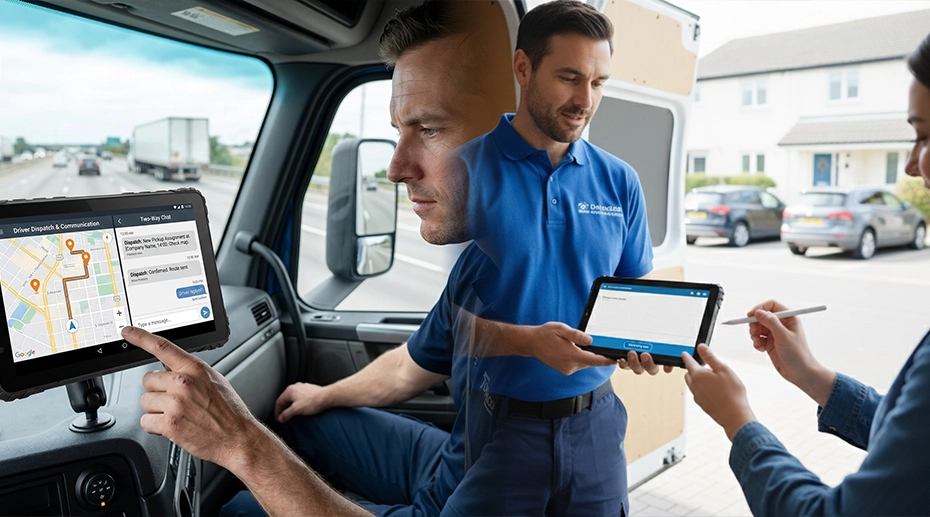
An in-vehicle tablet becomes truly valuable when it connects to your fleet's software ecosystem. Here's how the integration works:

ELD / HOS Logging
Runs FMCSA-compliant ELD applications that automatically record hours of service, DVIR inspections, and IFTA fuel tax reporting.
Telematics
Collects real-time vehicle data — speed, fuel, engine health — through CAN Bus and transmits it to your telematics platform.
Dispatch & Navigation
Runs dispatch applications with real-time GPS tracking, route optimization, and two-way driver communication.
MDM
IT administrators remotely configure devices, push OTA updates, and enforce kiosk mode. Deploy fleet-wide MDM →

SDK/API Access
Open Android platform with SDK allows custom apps to read CAN Bus data, control GPIO, and access RS232 ports. Build your OEM tablet platform →
TOPICON in-vehicle tablets are compatible with major fleet platforms including Samsara, Geotab, Motive, Verizon Connect, and PeopleNet.
6. In-Vehicle Tablet Use Cases
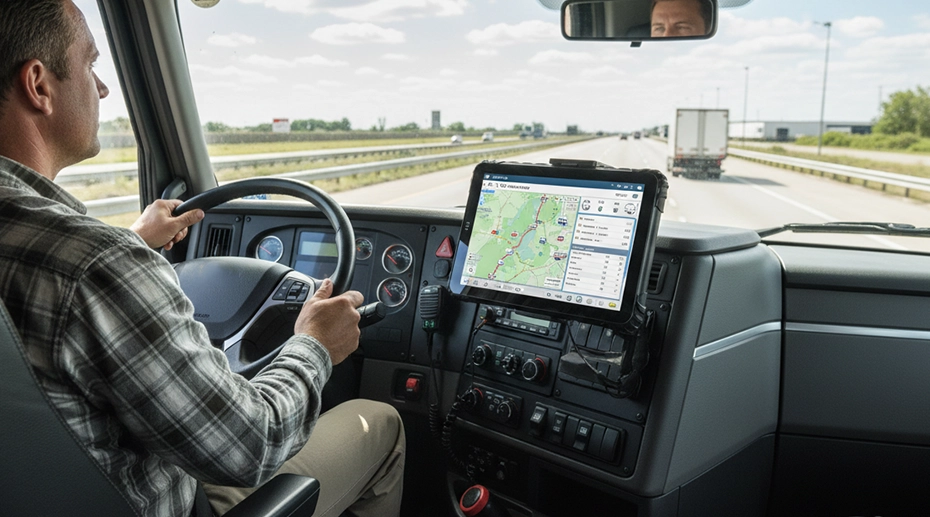
Long-Haul Trucking
ELD compliance, GPS navigation, and dispatch communication for over-the-road fleets.
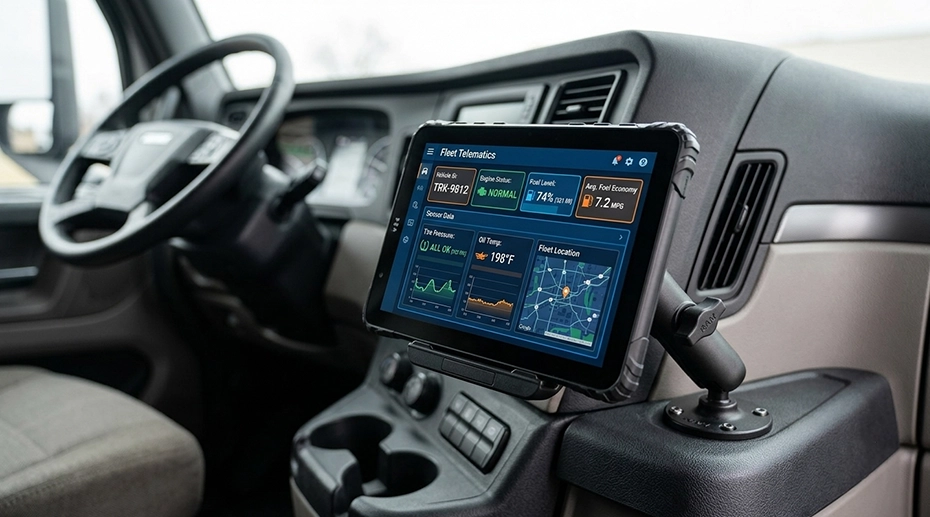
Public Transit & School Buses
Passenger information, route tracking, student safety monitoring. Deploy bus fleet tablets →
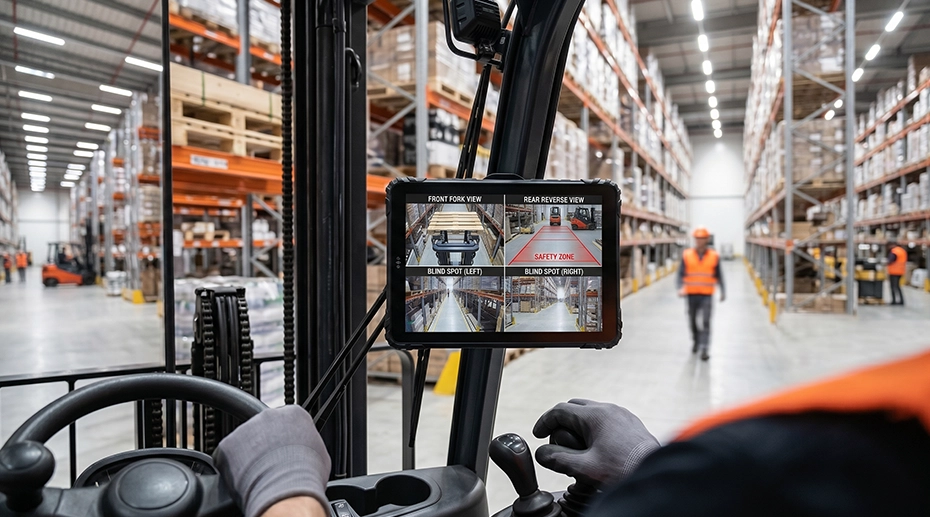
Forklifts & Warehouse Vehicles
WMS integration, barcode scanning, and inventory management. Equip warehouse vehicles →
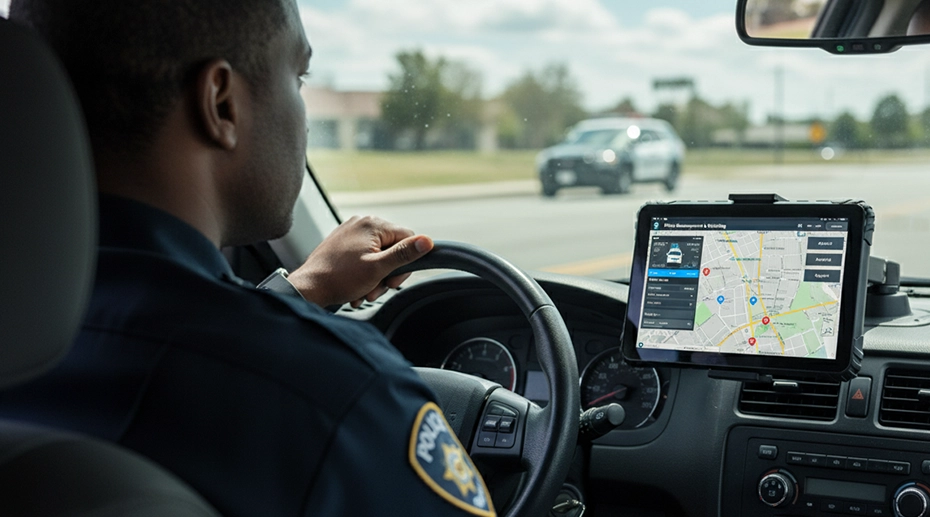
Emergency & Police Vehicles
Mobile data terminals for dispatch, situational awareness, and in-vehicle reporting. Source police MDT hardware →
Delivery & Last-Mile Logistics
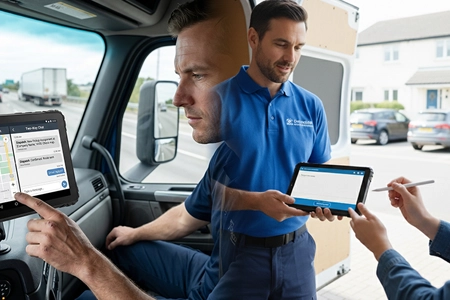
Route optimization, proof-of-delivery capture, quick-release docking. Deploy delivery fleet tablets →
7. How to Choose an In-Vehicle Tablet
Selecting the right in-vehicle tablet for your fleet requires evaluating five factors:
Mounting Requirements — Fixed installation or quick-release docking? Quick-release allows one tablet to serve multiple vehicles. Configure vehicle mount terminals →
Operating Environment — Temperature extremes, vibration levels, and dust/water exposure dictate the durability rating required.
Connectivity Needs — 4G LTE is standard; 5G matters for video streaming. Dual-SIM provides redundancy.
Software Compatibility — Verify the tablet runs your ELD, telematics, and dispatch software. Open Android is the most flexible.
Lifecycle Support — Choose a manufacturer with 5+ year lifecycle and stable BOM control. Source fleet-grade hardware →

8. In-Vehicle Tablet vs Vehicle Mounted Tablet — What's the Difference?
These two terms are often confused. Here's the distinction:
In-Vehicle Tablet
Refers to the computing platform — the rugged Android device that runs fleet software, processes vehicle data, and serves as the driver's interface.
Vehicle Mounted Tablet
Refers to the physical installation — a tablet secured to the vehicle using a dock or mount.
In practice, most commercial deployments use an in-vehicle tablet that is also vehicle-mounted. The terms describe different aspects of the same device: one describes its function, the other describes its physical form. Browse vehicle-mounted tablet options →
9. Frequently Asked Questions
Can I use an iPad as an in-vehicle tablet?
While an iPad can run navigation apps, it lacks the vehicle power integration, CAN Bus support, and rugged durability required for reliable fleet operation. Consumer tablets fail from voltage spikes, overheating, and vibration in ways that rugged in-vehicle tablets are specifically designed to survive.
How is an in-vehicle tablet powered?
In-vehicle tablets connect to the vehicle's electrical system via 9-36V DC input with ignition sensing. They power on automatically when the engine starts and off when it stops, preventing battery drain.
Do in-vehicle tablets work with Samsara or Geotab?
Yes. Open Android in-vehicle tablets are compatible with major fleet platforms including Samsara, Geotab, Motive, Verizon Connect, and PeopleNet, as well as custom fleet management applications.
How long does an in-vehicle tablet last?
A rugged in-vehicle tablet typically lasts 5-7 years with proper lifecycle support, compared to 2-3 years for consumer tablets in the same environment.
Can I get a custom in-vehicle tablet for my fleet?
Yes. OEM manufacturers like TOPICON offer custom I/O ports, private-label branding, and firmware customization for fleet deployments at scale. Start your OEM tablet project →
Ready to Deploy In-Vehicle Tablets Across Your Fleet?
TOPICON provides rugged Android in-vehicle tablets with 9-36V vehicle power, native CAN Bus, 1000-nit displays, and full OEM customization — built for the demands of commercial vehicle operations.
Related Fleet Hardware Resources