Rugged Tablets for Utility Field Service – What to Look For in Power Grid Inspection Hardware
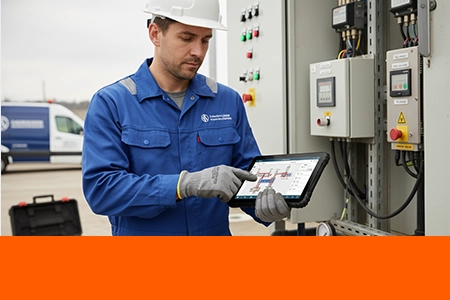
Utility field service is not the same as general field service. A lineman troubleshooting a substation relay is not the same as a delivery driver scanning packages. The environment, the equipment interfaces, the safety requirements, and the consequences of device failure are all fundamentally different. Here's what system integrators and utility fleets need to know when specifying rugged tablets for power grid inspection, substation maintenance, and distribution network field work.
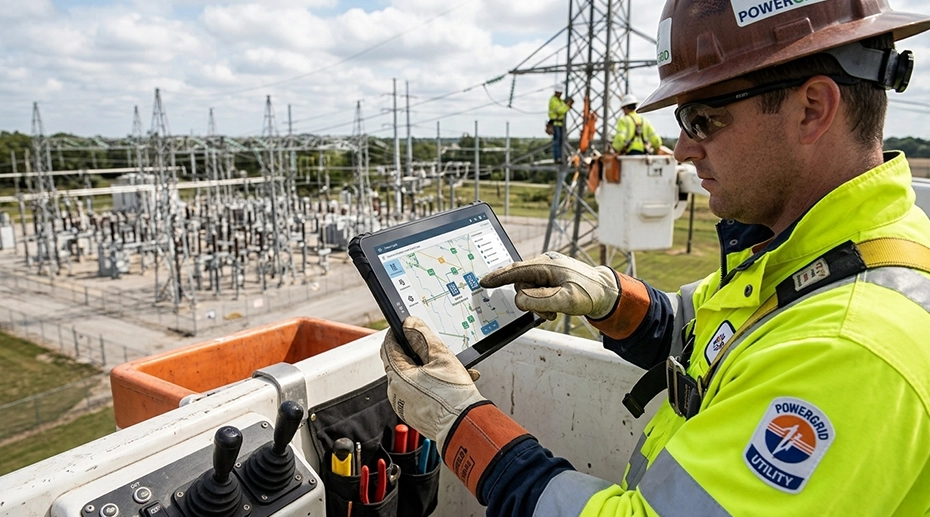
Table of Contents
Field Experience
Utility field deployments place unique demands on mobile computing hardware that most "rugged tablets" don't address:
Reliable operation in electromagnetic fields around high-voltage equipment
Serial communication with legacy utility equipment via RS232/RS485
Glove-compatible touchscreens for linemen wearing insulated PPE
About the Author
TOPICON Fleet Deployment Team
Hardware engineering specialists supporting system integrators with rugged tablet selection, peripheral integration, and deployment planning for utility, energy, and industrial field service applications. For integrators building utility field service computing equipment, hardware selection is the foundation of a successful deployment.
1. Why Utility Field Service Is Different from General Field Work
A field service technician repairing a vending machine works in a controlled indoor environment. A utility lineman inspecting a substation works in an electromagnetic field strong enough to induce current in unshielded electronics. A delivery driver scans barcodes at each stop. A grid maintenance engineer connects to a 20-year-old RTU via RS485 running Modbus protocol. A general field worker checks email on a tablet. A power line inspector reads schematics in direct sunlight while standing on a bucket truck platform at 15 meters.
These are not the same use case. A tablet that works perfectly for general field service may fail completely in a utility environment — not because it's defective, but because it wasn't designed for the specific demands of power grid operations. Here's what those demands are, and what hardware specifications address them.
2. Sunlight-Readable Display with Glove-Compatible Touch
Why Standard Displays Fail in Utility Work
Utility field workers operate outdoors for 8-10 hour shifts — on pole tops, in bucket trucks, in open substation yards with zero shade. A tablet display that looks bright in an office is unreadable in these conditions. The industry standard for outdoor utility work is a minimum 1000-nit brightness with optical bonding to eliminate internal reflections between the LCD and touch layers.
Equally critical: the touchscreen must work with the insulated gloves that linemen wear as PPE. Standard capacitive touchscreens do not register touches through rubber insulating gloves rated for high-voltage protection. The tablet must have a glove-compatible touch controller with adjustable sensitivity — configured at the factory, not through a software toggle. This is not a feature that can be added after procurement.
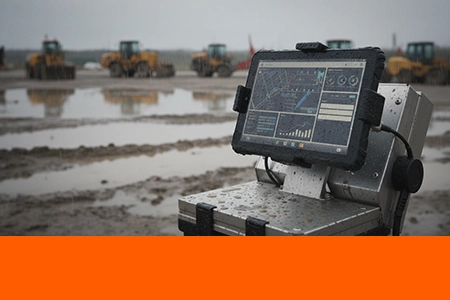
Wet-touch optimization is also essential — utility work doesn't stop for rain. The touch controller must distinguish a finger touch from rain droplets on the screen surface. For field service devices deployed in all-weather conditions, IP67-rated tablets with wet-touch firmware ensure that precipitation doesn't disable the operator's primary interface. An industrial-grade display terminal rated for outdoor use handles both bright sunlight and heavy rain without compromising visibility.
Display Specifications for Utility Field Work
1000-nit minimum brightness with optical bonding
Glove-compatible capacitive touch controller with factory-configured sensitivity
Wet-touch optimized firmware for rain and high-humidity operation
Anti-reflective coating to reduce glare in direct sunlight
3. Electromagnetic Compatibility in High-Voltage Environments
How Substation EMI Affects Mobile Electronics
A substation is one of the most electromagnetically hostile environments for consumer electronics. High-voltage conductors, transformers, and switchgear generate electric fields strong enough to induce voltage in unshielded circuits. A tablet carried into a 230kV substation yard is exposed to field strengths that can disrupt capacitive touchscreens, corrupt data on unshielded storage, and in extreme cases, induce enough current in long cable runs to damage unprotected I/O ports.
The key specification here is not IP rating or drop resistance — it's EMC (Electromagnetic Compatibility) compliance. Devices intended for substation use should meet IEC 61000-4 series standards for electromagnetic immunity, including radiated RF immunity (IEC 61000-4-3) and electrical fast transient/burst immunity (IEC 61000-4-4). These are not standard tests for general-purpose rugged tablets — they must be specified at procurement.
EMI Mitigation for Utility Tablets
Verify EMC compliance to IEC 61000-4 series for radiated and conducted immunity
Use shielded I/O cables for RS232/RS485 connections in substation environments
Add ferrite chokes on all cable connections longer than 1 meter
Prefer optically bonded displays — the bonding layer provides additional EMI shielding between the touch sensor and LCD
4. Serial Connectivity for Legacy Utility Equipment
Why RS232 and RS485 Still Matter in Modern Grid Operations
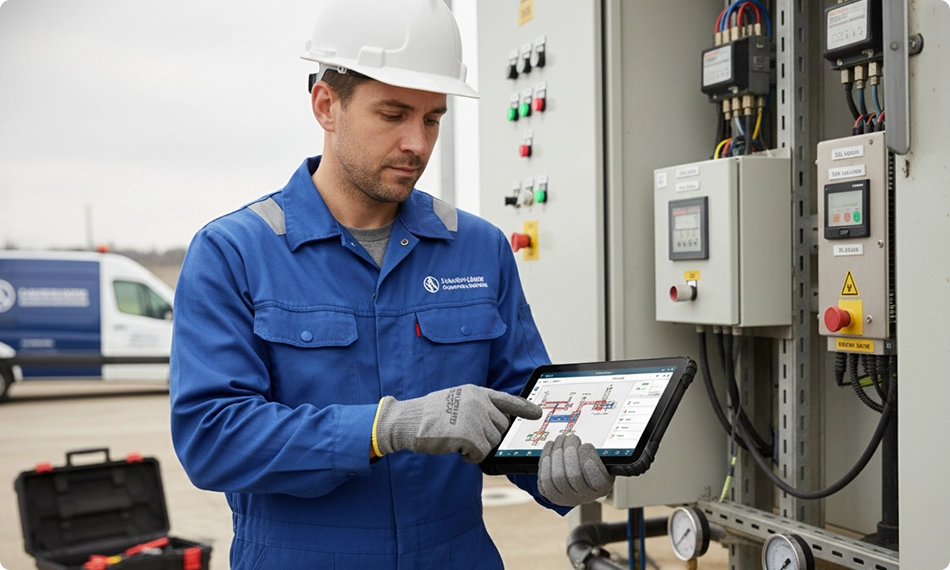
The power grid runs on equipment that was installed decades ago. Substation RTUs (Remote Terminal Units), protective relays, and power quality meters communicate via RS232 or RS485 serial protocols — often running Modbus RTU or DNP3. These devices are not being replaced. They are being integrated into modern digital workflows. The tablet that connects to them needs native serial ports — not USB-to-serial adapters that introduce driver compatibility issues and additional failure points in the field.
A utility technician troubleshooting a transformer monitor needs to plug directly into the RS485 bus, read Modbus registers, and diagnose the issue on-site. A USB-to-serial adapter that requires driver installation, has intermittent connection issues, or is incompatible with the tablet's Android OS version turns a 15-minute diagnostic task into a multi-hour exercise in frustration. Tablets with integrated RS232 and RS485 ports eliminate this friction entirely. For integrators deploying a serial-ready mobile data platform, native COM ports are a non-negotiable hardware requirement.
Serial Connectivity Checklist for Utility Tablets
Native RS232 port — not USB-to-serial adapter
RS485 support for multi-drop bus connections to multiple utility devices
Modbus RTU protocol compatibility verified with the tablet's SDK
Optional isolated serial ports — galvanic isolation prevents ground loops between the tablet and utility equipment at different ground potentials
5. Power and Connectivity for Remote Field Operations
Vehicle Power, Battery Life, and Off-Grid Connectivity
Utility field crews operate from bucket trucks, line maintenance vehicles, and mobile command centers. The tablet needs to run continuously for a full shift — powered by the vehicle when in the cab, and by battery when the lineman is working on a pole or in a substation yard. This requires two things from the hardware.
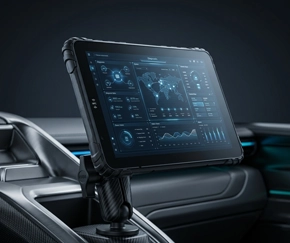
First, vehicle power integration with 9-36V DC input and ignition sensing — the tablet charges while the vehicle is running and performs a controlled shutdown or enters sleep when the engine stops. Second, a user-replaceable battery that can be swapped in seconds — when a lineman's tablet runs low during an extended troubleshooting session at a remote substation, they swap the battery, not the device. A vehicle-powered computing dock with ignition sensing keeps the tablet charged during transit and ready for off-vehicle use.
For connectivity in remote areas where cellular coverage is unreliable, external antenna support for both GPS and 4G/5G is critical. A tablet with an SMA antenna port can connect to a roof-mounted external antenna on the vehicle — providing reliable GPS positioning and data connectivity even when the internal antenna is inside the metal cabin. For substations in valleys or remote transmission line corridors, this can be the difference between having data and being completely offline.
6. Safety and Compliance in Utility Operations
Digital Work Permits, Job Safety Analysis, and Audit Trails
Utility work is governed by strict safety protocols. Every job requires a work permit. Every task requires a Job Safety Analysis (JSA) or Job Hazard Analysis (JHA). Every step must be documented — time-stamped, location-tagged, and attributable to a specific worker. These are not optional. They are regulatory requirements with legal and financial consequences for non-compliance.
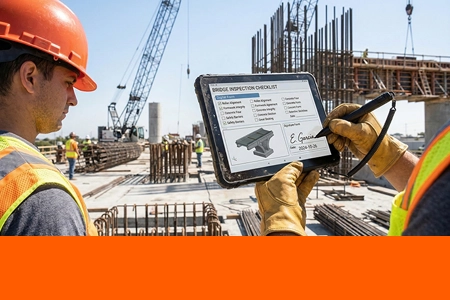
A rugged tablet used in utility field service must support this workflow digitally — capturing signatures, recording GPS coordinates at each step, and uploading documentation in real time to the utility's compliance system. This requires reliable GPS (with external antenna support for challenging environments), integrated camera for photo documentation of completed work, and MDM-enforced security policies that ensure only authorized personnel can access the device and the data it contains.
7. Utility Field Service Tablet: Key Specifications Summary
8. Frequently Asked Questions
Can a standard rugged tablet be used in a substation environment?
A standard rugged tablet with IP67 rating may survive the physical environment of a substation, but it may not function reliably in the electromagnetic environment. Substation EMI can disrupt capacitive touchscreens and induce noise on unshielded I/O connections. Tablets intended for substation use should have verified EMC compliance to IEC 61000-4 series standards — this is not a standard feature on general-purpose rugged tablets.
Why do utility tablets need RS232 and RS485 instead of just USB?
Much of the equipment in the power grid — RTUs, protective relays, power quality meters — was installed years or decades ago and communicates via RS232 or RS485 serial protocols. USB-to-serial adapters introduce driver compatibility issues and additional failure points. A tablet with native RS232/485 ports connects directly to these devices without adapters. Configure a serial-ready utility tablet →
What's the difference between a field service tablet and a utility-specific tablet?
A general field service tablet may have an IP rating and a sunlight-readable display, but it typically lacks native RS232/RS485 ports, EMC compliance for substation environments, and glove-compatible touch optimized for insulated PPE. A utility-specific tablet includes these features as standard — because they are requirements for power grid work, not optional upgrades.
Does TOPICON provide tablets configured for utility field service?
Yes. TOPICON rugged MDTs support native RS232/RS485, glove-compatible touch controllers, 1000-nit optically bonded displays, and 9-36V vehicle power integration — with external antenna options for remote connectivity. Contact our engineering team to discuss your utility deployment →
Deploying Tablets for Utility Field Service? Start with Hardware Built for the Grid.
TOPICON rugged MDTs feature native RS232/RS485, glove-compatible touch, 1000-nit sunlight-readable displays, and vehicle power integration — engineered for power grid inspection, substation maintenance, and utility field operations.
Related Field Service & Hardware Resources