Navionics Tablet Guide — Marine & Fleet Hardware Requirements for Commercial Deployment
Navionics runs on any Android tablet. That is where the useful part of the discussion ends and the hardware problem begins. A tablet that shows charts correctly in an office will lose GPS lock under a metal hull, wash out on an open deck at midday, or fail to power on after a cold night in a truck cab. This guide covers the hardware requirements that determine whether Navionics works in the environments where commercial marine and fleet navigation actually happens — and where consumer tablets stop being adequate.
Table of Contents
1. What Is a Navionics Tablet?
Navionics is a software application — not a hardware brand. It was developed by Navionics S.p.A., acquired by Garmin in 2017, and remains one of the most widely used marine charting applications for both recreational and commercial use. The term "Navionics tablet" refers to any tablet capable of running the application reliably in the environments where navigation happens.
Key Distinction
Running Navionics is the software question. Keeping the app supplied with continuous GPS position, readable in direct sunlight, and powered through a 10-hour shift is the hardware question. Most navigation failures in commercial deployments originate in the second category.
2. Navionics vs General Navigation Hardware
Navionics is one application in a broader category of navigation software — alongside fleet dispatch platforms, telematics navigation clients, and industrial GIS applications. All of them share the same hardware foundation: a GNSS receiver that maintains position fix, a display that remains readable under vehicle or marine lighting, and a power architecture that survives the electrical environment of the vehicle or vessel.
The hardware requirements specific to Navionics deployments are covered in this guide. For the underlying hardware architecture — GNSS receiver selection, optical bonding, external antenna ports, and dock connector engineering — see the navigation tablet hardware architecture guide for system integrators and OEMs.
What this guide covers
• Hardware specifications specific to marine and fleet navigation deployments
• Where consumer tablets fail in commercial navigation environments
• OEM and system integrator sourcing considerations
3. Navionics on Android Tablets
Navionics ships a fully functional Android version. The application itself does not distinguish between consumer and industrial hardware — it requests a position fix from the operating system and renders charts on whatever display is present. This is why tablets with very different hardware architectures can all "run Navionics," while delivering very different field results.
For professional deployments, the relevant question is not whether Navionics runs, but whether the device maintains the position fix, display readability, and power continuity required for the duration of a shift. Android rugged tablet platforms are built around these three requirements.
Navionics Compatibility Requirements
Android 6.0+ (Marshmallow) minimum
Multi-constellation: GPS + GLONASS + Galileo + BeiDou
8"–10", 700–1000 nits, anti-glare coating
32GB+ internal with microSD for offline chart packs
Sourcing rugged tablet hardware for a Navionics deployment?
Explore Vehicle Mount Navigation Tablets →4. Hardware Requirements for Professional Navigation
Four hardware characteristics determine whether a Navionics deployment succeeds in the field. They are not visible in the application interface, which is why they are often missed during hardware evaluation.
GNSS Architecture & External Antenna
A metal boat hull blocks satellite signals entirely. A truck cab with metallic window tinting attenuates them significantly. Multi-constellation reception — GPS, GLONASS, Galileo, BeiDou — maintains position fix in tree-lined waterways, urban canyons, and mining pits where a single constellation would be blocked. Navigation tablet hardware architecture guide →
Two external reception options are available for deployments where the internal antenna cannot reach the sky. An MMCX or SMA antenna port routes the signal from a roof-mounted antenna through a coaxial cable into the device's internal receiver. A USB GPS receiver (USB-A interface) moves the entire GNSS receiver outside the enclosure — the device receives position data over USB rather than through an antenna cable. The USB option is useful for retrofitting existing installations where running a coaxial cable is impractical, or for deployments where the tablet itself must remain in a fully sealed location.
Display Readability in Direct Sunlight
Brightness alone is not sufficient. A 700-nit display with anti-glare coating and optical bonding produces higher effective contrast than a 1000-nit glossy panel with an air-gapped construction. The relevant metric is emitted light divided by reflected light — which is why optical bonding matters as much as peak brightness. For open boat decks, 1000 nits with anti-glare is the practical minimum. Display brightness comparison →
Environmental Sealing
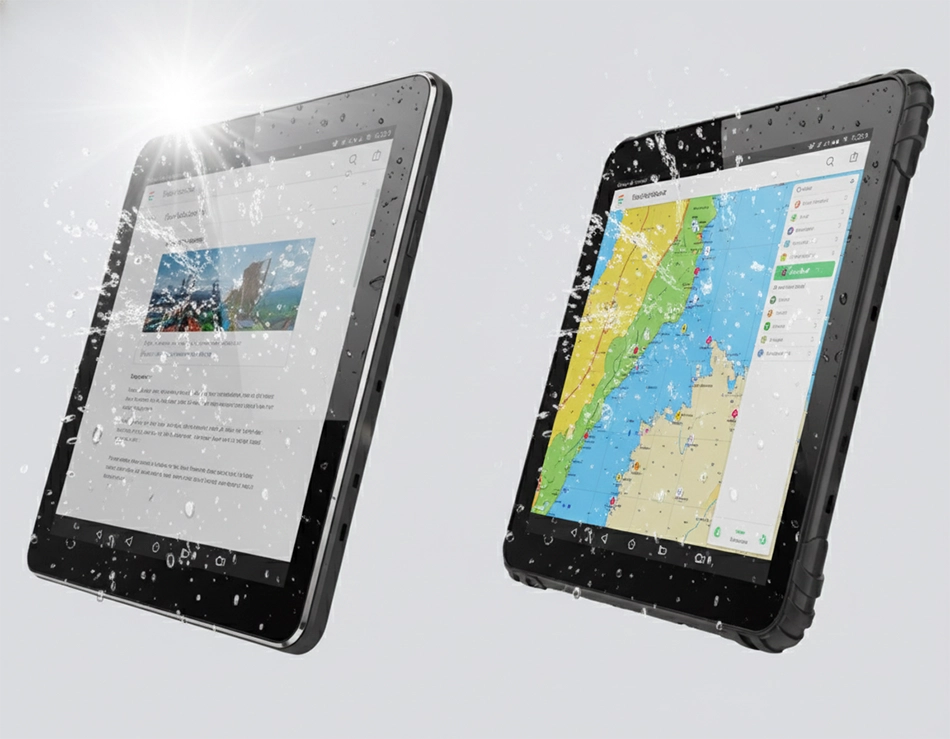
IP67 sealing prevents water ingress through the charging port, speaker grille, and dock connector during rain, wave splash, and pressure washing. For marine environments where salt spray accelerates corrosion, the housing and connector materials must be specified accordingly. Waterproof tablet specifications →
Vehicle Power & Mounting
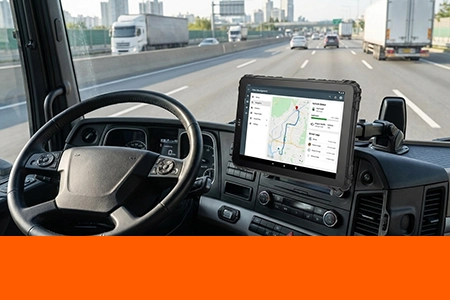
9-36V DC input with ignition sensing eliminates the charging cycle that degrades batteries in parked vehicles. The dock provides continuous power, vehicle network access through CAN Bus, and physical retention under vibration. A quick-release mechanism allows the device to move between the cab and off-vehicle tasks. Vehicle mount terminal architecture →
5. Where Consumer Tablets Fail in Navigation Deployments
Consumer tablets are engineered for indoor use with intermittent outdoor exposure. The failure modes below appear in commercial deployments within the first 6–12 months of operation.

Thermal Shutdown
SoC throttles or shuts down in a sunlit cab

No Environmental Sealing
Rain or wave splash causes corrosion and short circuits

GPS Instability
Single-band L1 receiver drifts in multipath environments
Battery Degradation
USB charging in parked vehicles shortens lifespan

No Mounting Architecture
Suction-cup mounts fail under sustained vibration
→ A consumer tablet that fails mid-route forces the driver to rely on personal phone navigation or paper charts. For commercial operations, this is a compliance and liability exposure — not just an inconvenience. Fleet-grade navigation hardware →
6. How Rugged Hardware Addresses Each Failure Mode



7. Marine vs Vehicle Navigation: Two Different Hardware Profiles
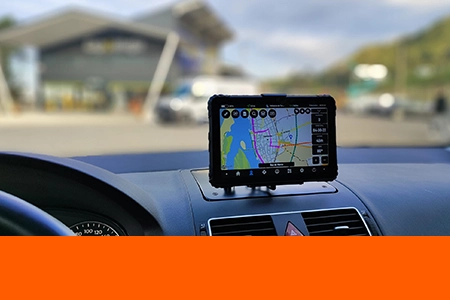
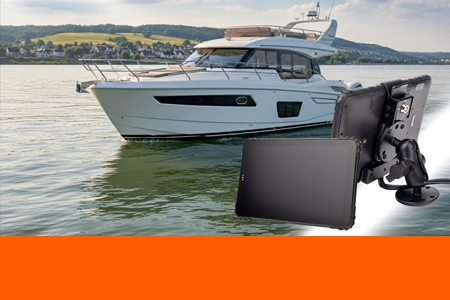
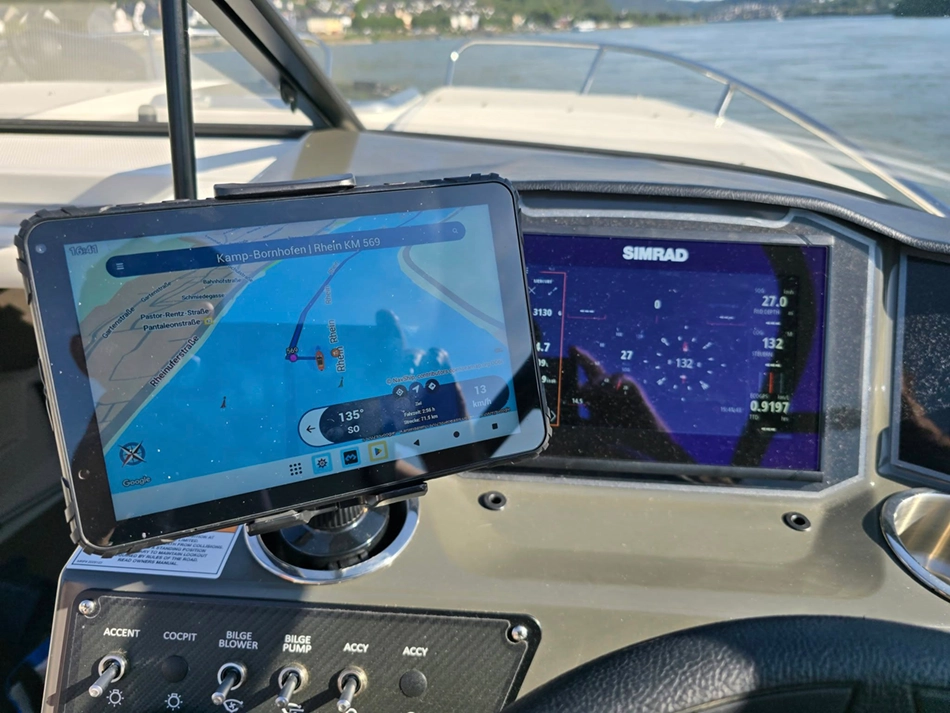
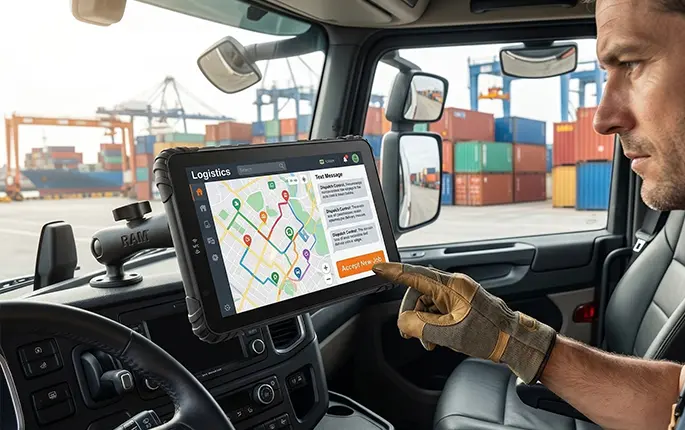
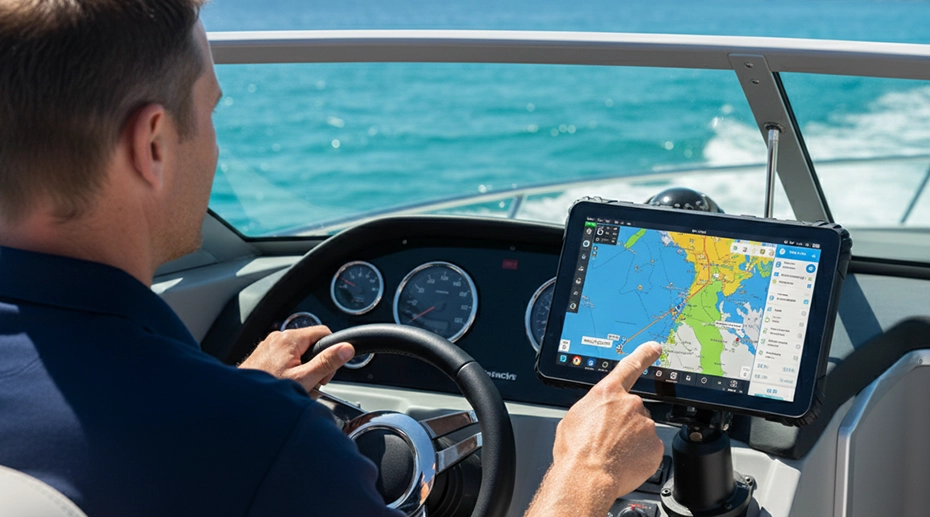
The same Navionics application runs in both environments, but the hardware that supports it must be specified differently. A marine deployment prioritises sealing and corrosion resistance; a vehicle deployment prioritises vibration tolerance and power architecture.

Fleet Navigation
CAN Bus integration, ELD compliance, 9-36V vehicle power
Vehicle Tracking
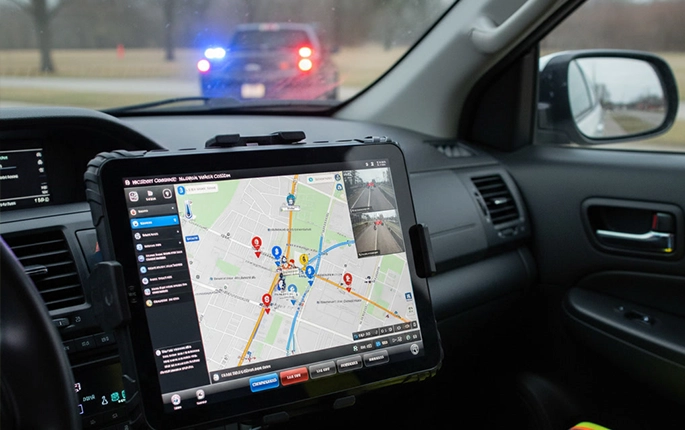
External GNSS antenna, multi-constellation receiver, MDM-managed
Marine Operations
IP67 sealing, salt-spray resistance, external antenna for metal hulls
For fleets that operate both vehicle and marine assets — port logistics, coastal delivery, inland waterway transport — standardising on a single hardware platform simplifies MDM enrolment, spare parts inventory, and application deployment. The in-vehicle tablet platform supports both deployment profiles.
Navionics Hardware in Field Conditions
Short demonstrations of the display, docking, and reliability characteristics discussed above
Sunshield Cap & Anti-Glare Demo
How the optional sunshield reduces screen glare in open vehicle and marine environments.
Vehicle Docking & Wiring Guide
RAM mount installation, 9-36V hardwired power, and key lock mechanism for fixed vehicle deployment.
Industrial Reliability Testing
Vibration, shock, thermal cycling (-20°C to +60°C), and IPX7 submersion testing for marine and vehicle deployments.
Need a rugged tablet for marine navigation or fleet tracking?
Fleet Navigation Hardware Solutions →8. Consumer Tablet vs Industrial Navigation Hardware: Full Comparison
The table below compares a typical consumer tablet against an industrial navigation platform across the dimensions that matter for commercial deployment. The differences compound over the deployment lifecycle.
9. OEM & System Integrator Navigation Solutions
TOPICON supplies navigation hardware to system integrators, telematics software providers, and fleet solution vendors — not to end users. The hardware platform is designed to be white-labelled, customised, and deployed under the integrator's brand. Volume pricing, custom firmware configuration, and lifecycle supply commitments are available through the OEM programme.

Fleet Software Integration
SDK/API access for telematics and dispatch platforms
Dock & Mounting Customisation
RAM-mount compatible docks configured per vehicle class

OEM Hardware Programme
Branding, firmware, and MDM pre-configuration
Specifying Navionics hardware for a fleet or marine solution?
Request hardware specifications or start an OEM configuration project.
10. FAQ About Navionics Tablets
Can I use Navionics without internet?
Yes. Navionics supports offline navigation with pre-downloaded chart packs. Internet is required only for initial chart downloads and periodic updates. In professional marine deployments with limited cellular coverage, the offline chart workflow is the standard operating mode — the GNSS receiver operates independently of any network connection.
Does Navionics require cellular data?
Cellular data is not required for basic navigation. Live weather overlays, traffic information, and chart updates require a data connection, but the core positioning and charting functions operate offline. For fleets running Navionics alongside a dispatch platform, cellular data is typically required for the dispatch layer rather than the navigation layer.
What screen size is best for Navionics?
8-inch displays balance chart visibility with dashboard space and are the most common specification for vehicle cab deployments. 10-inch displays suit chartplotter positions on larger vessels and telematics dashboards where multiple data layers must be visible simultaneously. Smaller displays compromise chart legibility at typical viewing distances.
Is a waterproof tablet necessary for marine navigation?
For any deployment with an open cockpit, deck, or exposure to spray, IP67 or higher is the practical minimum. Salt spray accelerates corrosion on unprotected connectors and housings — a device rated for rain may not survive salt exposure over multiple seasons. For fully enclosed pilothouses, IP65 may be adequate. Waterproof tablet specifications →
Do I need an external GPS antenna for marine navigation?
For metal-hulled vessels, yes. A steel or aluminium hull blocks satellite signals from reaching an internal antenna — the receiver sees no satellites and cannot produce a position fix. An external MMCX or SMA antenna mounted on the deck or cabin roof routes the signal inside to the tablet. For fibreglass hulls, the internal antenna may be sufficient depending on the mounting position. Navigation tablet hardware architecture guide →
Can a navigation tablet be managed remotely?
Yes. The TOPICON MDM platform provides remote firmware updates, kiosk mode enforcement, configuration distribution, and remote screen control. For fleets deploying navigation tablets across multiple vessels or vehicles, this eliminates the need for physical visits to update applications or diagnose configuration issues.
Can this tablet serve as a fixed-installation navigation terminal?
Yes. For fleets requiring permanent installation, TOPICON supplies vehicle mount terminals with 9-36V power, ignition sensing, and M9 circular connectors for permanent dash or console mounting. For deployments that require the device to be removable for inspections or handheld use, the quick-release dock architecture supports both in-cab and off-vehicle operation.
Related Navionics & Navigation Hardware Resources