Beyond Navigation — How Deep CAN Bus Integration Transforms Industrial Vehicle Displays
An off-road vehicle operator shifts from highway ABS mode to loose-surface ABS mode. The switch requires a sequence of physical button presses while the driver's hands are already on the wheel. In an agricultural machine, the same operator, the same principle: implement attachments are managed through a separate proprietary terminal in the cab. The ECU data exists. It is on the CAN Bus. The hardware interface is what determines whether the software can reach it — and whether the driver ever has to reach for a physical button.
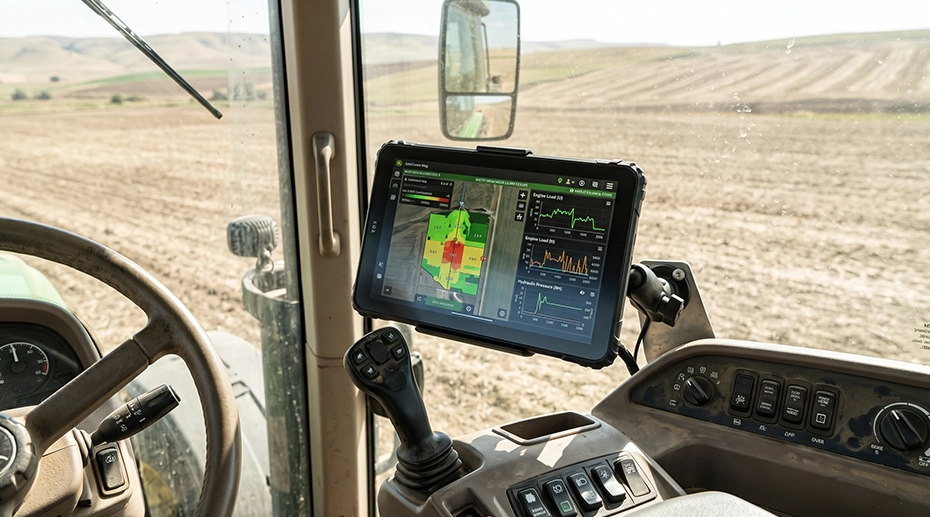
Table of Contents
1. From Display to Control
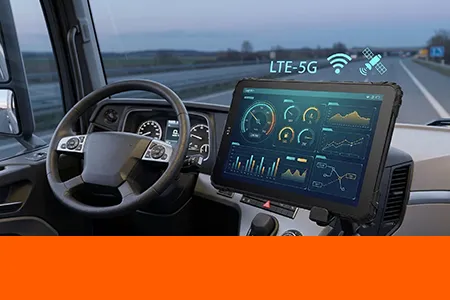
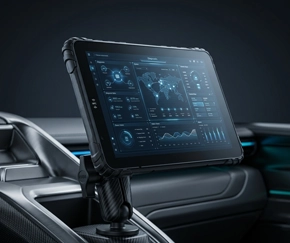
A navigation terminal receives a position fix and renders it on a map. A vehicle control terminal receives ECU telemetry, processes it, and sends control commands back to the vehicle. The two functions look similar on a screen. They are different at the hardware layer.
Reading a CAN Bus is one-directional. The tablet listens to frames broadcast by the ECU and decodes the ones the application needs. Writing to the CAN Bus is bi-directional. The tablet must transmit frames that the ECU accepts, in the correct format, at the correct rate, with the correct arbitration. The transceiver must support transmit, the protocol stack must handle the message structure, and the hardware must isolate the tablet from the vehicle electrical environment.
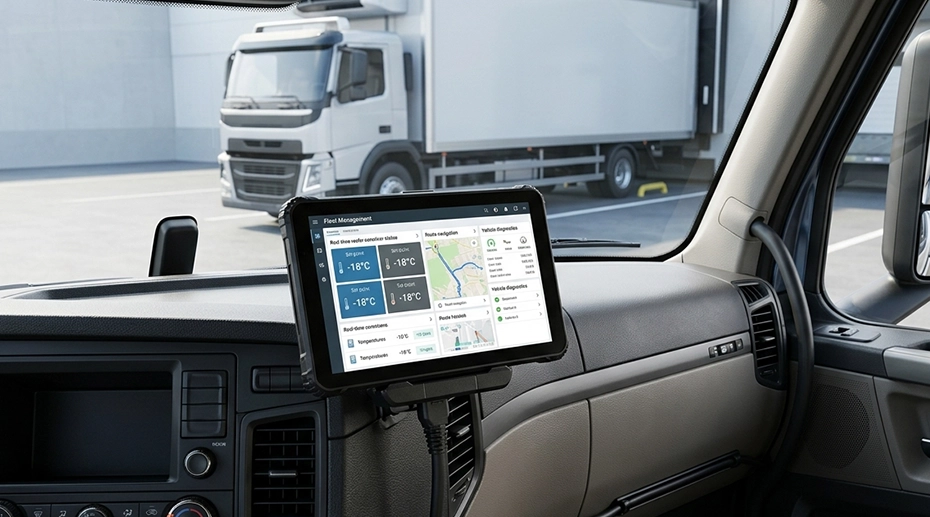
This is the shift that is happening in industrial vehicles. Fleet operators, system integrators, and software developers are no longer asking for a screen that shows data. They are asking for a terminal that interacts with the vehicle. The CAN Bus vehicle tablet platform covers the hardware architecture that makes this interaction possible.
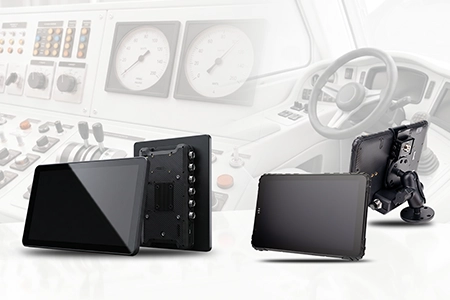
TOPICON MDT880 / MDT865 Vehicle Docking Guide
Vehicle docking installation with CAN Bus wiring harness and 9–36V power integration.
2. Bi-Directional CAN Bus Control in the Field
A software partner working in the extreme off-road and adventure sector deployed a TOPICON rugged terminal with a custom CAN harness. The application does three things that a navigation app cannot do.
• Bi-directional control: the driver toggles ABS modes directly from the dashboard UI. The tablet transmits the correct CAN frames to the ECU. The driver does not reach for a physical button.
• Automated vehicle recognition: on power-up, the application reads the vehicle identifier from the CAN Bus and loads the matching interface profile. The same hardware works across a mixed fleet without manual configuration.
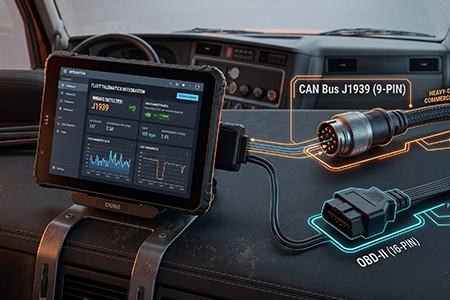
The hardware requirements for this integration are specific. Dual CAN channels allow the application to read the vehicle network and transmit control frames without contention. Isolation prevents the ground loop between the tablet and the chassis from corrupting the signal. The ground loop diagnosis guide covers the physical mechanism that makes isolation necessary. The MDT865 provides dual CAN Bus with J1939 support alongside dual RS232, RS485, and GPIO — the interface set that a bi-directional integration requires.
3. Smart Agriculture: ISOBUS and Implement Control
Agricultural machines use ISOBUS (ISO 11783), a CAN Bus-based standard for communication between the tractor and the implement. A seeder, sprayer, or harvester connects to the tractor through a standardized connector and exchanges data over the bus. The proprietary terminal that comes with the implement displays its specific controls.
A single rugged terminal with ISOBUS support can replace the proprietary displays. The operator manages the implement from the same screen used for navigation and telemetry. The hardware requirement is a CAN interface that supports the ISOBUS data rate and message structure, plus enough processing headroom to run the implement's virtual terminal application. The agricultural machinery solutions page covers the deployment profiles.
4. Public Transit: J1939 Telemetry and Onboard Control
A transit bus carries a J1939 network that exposes engine diagnostics, brake status, door state, and passenger counter data. A terminal connected to that network can read all of it. The application can also transmit — commanding door open and close, triggering audio announcements, and syncing GPS telemetry to the backend.
The dual CAN requirement is common in transit. One channel reads the J1939 powertrain data. The second channel connects to the body controller for door and announcement control. The bus tablet platform documentation covers the transit-specific configuration, and the CAN Bus vs OBD-II comparison explains why J1939 carries the data that transit operations need.
5. Mining and Heavy Construction: Dual CAN with Camera
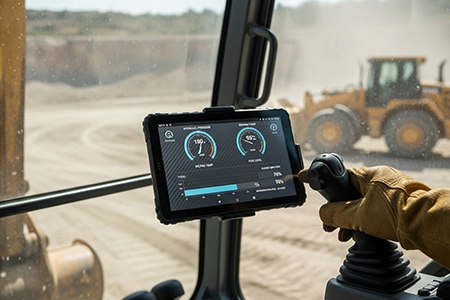
A mining truck or excavator carries hydraulic pressure sensors, tilt sensors, and engine load data on its CAN network. The same vehicle needs 360° camera coverage for blind-spot monitoring. A terminal with dual CAN and AHD camera input can read the vehicle data and display the camera feeds on the same screen.
The integration is not only about reading data. The application can trigger alarms when hydraulic pressure exceeds a threshold, log tilt angle during lifting operations, and correlate camera events with vehicle state. The 4-channel vehicle video tablet platform covers the camera side. The construction rugged tablets page covers the deployment environment.
6. Why TOPICON as the Hardware Foundation
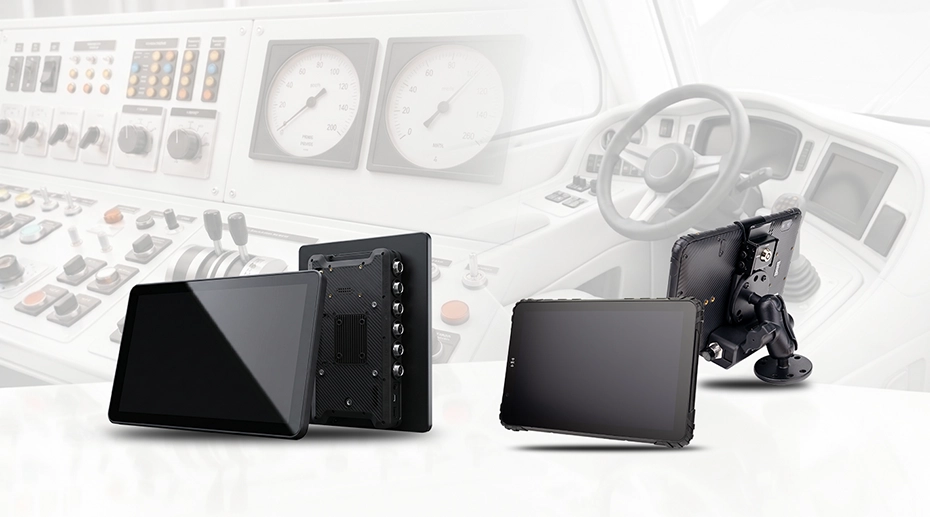
Deep software integration depends on hardware that does not fail at the physical layer. Three characteristics of the TOPICON platform enable the integrations described above.
• Open hardware platform and SDK: Android BSP and API documentation that lets the software team communicate with the CAN hardware in a few lines of code. The OEM customization program covers the firmware and I/O configuration options.
• Heavy-duty mounting accessories: anti-vibration ball mounts, RAM-compatible cradles, and vehicle-specific mounting hardware. The docking station matrix maps each tablet model to the compatible docks.
The MDM platform adds remote management on top of the hardware. Firmware updates, configuration changes, and CAN protocol settings can be pushed to a fleet without visiting each vehicle. The TOPICON MDM server is hosted on TOPICON infrastructure, with no per-device subscription.
Single Point of Failure
A terminal that can read the CAN Bus but cannot write to it is a monitor, not a controller. The difference between navigation and vehicle control is one direction of data flow. Reading is passive — the ECU broadcasts and the tablet listens. Writing is active — the tablet must transmit frames that the ECU accepts, at the correct arbitration priority, without corrupting the bus. If the hardware interface is not designed for transmit, or if the isolation is insufficient to protect the transceiver during write operations, the control feature fails. The physical layer determines whether the software can control the vehicle or only observe it. That is the line between a display and a control terminal.
7. Frequently Asked Questions
Can an Android tablet really send control commands to a vehicle ECU?
Yes, if the tablet has a CAN interface that supports transmit and the application implements the correct protocol stack. The ECU accepts frames that match its expected format, identifier, and data rate. The tablet must be able to transmit, not just receive. The CAN Bus tablet platform covers the transmit-capable configuration.
What is the difference between reading CAN Bus data and bi-directional control?
Reading is passive. The ECU broadcasts frames and the tablet listens. Bi-directional control is active. The tablet transmits frames that the ECU acts on. The hardware difference is the transceiver's transmit capability and the protocol stack's ability to construct valid frames. The isolation requirement is also higher for transmit because the tablet is injecting a signal into the vehicle network.
How many CAN channels do I need for a transit bus deployment?
Typically two. One channel reads the J1939 powertrain data. The second channel connects to the body controller for door, announcement, and auxiliary systems. A dual-CAN tablet handles both. If the deployment also needs a separate proprietary network, the EXT-USB-CAN-01 adds two more channels through USB.
Does the SDK provide direct CAN Bus access?
The Android BSP and API documentation provide the interface to the CAN hardware. The application communicates with the CAN controller through the standard SocketCAN driver stack. The software team can send and receive frames in a few lines of code. The OEM customization program covers deeper firmware integration if required.
Can the same terminal support ISOBUS, J1939, and OBD-II?
Yes. The CAN interface supports multiple protocol stacks. The application selects the protocol based on the vehicle network. A transit bus uses J1939, an agricultural machine uses ISOBUS, and a light vehicle may use OBD-II. The CAN Bus vs OBD-II comparison covers the protocol differences.
Building Vehicle Control Software on Rugged Hardware?
The CAN interface — channel count, isolation, transmit capability, and SDK support — determines whether the software can read the vehicle or control it. Request a hardware evaluation kit or discuss the CAN Bus integration for your deployment.