01 The Punch List Workflow
The project was in the closeout phase. Structural and MEP work was complete. The punch list phase is where the QA/QC engineer walks the building, identifies defects — a chipped tile, a door that does not latch, a paint touch-up needed — and records each one with its location and responsible trade.
On this project, the workflow was entirely paper-based. The engineer carried a set of printed floor plans, a clipboard, and a pen. At each defect, the engineer marked the location on the plan, wrote a note, and noted the responsible subcontractor. At the end of the walk, the marked-up plans went back to the site office for transposition.
The bottleneck was the transposition. A single walk produced 40 to 80 defect items across multiple floors and trades. Transposing those notes accurately took several hours. If the handwriting was unclear or the plan marking was ambiguous, the transposition introduced errors — and the engineer would find the same defect on the next walk.
02 Where Paper and Consumer Tablets Fail
The contractor had previously tried consumer tablets in protective cases. The failure pattern was consistent across the devices that were tried.
The first failure was the screen. A punch list walk happens during working hours. On an upper floor with the facade partially open, sunlight enters the space from the side. A standard tablet display at 300 to 400 nits becomes unreadable. The engineer cannot see the defect location on the drawing, cannot read previous notes, and cannot verify the scope of the work.
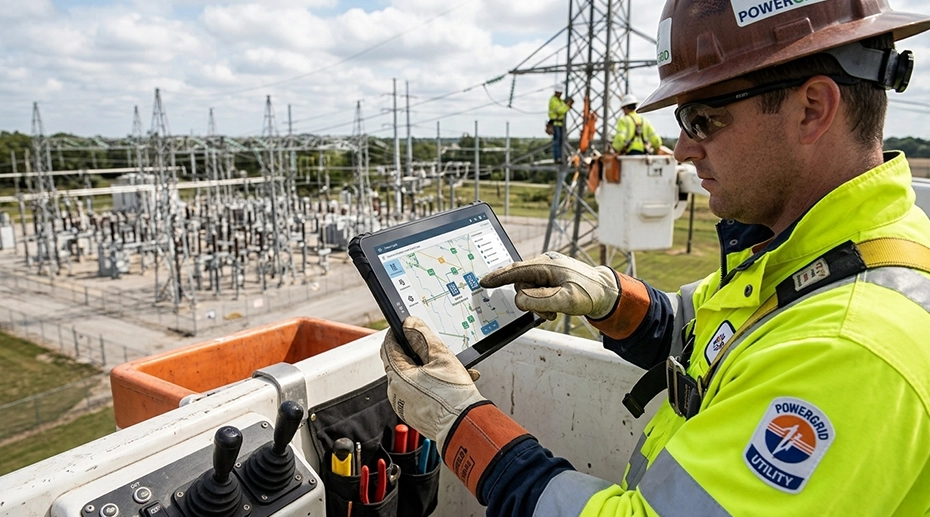
The second failure was the touchscreen. Construction QA/QC engineers wear gloves. A standard capacitive touchscreen does not register the touch through the glove. The engineer removes a glove to tap the screen, then puts the glove back on. This cycle repeats at every defect item.
The third failure was durability. A tablet carried across a construction site is exposed to concrete dust, occasional rain through open facades, and the risk of being dropped onto a concrete or tile floor. The rugged tablet vs consumer tablet comparison covers the durability differences in detail.
03 Reading a Screen in Direct Sunlight
The most common disappointment with site tablets is readability in direct sunlight. An office device with standard brightness is practically unusable outdoors — what matters is luminance and anti-glare treatment, not resolution.
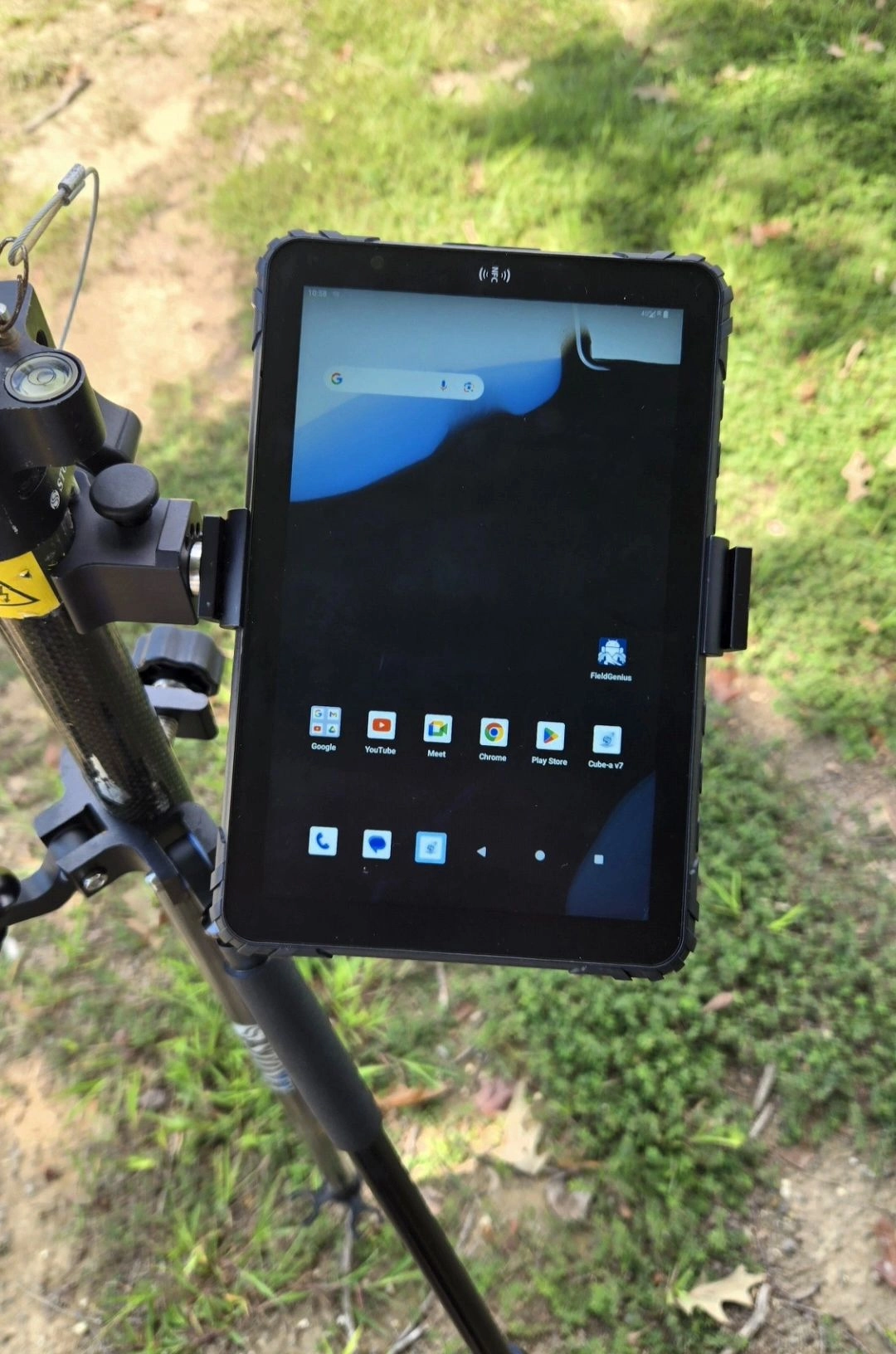
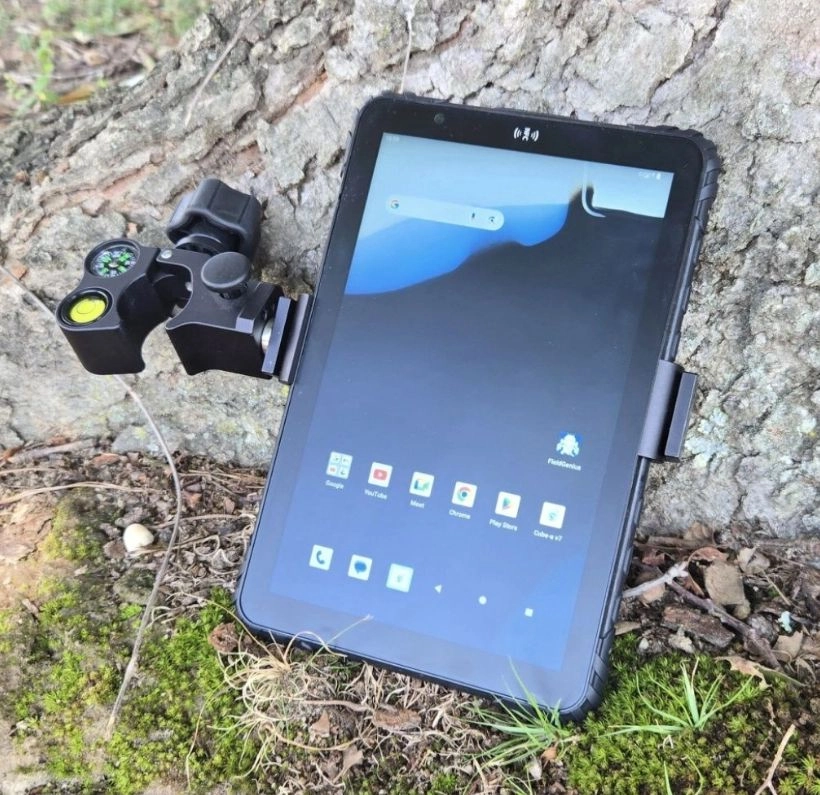
The deployment uses an 8-inch rugged tablet with a 1000-nit display and anti-glare coating. The brightness provides enough emission to compete with direct sunlight entering through an open facade. The anti-glare coating diffuses reflected light across the screen surface instead of concentrating it into a visible reflection.
The display is also readable at an angle. The engineer holds the tablet in one hand and points at a defect with the other. The rugged tablet's display maintains contrast across a wide viewing angle, which matters when the device is being held rather than mounted. The display brightness analysis covers the effective contrast calculation.
04 Operating With Work Gloves
Glove compatibility is a hardware and firmware feature, not a software setting. The touchscreen must respond to gloves and must not trigger ghost touches when raindrops land on it. The tablet used in this deployment supports glove-mode touch at the hardware level.
The practical effect is that the engineer never removes a glove during the inspection walk. Tapping a defect item, selecting the trade from a dropdown, and typing a short note all work with the glove on. The workflow is continuous.
The sunlight-readable display and glove operation analysis covers the hardware requirements for outdoor industrial use.
05 Hardware Configuration
The deployment per QA/QC engineer:
A working day with camera, mobile data, and a bright display draws considerably more battery than office use. The battery specification must cover a full inspection day with camera use and high-brightness screen operation. If a second walk is needed in the evening, the device is charged during the afternoon break using a standard USB-C charger.
06 Outcome
The deployment was completed for the QA/QC team. The most direct change was the elimination of the transposition step. The engineer marks each defect directly on the digital drawing and attaches a photo at the defect location. The inspection data is uploaded to the project management platform at the end of the walk. Subcontractors receive defect notices the same day.
The second change was re-inspection efficiency. When a subcontractor reports a defect as fixed, the engineer opens the original defect record on the tablet, sees the photo and the location marking, and walks directly to that location. There is no searching through paper plans.
The third change was data completeness. Every defect now has a photo, a location marking, and a timestamp. When the project owner requested a closeout documentation package, the engineer exported the punch list records directly from the platform.
A tablet that becomes unreadable in direct sunlight is a single point of failure that takes the entire inspection workflow offline. The engineer cannot see the drawing, cannot read previous notes, and cannot verify the defect location. The inspection stops until the engineer finds shade or returns to the office. In a punch list phase where the project schedule is measured in days, every stopped inspection is a day added to the closeout timeline.
07 Frequently Asked Questions
Q1 What display brightness is needed for construction site inspection?
700 nits with anti-glare treatment is the practical minimum for reading a screen in direct sunlight through an open facade. 1000 nits provides additional margin. The anti-glare coating is as important as the brightness — a bright glossy screen still reflects sunlight directly into the viewer's eyes.
Q2 Can the tablet be operated with work gloves on?
Yes, if the tablet supports glove-mode touch at the hardware level. This is not a software setting — it is a hardware specification. The tablet used in this deployment supports glove operation without removing gloves during the inspection walk.
Q3 Does the tablet work without a network connection in the building?
Yes. The inspection application stores drawings and defect records locally. The engineer can complete the entire walk without a network connection. When the tablet returns to 4G coverage or connects to site WiFi, the inspection data uploads to the project management platform.
Q4 How does the tablet handle construction dust and occasional rain?
The tablet is IP67 rated for dust and water resistance. Concrete dust does not enter the enclosure through the sealed ports. Rain entering through an open facade does not damage the device. For a construction environment, IP67 is the practical minimum specification.